Adventures of Pip Free Download
Tic Toc Games2015Action, Platformer
1.0GBBuild 14396209Updated 1 day ago
About Adventures of Pip
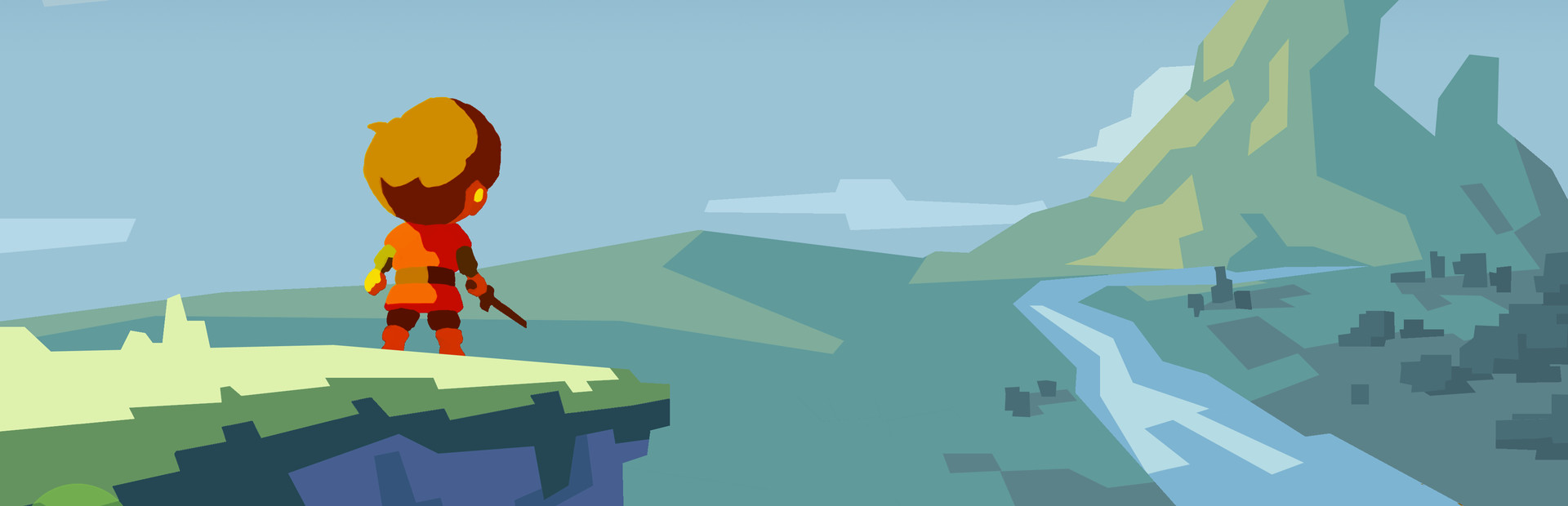
Play as the ultimate digital underdog in the Adventures of Pip,an action-platformer with a fresh gameplay twist inside a retro 32-bit world. Alas, Pip is an unlikely 1-pixel hero yet has the unique ability to absorb the pixels of his defeated enemies to evolve into three different forms.
Inspired by classic platformers, Adventures of Pip basks in a world where players can defeat a huge 32-bit boss as a single pixel or even as an 8-bit character.
With three different forms, evolve and devolve Pip to solve puzzles and defeat enemies; each with their own weakness and strength that must be unraveled throughout the campaign.
STORY
The Bit Stream is the life force that fuels Pixel Kingdom. The One who taps its power can forge the Kingdom's destiny.
Pip is only one pixel in a world full of 32-bit characters, yet he is the only one brave enough to face the Queen DeRezzia and rescue the kidnapped princess.
Moved by his plight, the ghost knight, Sir Elwyn, bestowed upon Pip the power to harness the Bit Stream. With the ability to absorb his enemy’s pixels, Pip can transform into a hi-fidelity hero! But be aware! With each evolution not only will you gain skills but some will be lost.
From the store page, unedited. May contain spoilers.
This release
Reviews and playtime
Very Positive
83% of 167
The game
Genres and features
How to install Adventures of Pip
Pre-installed, so there is no setup wizard. Follow these in order.
- 01
Create a games folder
Make a folder like C:\Games\ and keep every game in it. Avoid Program Files, Downloads and the Desktop.
- 02
Exclude it from Windows Defender
Defender often deletes cracked files by mistake while they extract. Add C:\Games\ as an excluded folder:
Windows Security -> Virus & threat protection -> Manage settings -> Exclusions -> Add an exclusion -> Folder
- 03
Download into C:\Games\
Save the archive straight into that folder. This release is one 1.0GB file.
- 04
Extract it there
Use 7-Zip or WinRAR. Keep about 2.2 GB free while it unpacks.
- One file
- Right-click it -> Extract here.
- Several parts
- Extract only part1 (or .001). The other parts are read automatically.
- 05
Open README.html
It is inside the extracted folder and explains how to start the game.
Still stuck? Read the install help
Download
Set up your games folder and the Defender exclusion before you extract. The Install tab has the steps.
FilesYard
The whole game in one file
VikingFile
The whole game in one file
We don't accept fix requests when only one host is down. Please use another mirror above. Links broken? Let us know.
We never password-protect files or hide installers. If a page asks for a password or payment, that is the host's ad, not us. See our safety guide.
System requirements
- Min
- Windows XP SP2
- Min
- Intel Dual Core 2.1 or higher
- Min
- 2 GB RAM
- Min
- Intel video graphics card 2000/3000 256MB
- Min
- 550 MB available space
These are the developer's listed requirements and may not be 100% accurate. If your specs fall below the minimum, try the game anyway; many games run fine below the listed requirements. When in doubt, check YouTube for performance benchmarks.