Alone at School:Christmas
ZV GAMES2026Adventure, Action
4.9GBBuild 26917388Updated 3 days ago
About Alone at School:Christmas
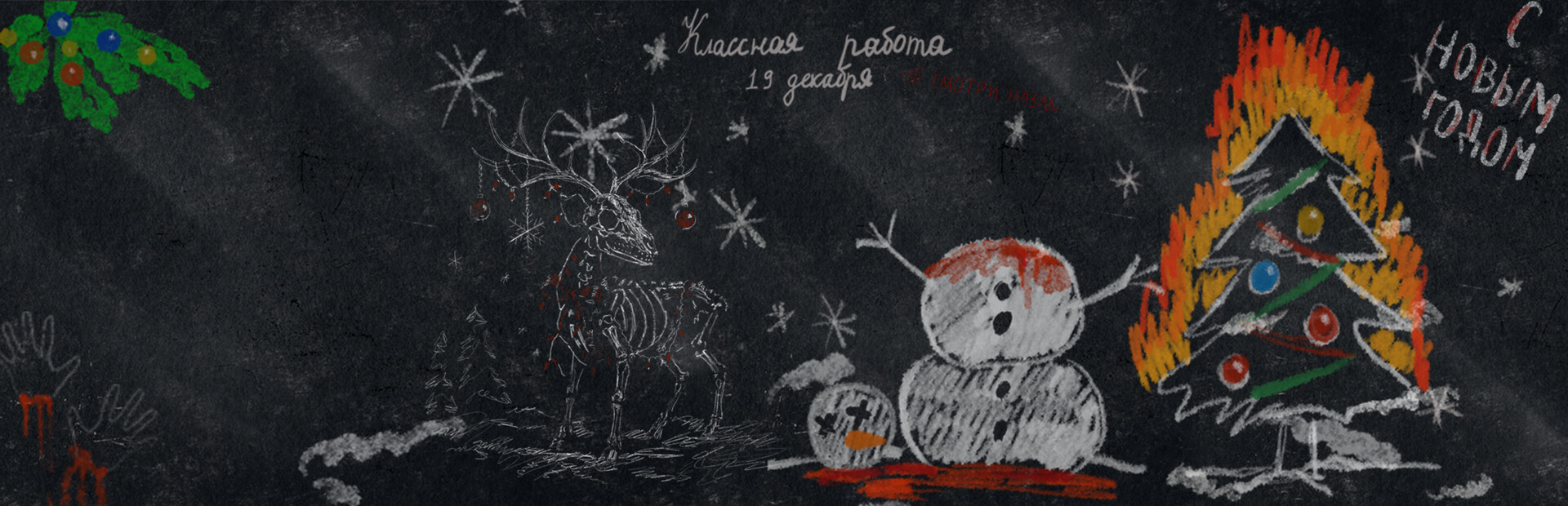
Alone at School: Christmas is an atmospheric horror walking simulator. Arriving at school before everyone else on Christmas morning, you soon realize that someone, or something, is already waiting for you in the empty halls.
Alone at School: Christmas is an atmospheric walking simulator horror game set in a typical post-Soviet school in the early 2000s, decorated for Christmas. Arriving at school before everyone else to help prepare for the holiday, the protagonist soon realizes that something is terribly wrong. The familiar hallways and classrooms slowly transform into a place filled with fear and unsettling mysteries.

Explore dark classrooms, endless corridors, the gym, the cafeteria, and other areas of the school while searching for notes that reveal the story behind the terrifying events. Solve environmental puzzles, uncover hidden secrets, and move deeper into the building as the feeling of being watched grows stronger with every step.

Colorful Christmas lights, festive decorations, and cheerful holiday music create a disturbing contrast with the horrors unfolding around you. What should have been an ordinary morning before Christmas quickly turns into a desperate fight for survival.

Features:
Atmospheric horror focused on exploration and psychological tension.
A detailed recreation of a post-Soviet school from the early 2000s.
Exploration, environmental storytelling, key item collection, and light puzzles.
A mysterious story revealed through notes, locations, and the environment.
Terrifying encounters and unexpected scares that keep you on edge from beginning to end.
From the store page, unedited. May contain spoilers.
This release
Reviews and playtime
Very Positive
96% of 51
The game
Genres and features
How to install Alone at School:Christmas
Pre-installed, so there is no setup wizard. Follow these in order.
- 01
Create a games folder
Make a folder like C:\Games\ and keep every game in it. Avoid Program Files, Downloads and the Desktop.
- 02
Exclude it from Windows Defender
Defender often deletes cracked files by mistake while they extract. Add C:\Games\ as an excluded folder:
Windows Security -> Virus & threat protection -> Manage settings -> Exclusions -> Add an exclusion -> Folder
- 03
Download into C:\Games\
Save the archive straight into that folder. This release is one 4.9GB file.
- 04
Extract it there
Use 7-Zip or WinRAR. Keep about 10.8 GB free while it unpacks.
- One file
- Right-click it -> Extract here.
- Several parts
- Extract only part1 (or .001). The other parts are read automatically.
- 05
Open README.html
It is inside the extracted folder and explains how to start the game.
Still stuck? Read the install help
Download
Set up your games folder and the Defender exclusion before you extract. The Install tab has the steps.
FilesYard
The whole game in one file
FileDitch
The whole game in one file
VikingFile
The whole game in one file
We don't accept fix requests when only one host is down. Please use another mirror above. Links broken? Let us know.
We never password-protect files or hide installers. If a page asks for a password or payment, that is the host's ad, not us. See our safety guide.
System requirements
- Min
- Intel® Core™ i5-3470 or AMD Ryzen™ 3 1200
- Rec
- Intel® Core™ i7-3770 or AMD FX™-9590 or better
- Min
- 8 GB RAM
- Rec
- 16 GB RAM
- Min
- NVIDIA® GeForce® GTX 760 2GB / AMD Radeon R9 280 3GB
- Rec
- NVIDIA® GeForce® GTX 1060 or AMD Radeon™ RX 480 with 3GB Video RAM
- Min
- Version 12
- Rec
- Version 11
WINDOWS 10, 11 (64-BIT Required)
4 GB available space
These are the developer's listed requirements and may not be 100% accurate. If your specs fall below the minimum, try the game anyway; many games run fine below the listed requirements. When in doubt, check YouTube for performance benchmarks.