Backpack Battles - Free PC Download
About Backpack Battles
Prepare your backpack!
Buy rare and legendary items and organize them to make powerful builds.
Then battle other players with it!

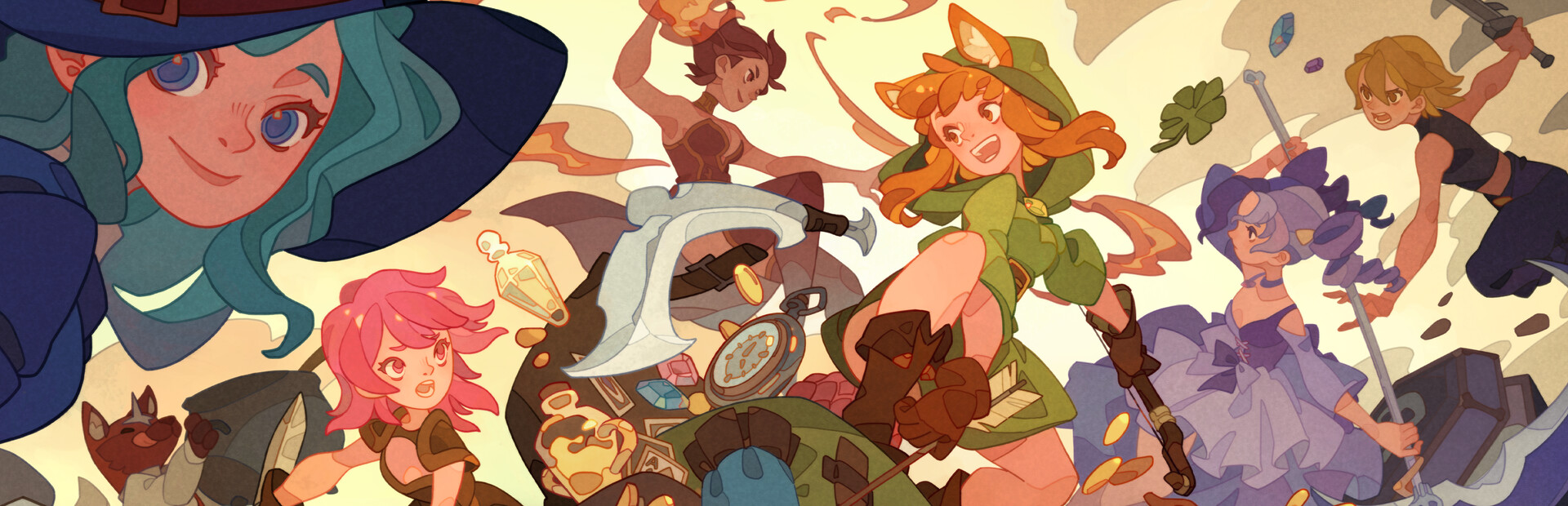
In Backpack Battles, you fight with your backpack full of items. It matters what you buy, and especially how you place it! The smarter you place your items, the stronger you will be!


Items come in different shapes, sizes, prices, and rarities. Combine them into even stronger equipment.
Brew a powerful potion, craft a legendary weapon, or hatch a dragon friend!
There are over 400 different items to choose from!


Face the builds of other players in different game modes:
Unranked: Low pressure without timers
Ranked: Gain points against equal opponents, but still at your own pace
Custom rules: Play unranked but change gold, maximum health, and more
Lobbies: Match friends or streamers live with a timer!
See what they came up with, and counter them.

Pick one of 6 classes depending on your play style, each of them with 5 subclasses!
Do you want heavy crits or poison damage over time? Or squirrels?

This text comes straight from the game's store page and is pulled in automatically. We don't write or edit it, so it may contain spoilers.
System requirements
- Min
- Windows 10
- Rec
- -
- Min
- Dual Core 2 GHz
- Rec
- -
- Min
- 1 GB RAM
- Rec
- -
- Min
- GTX 1060 3G
- Rec
- -
- Min
- 300 MB available space
- Rec
- -
These are the developer's listed requirements and may not be 100% accurate. If your specs fall below the minimum, try the game anyway; many games run fine below the listed requirements. When in doubt, check YouTube for performance benchmarks.
How to install Backpack Battles
Backpack Battles is a pre-installed PC game, currently at (16.06.2025 / Build 18885841), 246.8 MB. Updated Mar 2026.
- Download every part from one mirror and save them in the same folder.
- Extract the first archive with 7-Zip or WinRAR. The rest unpack automatically.
- Open the extracted folder and run the game's .exe. No installer is needed.
- Pre-installed means the game is ready to play after extracting. Nothing to set up.
Download
Download the files from any mirror below. All parts are needed. Save them to the same folder, then extract the first one.
Pixeldrain slows free downloads to a few MB/s. The Copy fast link button gives you a bypass link with no speed limit. Paste it into your download manager, or into your browser's address bar.
We don't accept fix requests when only one host is down. Please use another mirror above. Links broken? Let us know.
We never password-protect files or hide installers. If a page asks for a password or payment, that is the host's ad, not us. See our safety guide.