Burn With Me Free Download
Nozomu Games2026Card Game, Roguelike
2.6GBBuild 26630175Updated 1 day ago
About Burn With Me
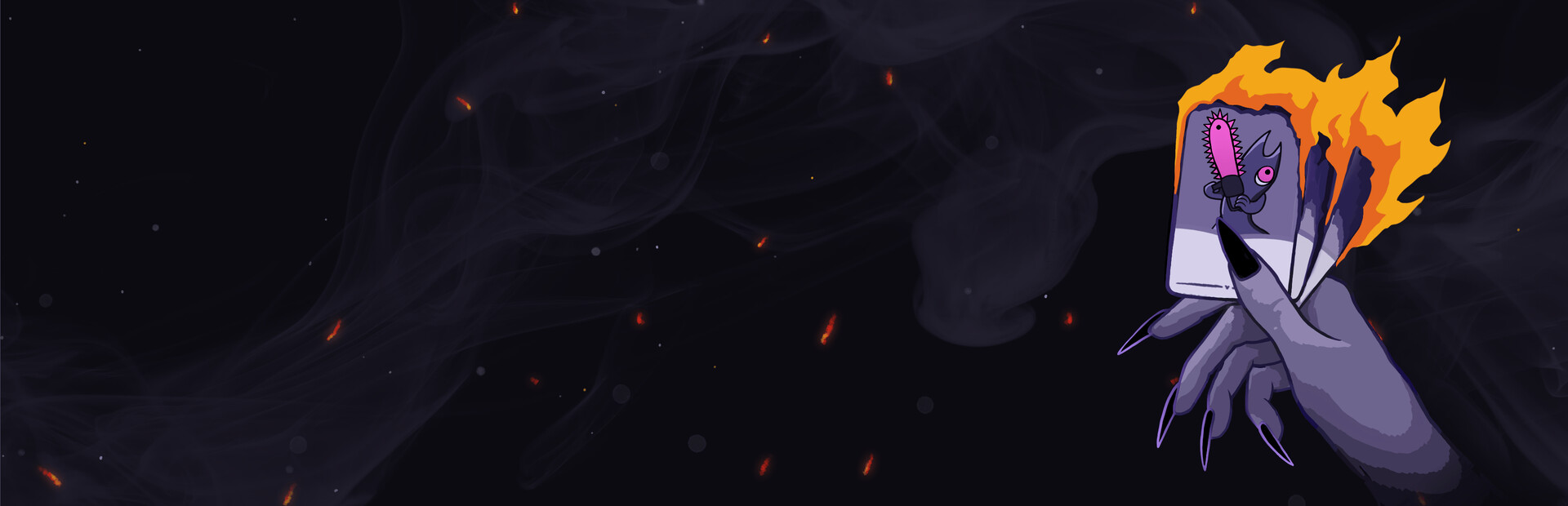
Burn With Me is a story-centric deckbuilder filled with cozy dread and occultic mysteries. In order to summon a Personal Demon you'll master inventive gameplay with position-based synergies, and permanently burn your cards and your soul.
Burn With Me is a narrative deckbuilder soaked in cozy dread and forbidden rituals.
Follow the lives of occult university students who discover ancient rites and invocations with the help of their passionate Teacher. Face their personal trials, summon new creatures, synergize them, and burn to uncover the depths of obsession.

Burn With Me captures a special type of "strangeness" — a comforting one, inviting you to be part of it… while also keeping you on the edge of your seat, never knowing what to expect.

However, there are some exceptions that you can definitely expect:
Stylish, cozy and eerie narrative deckbuilder
Unique position-based gameplay
Permanently burning your cards as one of the main mechanics
A dark overarching story set in a magical world, where students learn occult arts at university
6 chapters and characters, with gameplay adjusting to reflect their deepest fears and obsessions
Almost 100 cards with alternative secret visuals from invited artists
Burn With Me is a bold experiment — a visual symbiosis of handcrafted art and real-life videos — spliced with a unique perspective on "deckbuilding."
No AI was used to create this game.

From the store page, unedited. May contain spoilers.
This release
Reviews and playtime
Very Positive
92% of 444
The game
Genres and features
How to install Burn With Me
Pre-installed, so there is no setup wizard. Follow these in order.
- 01
Create a games folder
Make a folder like C:\Games\ and keep every game in it. Avoid Program Files, Downloads and the Desktop.
- 02
Exclude it from Windows Defender
Defender often deletes cracked files by mistake while they extract. Add C:\Games\ as an excluded folder:
Windows Security -> Virus & threat protection -> Manage settings -> Exclusions -> Add an exclusion -> Folder
- 03
Download into C:\Games\
Save the archive straight into that folder. This release is one 2.6GB file.
- 04
Extract it there
Use 7-Zip or WinRAR. Keep about 5.7 GB free while it unpacks.
- One file
- Right-click it -> Extract here.
- Several parts
- Extract only part1 (or .001). The other parts are read automatically.
- 05
Open README.html
It is inside the extracted folder and explains how to start the game.
Still stuck? Read the install help
Download
Set up your games folder and the Defender exclusion before you extract. The Install tab has the steps.
FilesYard
The whole game in one file
VikingFile
The whole game in one file
We don't accept fix requests when only one host is down. Please use another mirror above. Links broken? Let us know.
We never password-protect files or hide installers. If a page asks for a password or payment, that is the host's ad, not us. See our safety guide.
System requirements
- Min
- Windows 10+
- Min
- 2.5Ghz or better
- Min
- 4 GB RAM
- Min
- 2GB Video Memory
- Min
- 2 GB available space
These are the developer's listed requirements and may not be 100% accurate. If your specs fall below the minimum, try the game anyway; many games run fine below the listed requirements. When in doubt, check YouTube for performance benchmarks.