Clockfall
Rever Games GmbH2026Roguelike, Tower Defense
3.5GBBuild 26746923Updated 1 day ago
About Clockfall
Change your village's fate in this Action Rogue-lite with Tower Defense elements. Explore the dungeons before night turns everything lethal, build your run with playstyle archetypes, and turn the village into something the horde cannot break. Face Time itself and break the loop.
You play as Wilbur, a young warrior coming back to his childhood village only to find the ruins of it and grieving the death of your loved ones.
A dark fate you cannot escape yourself.
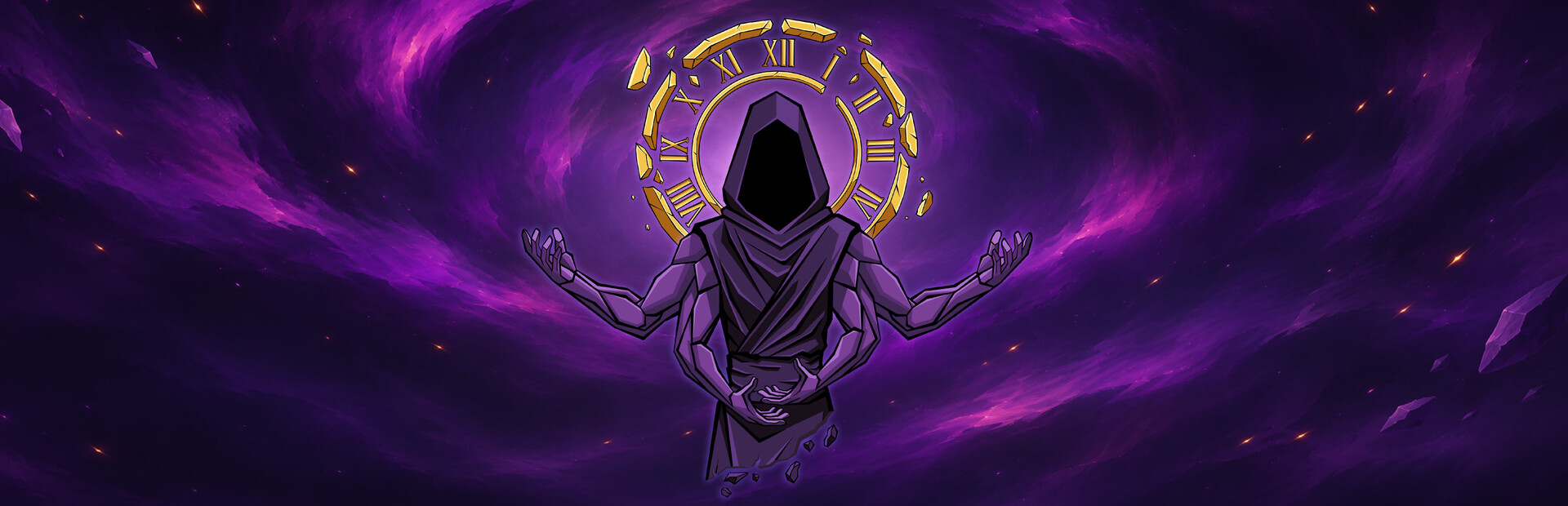
But in the middle of your last stand, a mystical being called Thul'noss, bending Time itself, pulls you off the fight and offers you a chance to turn the tides of destiny. You have no choice but try to escape this nightmarish loop once and for all.
Explore the dungeons
Fights enemies, gather resources, empower yourself with Echoes and Grains of Thul'noss. You must survive and complete challenges in unexplored territories. But time management is important. Some places in this world are hungry for some precious seconds.
The Night is lethal
In Clockfall, the Night is dangerous. Each run starts with a timer. You can push nightfall back thanks to Thull'noss. But staying past your bedtime will result in deadlier enemies and creatures. Surviving longer will however be quite rewarding for those who dare.
Defend your village
Once you escape the Night with all the resources you gathered, you have a chance to defend your village again. To help you repeal the waves of enemies, you can build your defences and get bonuses when you clear a wave.
From the store page, unedited. May contain spoilers.
This release
Reviews and playtime
Positive
94% of 18
The game
Genres and features
RoguelikeTower DefenseDungeon CrawlerActionHack and SlashStrategy
How to install Clockfall
Pre-installed, so there is no setup wizard. Follow these in order.
- 01
Create a games folder
Make a folder like C:\Games\ and keep every game in it. Avoid Program Files, Downloads and the Desktop.
- 02
Exclude it from Windows Defender
Defender often deletes cracked files by mistake while they extract. Add C:\Games\ as an excluded folder:
Windows Security -> Virus & threat protection -> Manage settings -> Exclusions -> Add an exclusion -> Folder
- 03
Download into C:\Games\
Save the archive straight into that folder. This release is one 3.5GB file.
- 04
Extract it there
Use 7-Zip or WinRAR. Keep about 7.7 GB free while it unpacks.
- One file
- Right-click it -> Extract here.
- Several parts
- Extract only part1 (or .001). The other parts are read automatically.
- 05
Open README.html
It is inside the extracted folder and explains how to start the game.
Still stuck? Read the install help
Download
Set up your games folder and the Defender exclusion before you extract. The Install tab has the steps.
FilesYard
The whole game in one file
VikingFile
The whole game in one file
We don't accept fix requests when only one host is down. Please use another mirror above. Links broken? Let us know.
We never password-protect files or hide installers. If a page asks for a password or payment, that is the host's ad, not us. See our safety guide.
System requirements
- Min
- Windows 10 64 Bit
- Rec
- Windows 10/11 64-bit
- Min
- Quad-core, Intel Core i5-7400 / AMD Ryzen 3 1200 class
- Rec
- 6-core, Intel Core i5-10400 / AMD Ryzen 5 3600 class
- Min
- 8 GB RAM
- Rec
- 16 GB RAM
- Min
- GTX 1050 Ti / RX 570 class, 4 GB VRAM
- Rec
- GTX 1660 / RX 5600 XT class, 6 GB VRAM
Version 12
4 GB available space
SSD highly recommended
These are the developer's listed requirements and may not be 100% accurate. If your specs fall below the minimum, try the game anyway; many games run fine below the listed requirements. When in doubt, check YouTube for performance benchmarks.