
Beast Quest - Free PC Download
Über Beast Quest
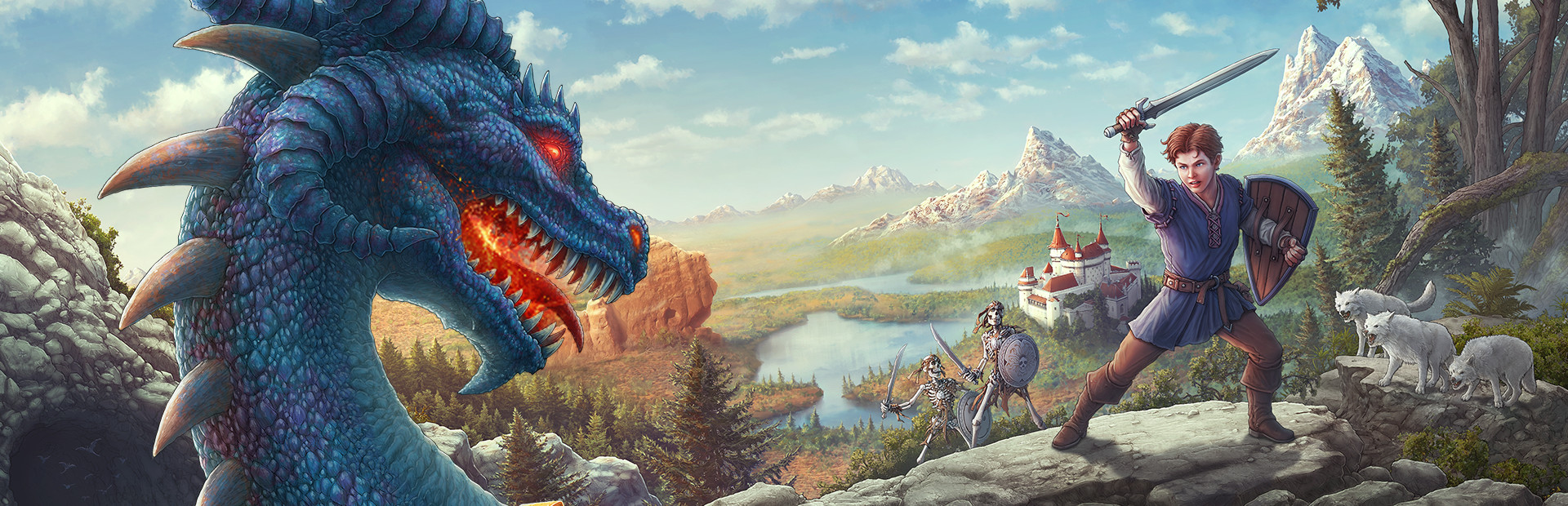
* A Sprawling, Epic Journey. Explore spectacular environments on your quest to release the Beasts that are under the dark magic of the wizard, Malvel.
* Action-Packed Combat. Battle dangerous creatures and take on giant Beasts in boss battles, using swift maneuvers to dodge, block and attack enemies.
* Profound Upgrades. Upgrade health, attack and defense through your skill tree, and equip accessories to augment your hero’s attributes.
* A Land of Treasure. Explore snowy peaks and spooky forests, seeking out ancient artifacts and lost fortune.
* Hundreds of Challenges. Embark on numerous side missions along your journey that reveal the many hidden secrets of Avantia.
Dieser Text stammt direkt von der Store-Seite des Spiels und wird automatisch übernommen. Wir schreiben und bearbeiten ihn nicht, er kann also Spoiler enthalten.
Systemanforderungen
- Min
- Windows 7, Windows 8, Windows 10
- Min
- 2.0 GHz Intel or equivalent AMD dual-core processor
- Min
- 2 GB RAM
- Min
- Nvidia Geforce GTS 450 Series, AMD Radeon HD 6770 graphics card or better (min 1GB VRAM)
- Min
- 5 GB available space
Dies sind die vom Entwickler angegebenen Anforderungen, die möglicherweise nicht zu 100 % genau sind. Wenn deine Hardware unter dem Minimum liegt, probiere das Spiel trotzdem aus; viele Spiele laufen auch außerhalb der Spezifikationen gut. Im Zweifel schau dir Performance-Benchmarks auf YouTube an.
Beast Quest installieren
Beast Quest ist ein vorinstalliertes PC-Spiel, aktuell (10 April 2018 | Build 2665237), 2.4 GB. Aktualisiert May 2026.
- Lade alle Teile von einem Mirror herunter und speichere sie im selben Ordner.
- Entpacke das erste Archiv mit 7-Zip oder WinRAR. Die übrigen Teile werden automatisch entpackt.
- Öffne den entpackten Ordner und starte die .exe des Spiels. Ein Installer ist nicht nötig.
- Vorinstalliert heißt: Nach dem Entpacken ist das Spiel spielbereit. Nichts einzurichten.
Herunterladen
Lade die Dateien von einem der untenstehenden Mirror herunter. Alle Teile werden benötigt. Speichere sie im selben Ordner und entpacke dann die erste Datei.
Wir nehmen keine Fix-Anfragen an, wenn nur ein Host ausfällt. Nutze bitte einen anderen Mirror oben. Links defekt? Sag uns Bescheid.
Wir schützen Archive nie mit Passwörtern und verstecken keine Installer. Wenn eine Seite nach einem Passwort oder einer Zahlung fragt, ist das die Werbung des Hosters, nicht wir. Siehe unseren Sicherheitsleitfaden.