
Cozy Organizer - Free PC Download
Über Cozy Organizer
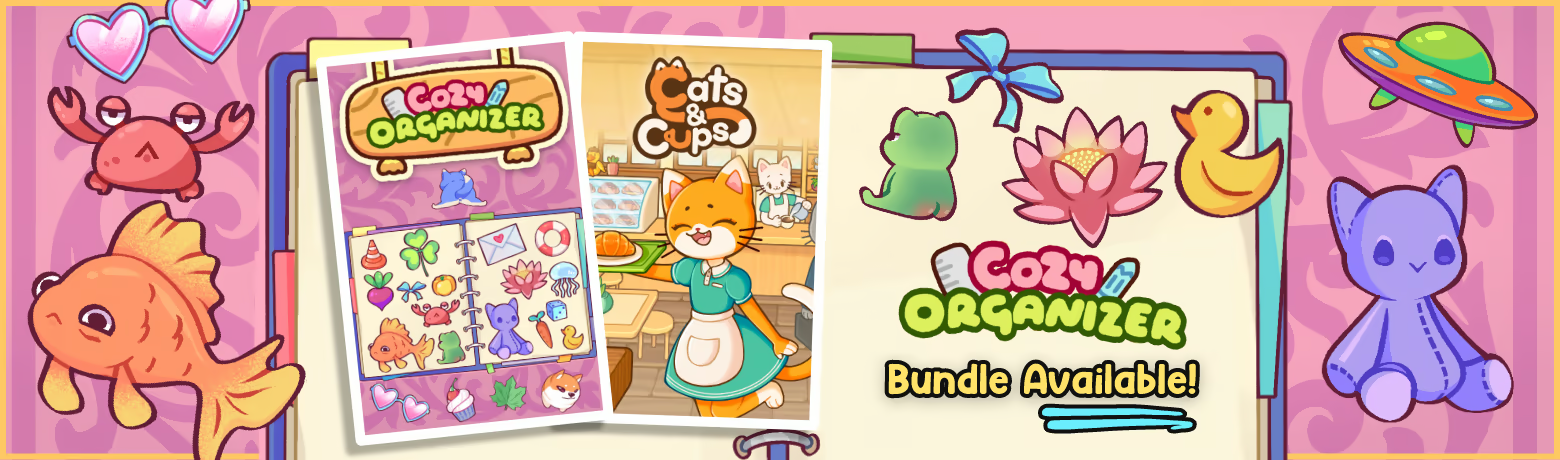
✨ Get it Together Discounted!
About the Game
The world of cozy chaos and satisfying order!In Cozy Organizer, you’ll find yourself in a relaxing sandbox where creativity meets comfort. Inspired by the most satisfying organizing TikTok videos, this game lets you organize, decorate, align, and stack items to your heart’s content. Whether you're a master of tidying up or just love to see things perfectly in place, this is your ultimate organizing haven!

What Makes Cozy Organizer Special?
Endless Customization: Create your dream cozy spaces by organizing vibrant and quirky items. From bookshelves and pantries to wardrobes and living rooms, the possibilities are endless.
Wholesome Fun: With charming visuals, humorous references, and delightful surprises, every session feels like wrapping yourself in a warm blanket of creativity.
Relaxation Guaranteed: Enjoy chill music and satisfying gameplay as you bring harmony to cluttered spaces. This isn’t just a game—it’s your digital escape from a hectic world.
Cozy Challenges: Unlock new items, themes, and layouts by completing fun, low-pressure organizing tasks at your own pace.

Features:
Vibrant colorful graphics that make every item pop.
A soothing soundtrack designed to enhance your cozy vibes.
Hundreds of quirky and charming items to discover and organize.
Funny and unexpected references that will keep you smiling.
An endlessly replayable sandbox mode where you can decorate and reorganize to your heart’s content.

Unleash Your Inner Organizer
Whether you’re arranging a tidy pantry, creating a picture-perfect closet, or stacking books for aesthetic perfection, Cozy Organizer is the game where your creativity and attention to detail shine. There’s no right or wrong way to play—just the satisfying joy of turning chaos into cozy harmony.
Dive in, organize endlessly, and create spaces that feel like home. Because in Cozy Organizer, perfection is as cozy as it gets.

Don't forget to wishlist "Cozy Organizer" on Steam, press the green button by going up the page 💜
Dieser Text stammt direkt von der Store-Seite des Spiels und wird automatisch übernommen. Wir schreiben und bearbeiten ihn nicht, er kann also Spoiler enthalten.
Systemanforderungen
- Min
- Windows 7+
- Empf
- -
- Min
- Intel Pentium CPU G860
- Empf
- -
- Min
- NVIDIA GeForce 840M (Onboard Okay)
- Empf
- -
- Min
- 64 Bit Only
- Empf
- -
Dies sind die vom Entwickler angegebenen Anforderungen, die möglicherweise nicht zu 100 % genau sind. Wenn deine Hardware unter dem Minimum liegt, probiere das Spiel trotzdem aus; viele Spiele laufen auch außerhalb der Spezifikationen gut. Im Zweifel schau dir Performance-Benchmarks auf YouTube an.
Cozy Organizer installieren
Cozy Organizer ist ein vorinstalliertes PC-Spiel, aktuell Build 24436527, 446.8 MB. Aktualisiert Aug 2026.
- Lade alle Teile von einem Mirror herunter und speichere sie im selben Ordner.
- Entpacke das erste Archiv mit 7-Zip oder WinRAR. Die übrigen Teile werden automatisch entpackt.
- Öffne den entpackten Ordner und starte die .exe des Spiels. Ein Installer ist nicht nötig.
- Vorinstalliert heißt: Nach dem Entpacken ist das Spiel spielbereit. Nichts einzurichten.
Herunterladen
Lade die Dateien von einem der untenstehenden Mirror herunter. Alle Teile werden benötigt. Speichere sie im selben Ordner und entpacke dann die erste Datei.
Pixeldrain drosselt kostenlose Downloads auf wenige MB/s. Die Schaltfläche Schnellen Link kopieren liefert einen Bypass-Link ohne Tempolimit. Füge ihn in deinen Downloadmanager oder in die Adressleiste deines Browsers ein.
Wir nehmen keine Fix-Anfragen an, wenn nur ein Host ausfällt. Nutze bitte einen anderen Mirror oben. Links defekt? Sag uns Bescheid.
Wir schützen Archive nie mit Passwörtern und verstecken keine Installer. Wenn eine Seite nach einem Passwort oder einer Zahlung fragt, ist das die Werbung des Hosters, nicht wir. Siehe unseren Sicherheitsleitfaden.