
How To Grow a Black Hole - Free PC Download
Über How To Grow a Black Hole
So what is

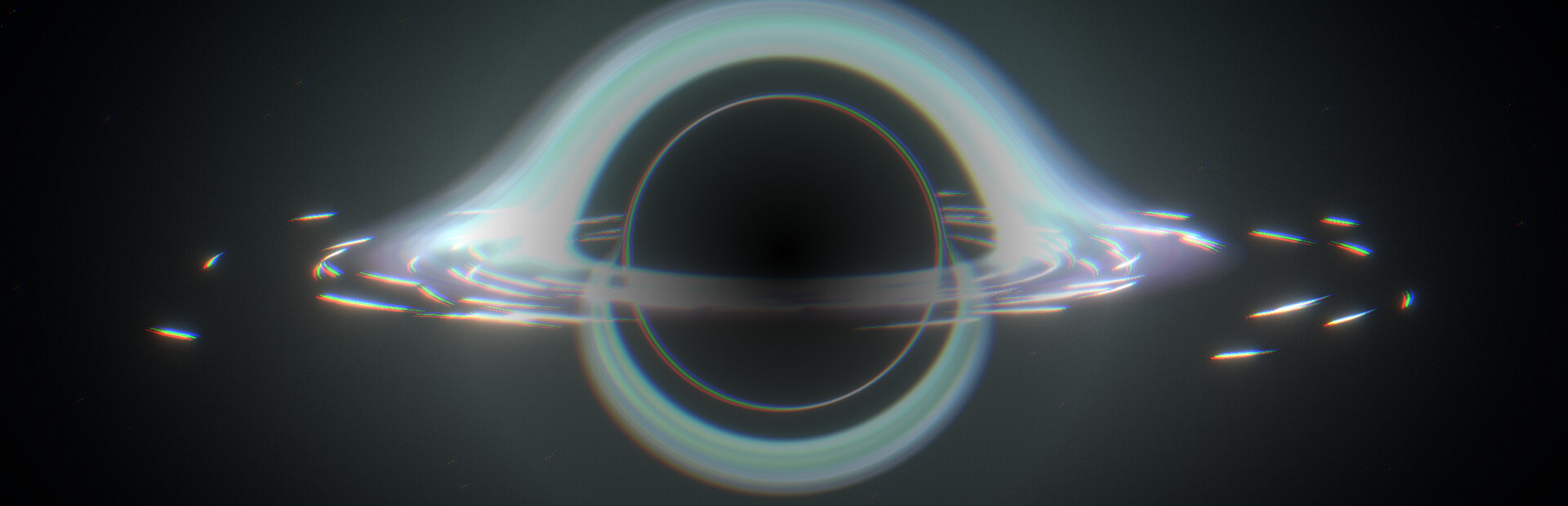
How To Grow a Black Hole is a chill incremental game about feeding, upgrading, researching, and barely controlling the most dangerous cosmic object imaginable.
Start small, feed your black hole, increase its mass, unlock new ways to grow, and push the numbers higher and higher until everything starts getting completely unreasonable. Just make sure things do not spiral too far out of control, because catastrophic collapses are very much part of the experience.
It is not a hardcore astrophysics simulator. It is a weird, satisfying, slightly stupid game about turning a tiny gravitational problem into an enormous one on purpose.

A little absurd. A little terrifying. Oddly hard to stop playing.
What you actually do
Feed your black hole and watch its mass climb.
Unlock upgrades that let you feed it faster, grow it larger, and push the numbers into ridiculous territory.
Research new systems to automate growth, improve efficiency, and keep the chaos moving.
Prevent catastrophic collapses when your black hole becomes a little too unstable.
Compare your black hole’s size and mass to real-world objects, which starts out interesting and gets unsettling fast.
Unlock bite-sized black hole facts, including why even a tiny one would be an unbelievable health hazard.
Compete globally or against friends to see who can grow the biggest black hole.
Why I made it
Hi, I’m Noah. I made this game in my free time because black holes are genuinely insane, and the idea of raising one like the world’s worst cosmic pet sounded too fun not to make.
I love games with giant numbers, satisfying progression, and simple ideas that slowly get out of hand. This started as one of those ideas that would not leave my brain alone, so I turned it into a real game.
I’m also hoping this project helps support the bigger and more ambitious games I want to make in the future. So by playing it, you are not just feeding a black hole. You are also helping me keep making games.
Who it’s for
If you like incremental games, upgrades, research trees, leaderboards, cosmic horror treated a little too casually, and numbers that eventually stop feeling reasonable, this is probably for you.
If you are looking for strict realism and perfectly accurate astrophysics, this probably is not that. It is inspired by real black hole concepts, but mostly it is about making a cosmic problem worse because it feels good to watch the number go up.
Bottom line
How To Grow a Black Hole is a chill incremental game about feeding a black hole, keeping it stable, and trying to grow it bigger than everyone else’s. It is simple, strange, satisfying, and built around one important question:
How big can you make it before everything goes wrong?
Dieser Text stammt direkt von der Store-Seite des Spiels und wird automatisch übernommen. Wir schreiben und bearbeiten ihn nicht, er kann also Spoiler enthalten.
Systemanforderungen
- Min
- Windows 10 (64-bit)
- Empf
- Windows 10 or 11 (64-bit)
- Min
- Dual-core CPU (e.g. Intel Core i3 / AMD equivalent)
- Empf
- Quad-core CPU
- Min
- 4 GB RAM
- Empf
- 8 GB RAM
- Min
- DirectX 11–capable GPU with WebGL 2 support (most recent integrated GPUs qualify)
- Empf
- Dedicated GPU, or recent integrated GPU (smoother 3D + post-processing)
- Min
- Version 11
- Empf
- Version 11
- Min
- 500 MB available space
- Empf
- 1 GB available space
Dies sind die vom Entwickler angegebenen Anforderungen, die möglicherweise nicht zu 100 % genau sind. Wenn deine Hardware unter dem Minimum liegt, probiere das Spiel trotzdem aus; viele Spiele laufen auch außerhalb der Spezifikationen gut. Im Zweifel schau dir Performance-Benchmarks auf YouTube an.
How To Grow a Black Hole installieren
How To Grow a Black Hole ist ein vorinstalliertes PC-Spiel, aktuell Build 24050128, 199.4 MB. Aktualisiert Jul 2026.
- Lade alle Teile von einem Mirror herunter und speichere sie im selben Ordner.
- Entpacke das erste Archiv mit 7-Zip oder WinRAR. Die übrigen Teile werden automatisch entpackt.
- Öffne den entpackten Ordner und starte die .exe des Spiels. Ein Installer ist nicht nötig.
- Vorinstalliert heißt: Nach dem Entpacken ist das Spiel spielbereit. Nichts einzurichten.
Herunterladen
Lade die Dateien von einem der untenstehenden Mirror herunter. Alle Teile werden benötigt. Speichere sie im selben Ordner und entpacke dann die erste Datei.
Wir nehmen keine Fix-Anfragen an, wenn nur ein Host ausfällt. Nutze bitte einen anderen Mirror oben. Links defekt? Sag uns Bescheid.
Wir schützen Archive nie mit Passwörtern und verstecken keine Installer. Wenn eine Seite nach einem Passwort oder einer Zahlung fragt, ist das die Werbung des Hosters, nicht wir. Siehe unseren Sicherheitsleitfaden.