Hyperdimension Neptunia Re;Birth2 Sisters Generation - Free PC Download
Über Hyperdimension Neptunia Re;Birth2 Sisters Generation

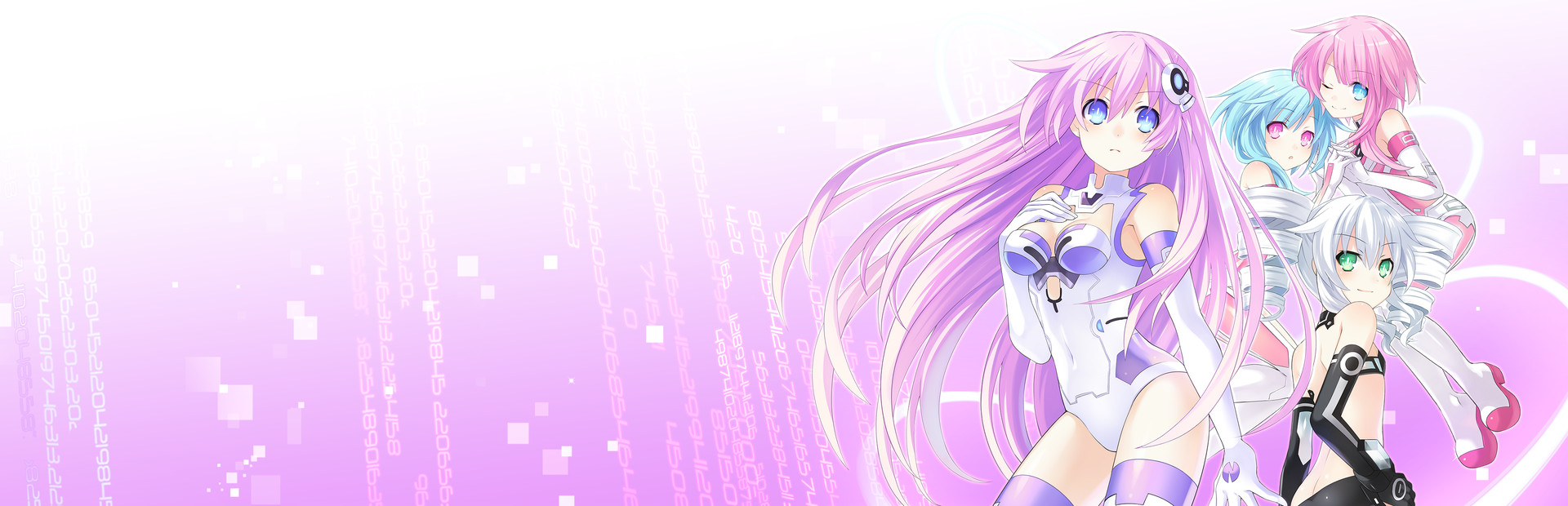
20XX – Gamindustri faces a dire crisis! Ever since the advent of ASIC – the Arfoire Syndicate of International Crime - morality has all but vanished. As much as 80 percent of all students are rumored to worship a being known as Arfoire, and the authorities have chosen to turn a blind eye to the threat. Basically, Gamindustri is pretty messed up, you guys. Ahem. Thus did Gamindustri fall into complete and utter disarray.
Will the goddesses be able to reclaim their world from ASIC’s grasp, or will they be forced to wander the Gamindustri Graveyard, forever lost?
Key Features
- Gamindustri in 1080! Experience all the humor, turn-based battle, and crazy HDD transformations of Re;Birth2 with the sheen of 1080p excellence!
- Four or More for War! Have up to 4 characters on the battlefield, and 4 more on the sidelines, ready to jump in and give their support!
- Stella goes Rogue! Send Stella out to brave Gamindustri’s dungeons in this realtime mini-game and she’ll collect all kinds of treasure for you – you just sit back and eat pudding! Be careful though, because if she dies in the dungeon, she’ll lose all her special gear!
- The World’s your Oyster! Customize the Gamindustri experience with Plans, which allow you to do things like increase/decrease enemy difficulty, change the items you’ll receive from a dungeon, and more!
- Build-a-Sword! Use Idea Chips and Blank Discs to create custom equipment that can open up new worlds of skills for you!

Dieser Text stammt direkt von der Store-Seite des Spiels und wird automatisch übernommen. Wir schreiben und bearbeiten ihn nicht, er kann also Spoiler enthalten.
Systemanforderungen
- Min
- Windows 7(64bit)
- Empf
- Windows 7(64bit) or later
- Min
- Core2Duo 2.66 GHz
- Empf
- 3GHz Intel i3 or equivalent
- Min
- 4 GB RAM
- Empf
- 6 GB RAM
- Min
- DirectX 10.x or OpenGL 3.3 or better graphics card with 1 GB RAM and support for v4 shaders
- Empf
- DirectX 10.x or OpenGL 3.3 or better graphics card with 1 GB RAM and support for v4 shaders
- Min
- Version 10
- Empf
- Version 10
- Min
- 7 GB available space
- Empf
- 7 GB available space
- Min
- DirectX 9.0c compatible sound card
- Empf
- DirectX 9.0c compatible sound card
- Min
- Caution: ATI Mobility Radeon HD 5xxx, 1GB VRAM 5000 series may not work properly with this game.
- Empf
- Caution: ATI Mobility Radeon HD 5xxx, 1GB VRAM 5000 series may not work properly with this game.
Dies sind die vom Entwickler angegebenen Anforderungen, die möglicherweise nicht zu 100 % genau sind. Wenn deine Hardware unter dem Minimum liegt, probiere das Spiel trotzdem aus; viele Spiele laufen auch außerhalb der Spezifikationen gut. Im Zweifel schau dir Performance-Benchmarks auf YouTube an.
Hyperdimension Neptunia Re;Birth2 Sisters Generation installieren
Hyperdimension Neptunia Re;Birth2 Sisters Generation ist ein vorinstalliertes PC-Spiel, aktuell Build 4848573, 18.6 GB. Aktualisiert Jun 2026.
- Lade alle Teile von einem Mirror herunter und speichere sie im selben Ordner.
- Entpacke das erste Archiv mit 7-Zip oder WinRAR. Die übrigen Teile werden automatisch entpackt.
- Öffne den entpackten Ordner und starte die .exe des Spiels. Ein Installer ist nicht nötig.
- Vorinstalliert heißt: Nach dem Entpacken ist das Spiel spielbereit. Nichts einzurichten.
Herunterladen
Lade die Dateien von einem der untenstehenden Mirror herunter. Alle Teile werden benötigt. Speichere sie im selben Ordner und entpacke dann die erste Datei.
Pixeldrain drosselt kostenlose Downloads auf wenige MB/s. Die Schaltfläche Schnellen Link kopieren liefert einen Bypass-Link ohne Tempolimit. Füge ihn in deinen Downloadmanager oder in die Adressleiste deines Browsers ein.
Wir nehmen keine Fix-Anfragen an, wenn nur ein Host ausfällt. Nutze bitte einen anderen Mirror oben. Links defekt? Sag uns Bescheid.
Wir schützen Archive nie mit Passwörtern und verstecken keine Installer. Wenn eine Seite nach einem Passwort oder einer Zahlung fragt, ist das die Werbung des Hosters, nicht wir. Siehe unseren Sicherheitsleitfaden.