Immortal Redneck - Free PC Download
Über Immortal Redneck
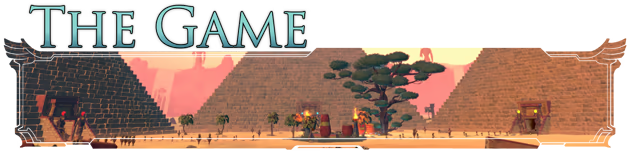
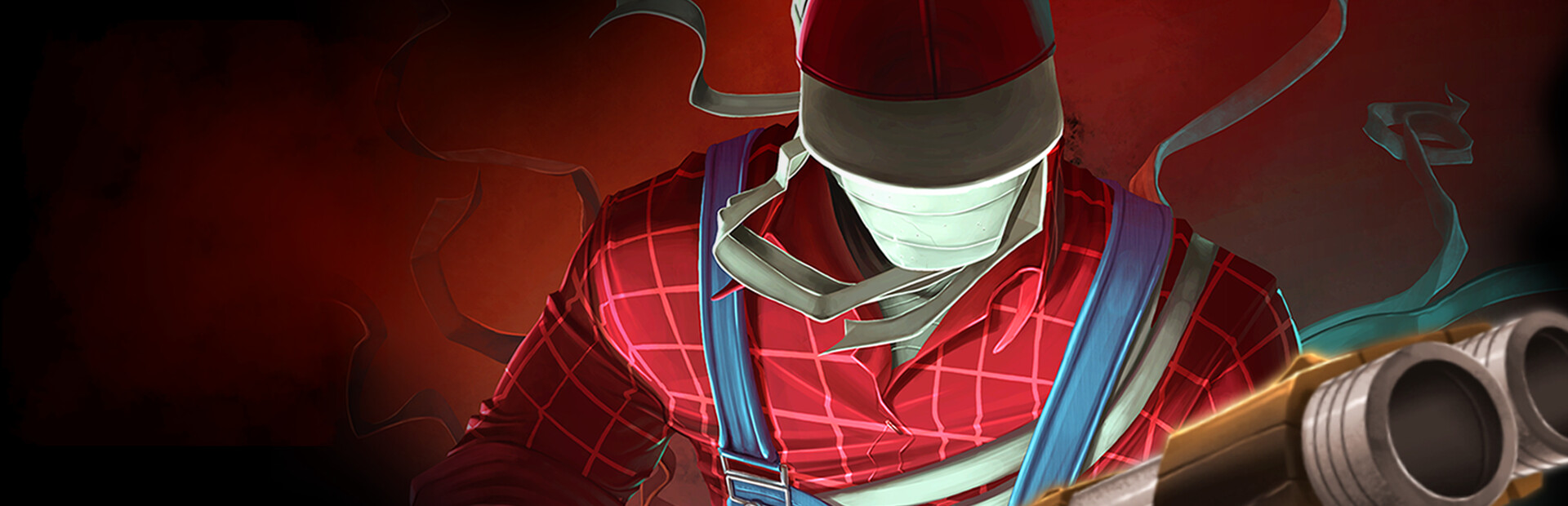
Immortal Redneck is an FPS set in Egypt with rogue-lite elements. The game mixes old-school first-person shooter action with rogue-lite mechanics. Frantic gameplay, twitch controls and an arcade-style feel meet randomly generated dungeons, a complete skill tree, permanent death and 9 classes with different traits.
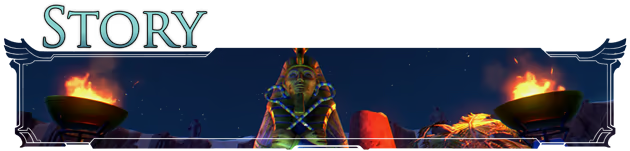
The game revolves around a redneck tourist who wakes up mummified in ancient Egypt after an accident. Why is he here? How did he survive the accident? And why the hell is he mummified?!
The answer lies within the three danger-filled pyramids of Giza, all protected by an army of monsters and huge bosses. Obviously, your mission is to get inside the pyramids, kill all the enemies and discover what's going on!
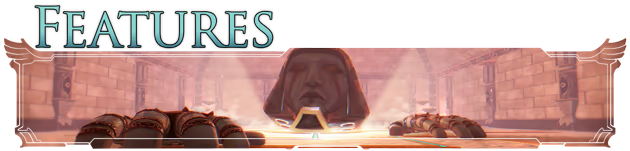
- Old School FPS: frantic gameplay, twitch controls and an arcade-style
- RogueLite mechanics: randomly generated dungeons, classes, skills, permanent death but with gameplay progression
- Nine playable classes: all with different skill sets. Players can switch classes between each play through, selecting the one most suitable for their current run
- Complete skill tree: evolve your character, buying equipment and weapons, upgrading and acquiring new skills
- Over 50 different weapons: traditional firearms, magical, mythological, futuristic or just plain weird weapons including a Potato Launcher. You name it, this game has it
- Over 100 scroll modifiers: Each scroll picked up in-game changes your current run, for good (convert your enemies in to chickens) or for bad (reduces your speed of movement) and everything in between!
- Over 35 enemies: mummies, sarcophagus, flying skulls, humanoid snakes, big fat warriors... All willing to kill you
- Huge bosses: two in each pyramid with unique gameplay
- Merchant: Buy equipment and supplies that will be maintained between different games, even when you die
- Skill Rooms: hone your skills in rooms focused on platforming and avoiding a variety of traps
- Twitch Quest: special mode for streamers, your community will vote on what happens next
Dieser Text stammt direkt von der Store-Seite des Spiels und wird automatisch übernommen. Wir schreiben und bearbeiten ihn nicht, er kann also Spoiler enthalten.
Systemanforderungen
- Min
- Windows 7, Windows 8 or Windows 10 64bit
- Empf
- Windows 7, Windows 8 or Windows 10 64bit
- Min
- Intel i3 2nd-Generation 2.5GHz
- Empf
- Intel i3 4th-Generation 3.5GHz or better
- Min
- 2 GB RAM
- Empf
- 4 GB RAM
- Min
- NVIDIA GeForce GTX650 or equivalent with 2GB VRAM
- Empf
- NVIDIA GeForce GTX760 or equivalent with 2GB VRAM
- Min
- Version 10
- Empf
- Version 10
- Min
- 7 GB available space
- Empf
- 7 GB available space
Dies sind die vom Entwickler angegebenen Anforderungen, die möglicherweise nicht zu 100 % genau sind. Wenn deine Hardware unter dem Minimum liegt, probiere das Spiel trotzdem aus; viele Spiele laufen auch außerhalb der Spezifikationen gut. Im Zweifel schau dir Performance-Benchmarks auf YouTube an.
Immortal Redneck installieren
Immortal Redneck ist ein vorinstalliertes PC-Spiel, aktuell Build 3302169, 2.1 GB. Aktualisiert Jun 2026.
- Lade alle Teile von einem Mirror herunter und speichere sie im selben Ordner.
- Entpacke das erste Archiv mit 7-Zip oder WinRAR. Die übrigen Teile werden automatisch entpackt.
- Öffne den entpackten Ordner und starte die .exe des Spiels. Ein Installer ist nicht nötig.
- Vorinstalliert heißt: Nach dem Entpacken ist das Spiel spielbereit. Nichts einzurichten.
Herunterladen
Lade die Dateien von einem der untenstehenden Mirror herunter. Alle Teile werden benötigt. Speichere sie im selben Ordner und entpacke dann die erste Datei.
Pixeldrain drosselt kostenlose Downloads auf wenige MB/s. Die Schaltfläche Schnellen Link kopieren liefert einen Bypass-Link ohne Tempolimit. Füge ihn in deinen Downloadmanager oder in die Adressleiste deines Browsers ein.
Wir nehmen keine Fix-Anfragen an, wenn nur ein Host ausfällt. Nutze bitte einen anderen Mirror oben. Links defekt? Sag uns Bescheid.
Wir schützen Archive nie mit Passwörtern und verstecken keine Installer. Wenn eine Seite nach einem Passwort oder einer Zahlung fragt, ist das die Werbung des Hosters, nicht wir. Siehe unseren Sicherheitsleitfaden.