
Kunitsu-Gami: Path of the Goddess - Free PC Download
Über Kunitsu-Gami: Path of the Goddess
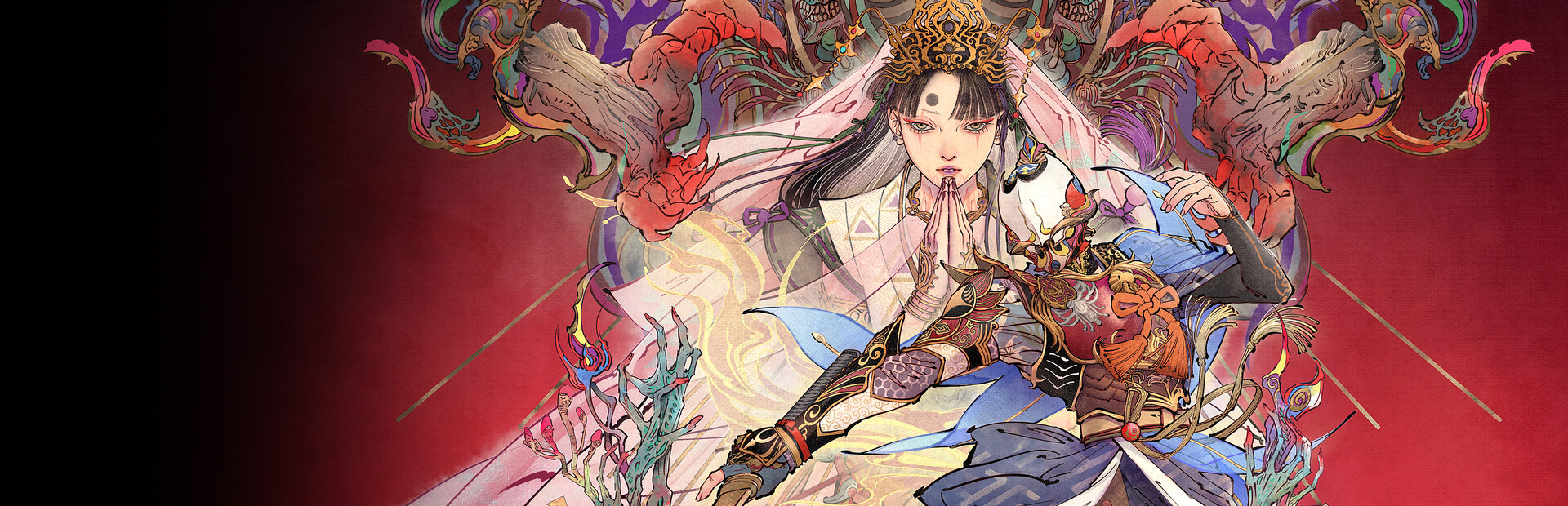
Kunitsu-Gami: Path of the Goddess is a unique Japanese-inspired, single player Kagura Action Strategy game.
The game takes place on a mountain covered by defilement.
During the day, purify the villages and prepare yourself for sundown.
During the night, protect the Maiden against the hordes of the Seethe.
Repeat the day and night cycle until you cleanse the mountain of defilement and return peace to the land.
Unique Japanese-inspired World
The setting is Mt. Kafuku—a mountain covered in defilement. The game offers a taste of Japanese culture, including Kagura dance, masks, as well as the music that plays in the background.
The Seethe
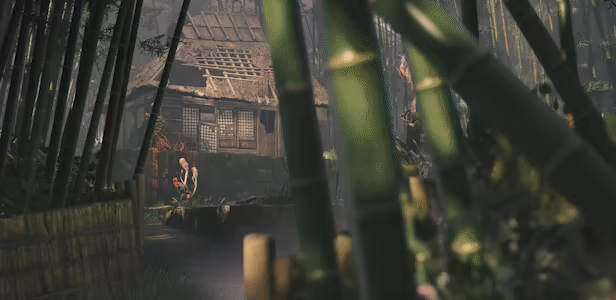
The Seethe emerge from the Torii Gates to the other world when the sun sets. This enemy, which has a variety of different abilities, attacks at night under the cover of darkness, targeting the Maiden. The director's ideas and attention to detail have been packed into the design that presents the setting of this game.
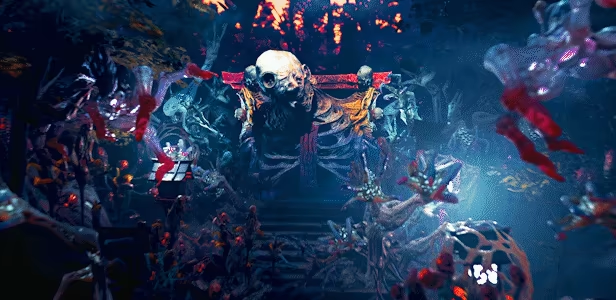
Exhilarating Sword Dance Action
The main character, Soh, wields a sword to protect the Maiden of the mountain, Yoshiro, as she confronts the Seethe. Do not be intimidated by the enemy's array of attacks, and slay them with dance-like sword attacks!

A Fusion of Action and Strategy.
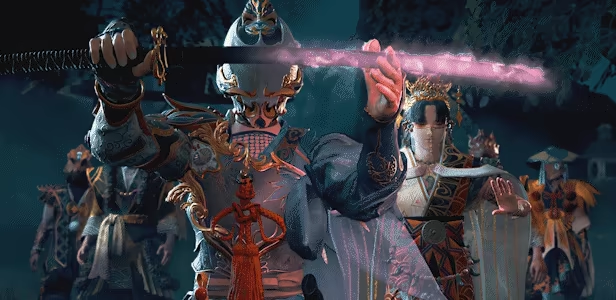
Soh's battles are not fought alone, but with the help of villagers who have been bestowed roles. What placements and roles will be most effective? Where will the villagers fight? And which enemies will Soh focus on? Constant changes during battle will test your strategy and tactics.
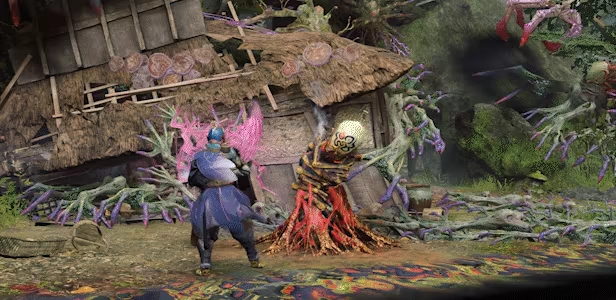
Purify the Torii Gates of the Defilement.
If you can survive the Seethe attacks until dawn and lead Yoshiro to a Torii Gate while the sun is still up, you can purify it with her Kagura dance. Restore peace to the mountain villages!
Dieser Text stammt direkt von der Store-Seite des Spiels und wird automatisch übernommen. Wir schreiben und bearbeiten ihn nicht, er kann also Spoiler enthalten.
Systemanforderungen
- Min
- Windows 10 (64 bit) / Windows 11 (64 bit)
- Empf
- Windows 10 (64 bit) / Windows 11 (64 bit)
- Min
- Intel Core i5-7500 / AMD Ryzen 3 1200
- Empf
- Intel Core i7-7700 / AMD Ryzen 5 2600
- Min
- 8 GB RAM
- Empf
- 16 GB RAM
- Min
- NVIDIA GeForce GTX 1050 Ti / AMD Radeon RX 560
- Empf
- NVIDIA GeForce GTX 1070 / AMD Radeon RX 5700
- Min
- Version 12
- Empf
- Version 12
- Min
- 16 GB available space
- Empf
- 16 GB available space
- Min
- Broadband Internet connection
- Empf
- Broadband Internet connection
- Min
- Estimated performance when set to the "Performance" preset in the Options menu: 1080p/30 fps. - Frame rate might drop in graphics-intensive scenes. RX 6700 or RTX 2070 required to support ray tracing.
- Empf
- Estimated performance when set to the "Balanced" preset in the Options menu: 1080p/60 fps. - Frame rate might drop in graphics-intensive scenes. RX 6800 or RTX 2080 Ti required to support ray tracing.
Dies sind die vom Entwickler angegebenen Anforderungen, die möglicherweise nicht zu 100 % genau sind. Wenn deine Hardware unter dem Minimum liegt, probiere das Spiel trotzdem aus; viele Spiele laufen auch außerhalb der Spezifikationen gut. Im Zweifel schau dir Performance-Benchmarks auf YouTube an.
Kunitsu-Gami: Path of the Goddess installieren
Kunitsu-Gami: Path of the Goddess ist ein vorinstalliertes PC-Spiel, aktuell (11.07.2025 | Build 19024694), 22.0 GB. Aktualisiert Jun 2026.
- Lade alle Teile von einem Mirror herunter und speichere sie im selben Ordner.
- Entpacke das erste Archiv mit 7-Zip oder WinRAR. Die übrigen Teile werden automatisch entpackt.
- Öffne den entpackten Ordner und starte die .exe des Spiels. Ein Installer ist nicht nötig.
- Vorinstalliert heißt: Nach dem Entpacken ist das Spiel spielbereit. Nichts einzurichten.
Herunterladen
Lade die Dateien von einem der untenstehenden Mirror herunter. Alle Teile werden benötigt. Speichere sie im selben Ordner und entpacke dann die erste Datei.
Lade jeden Teil herunter. Du brauchst alle.
Wir schützen Archive nie mit Passwörtern und verstecken keine Installer. Wenn eine Seite nach einem Passwort oder einer Zahlung fragt, ist das die Werbung des Hosters, nicht wir. Siehe unseren Sicherheitsleitfaden.