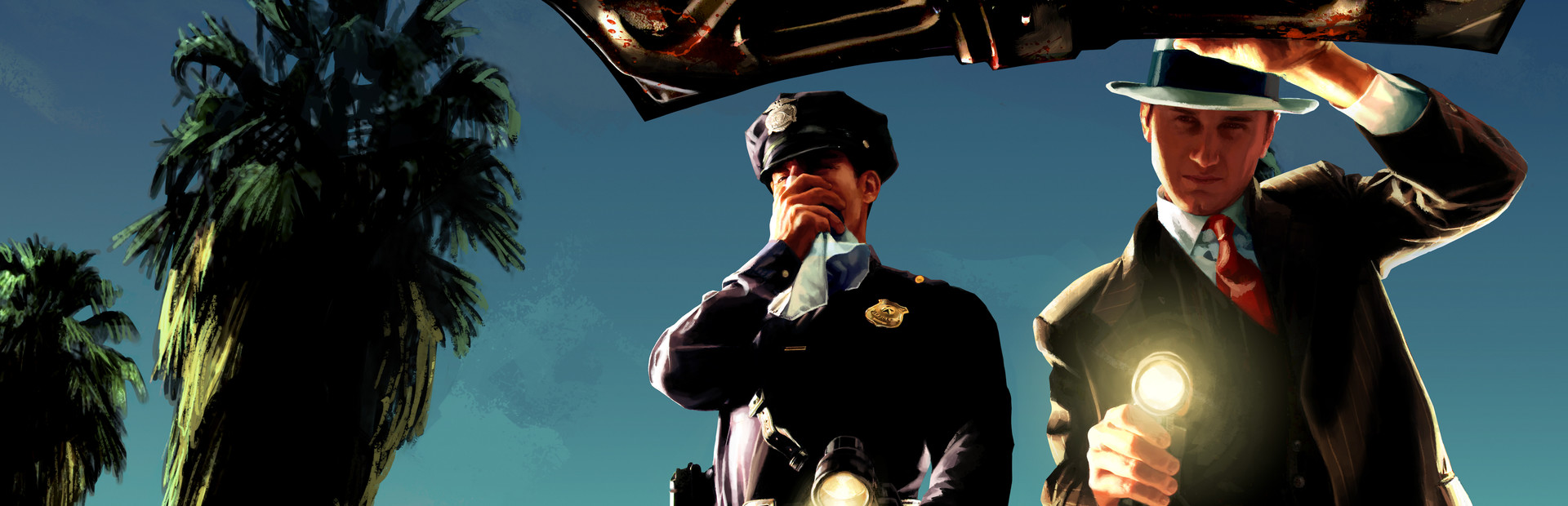

L.A. Noire - Free PC Download
Über L.A. Noire
Solve brutal crimes, plots, and conspiracies inspired by real crimes from 1947 Los Angeles, one of the most corrupt and violent times in L.A. history, as you attempt to find the truth in a city where everyone has something to hide.
Utilizing revolutionary facial animation technology that captures every nuance of an actor’s facial performance in astonishing detail, L.A. Noire blends breathtaking action with true detective work for an unprecedented interactive experience.
Dieser Text stammt direkt von der Store-Seite des Spiels und wird automatisch übernommen. Wir schreiben und bearbeiten ihn nicht, er kann also Spoiler enthalten.
Systemanforderungen
- Min
- Windows 10 64-Bit
- Min
- Intel CPUs - Dual Core 2.2 GHz to Quad Core 3.2GHz; AMD CPUS - Dual Core 2.4Ghz to Quad Core 3.2Ghz
- Min
- 2GB to 8GB
- Min
- NVIDIA GeForce 8600 GT 512MB to NVIDIA GeForce GTX 580 1536MB or Radeon HD3000 512MB to Radeon HD 6850 1024MB
- Min
- 16GB Available
- Min
- 100% DirectX 9 compatible
Dies sind die vom Entwickler angegebenen Anforderungen, die möglicherweise nicht zu 100 % genau sind. Wenn deine Hardware unter dem Minimum liegt, probiere das Spiel trotzdem aus; viele Spiele laufen auch außerhalb der Spezifikationen gut. Im Zweifel schau dir Performance-Benchmarks auf YouTube an.
L.A. Noire installieren
L.A. Noire ist ein vorinstalliertes PC-Spiel, aktuell Build 13185632, 13.3GB. Aktualisiert Oct 2026.
- Lade alle Teile von einem Mirror herunter und speichere sie im selben Ordner.
- Entpacke das erste Archiv mit 7-Zip oder WinRAR. Die übrigen Teile werden automatisch entpackt.
- Öffne den entpackten Ordner und starte die .exe des Spiels. Ein Installer ist nicht nötig.
- Vorinstalliert heißt: Nach dem Entpacken ist das Spiel spielbereit. Nichts einzurichten.
Herunterladen
Lade die Dateien von einem der untenstehenden Mirror herunter. Alle Teile werden benötigt. Speichere sie im selben Ordner und entpacke dann die erste Datei.
Wir nehmen keine Fix-Anfragen an, wenn nur ein Host ausfällt. Nutze bitte einen anderen Mirror oben. Links defekt? Sag uns Bescheid.
Wir schützen Archive nie mit Passwörtern und verstecken keine Installer. Wenn eine Seite nach einem Passwort oder einer Zahlung fragt, ist das die Werbung des Hosters, nicht wir. Siehe unseren Sicherheitsleitfaden.
Kommentare
Das könnte dir auch gefallen

The Roottrees are Dead
Mystery, Puzzle, Point & Click
Mafia: Definitive Edition
Action, Adventure, Shooter

Phoenix Wright: Ace Attorney Trilogy
Mystery, Visual Novel, Puzzle

Mafia III: Definitive Edition
Action, Shooter, Adventure

Grand Theft Auto: San Andreas
Action, Simulation, Shooter

Grand Theft Auto: Vice City - The Definitive Edition
Action, Shooter, Adventure