
Lost Media Agency - Free PC Download
Über Lost Media Agency
You work in a secret government facility tasked with covering up mysterious incidents from around the world. This time, you’ve received fragmented found footage recovered from multiple devices linked to an incident in a small town in Latvia.
Your job is to reconstruct the timeline and arrange the footage in the correct chronological order to report on the Kaiju incident to your superiors.
Main Features:
Analyze, rewind, and piece together lost media to uncover the truth behind the incident.
Deduce the correct chronological order using subtle clues hidden within the footage.
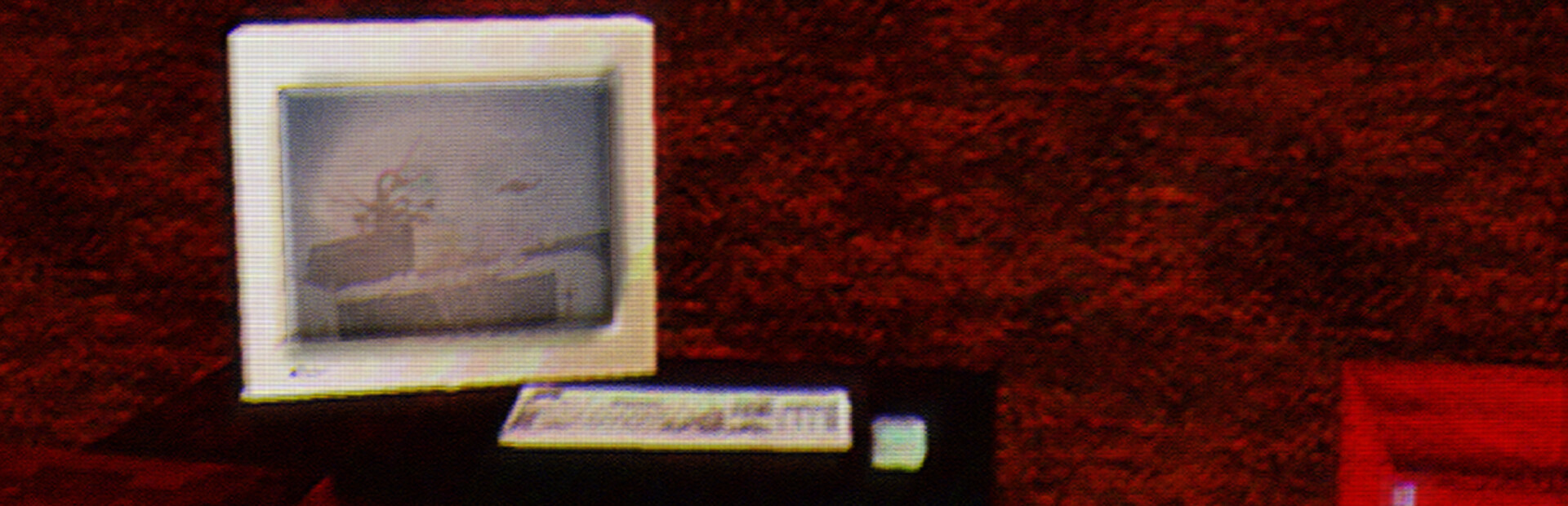
Immerse yourself in a retro PC interface designed to pull you deeper into the mystery.
Explore your unsettling office environment.
Approximately 1 hour of gameplay—depending on your deduction skills.

Inspired by found footage films, this game largely reflects the experience of those genres.
And remember: while you sort through the footage… your boss is always watching.
Dieser Text stammt direkt von der Store-Seite des Spiels und wird automatisch übernommen. Wir schreiben und bearbeiten ihn nicht, er kann also Spoiler enthalten.
Systemanforderungen
- Min
- Windows 10
- Empf
- Windows 10
- Min
- Intel Core i7
- Empf
- Intel Core i7
- Min
- 2 GB RAM
- Empf
- 4 GB RAM
- Min
- 2GB VRAM
- Empf
- 2GB VRAM
- Min
- Version 10
- Empf
- Version 10
- Min
- 1 GB available space
- Empf
- 1 GB available space
- Min
- Any
- Empf
- Any
- Min
- Should work on low-end pcs
- Empf
- Should work on low-end pcs
Dies sind die vom Entwickler angegebenen Anforderungen, die möglicherweise nicht zu 100 % genau sind. Wenn deine Hardware unter dem Minimum liegt, probiere das Spiel trotzdem aus; viele Spiele laufen auch außerhalb der Spezifikationen gut. Im Zweifel schau dir Performance-Benchmarks auf YouTube an.
Lost Media Agency installieren
Lost Media Agency ist ein vorinstalliertes PC-Spiel, aktuell Build 26533890, 976.0MB. Aktualisiert Nov 2026.
- Lade alle Teile von einem Mirror herunter und speichere sie im selben Ordner.
- Entpacke das erste Archiv mit 7-Zip oder WinRAR. Die übrigen Teile werden automatisch entpackt.
- Öffne den entpackten Ordner und starte die .exe des Spiels. Ein Installer ist nicht nötig.
- Vorinstalliert heißt: Nach dem Entpacken ist das Spiel spielbereit. Nichts einzurichten.
Herunterladen
Lade die Dateien von einem der untenstehenden Mirror herunter. Alle Teile werden benötigt. Speichere sie im selben Ordner und entpacke dann die erste Datei.
Wir nehmen keine Fix-Anfragen an, wenn nur ein Host ausfällt. Nutze bitte einen anderen Mirror oben. Links defekt? Sag uns Bescheid.
Wir schützen Archive nie mit Passwörtern und verstecken keine Installer. Wenn eine Seite nach einem Passwort oder einer Zahlung fragt, ist das die Werbung des Hosters, nicht wir. Siehe unseren Sicherheitsleitfaden.