
Moonglow Bay - Free PC Download
Über Moonglow Bay
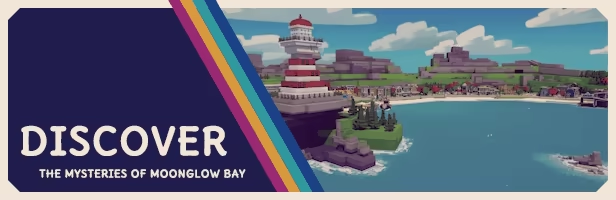
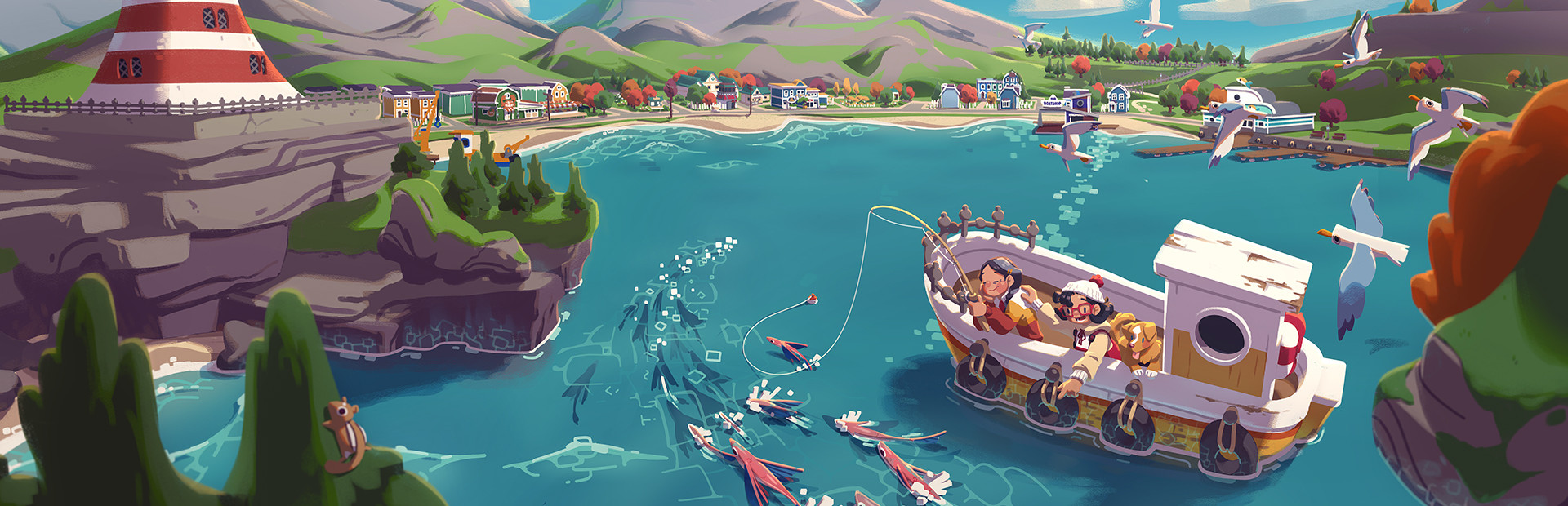
Dive into an emotionally charged story set in the serene backdrop of Moonglow Bay, in this relaxing, slice-of-life fishing RPG!
Take on the role of a rookie angler, driven by the final wish of your beloved partner, as you navigate through the challenges of a town on the brink of bankruptcy. Equipped with only your journal and trusty rod, embark on a journey to uncover the secrets hidden beneath the waves of Moonglow Bay.
Embark on an Aquatic Adventure
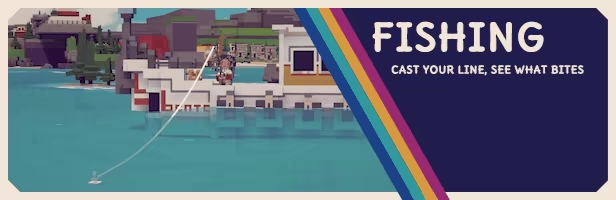
- Discover the Depths: Cast nets, set traps, line, and ice fish to discover over 151 aquatic species lurking beneath the surface.
- Preserve and Present: Cook your catch of the day or proudly show them off at the local aquarium.
- Explore Enigmatic Locales: Traverse the Glacier and Sulphur zones, unravel the mysteries of the Astral Clouds, and prepare for encounters with the Mythical Monsters of Moonglow.
- Share the Adventure: Team up with friends in local co-op and embark on a heartwarming journey together.
Revitalise the Bay
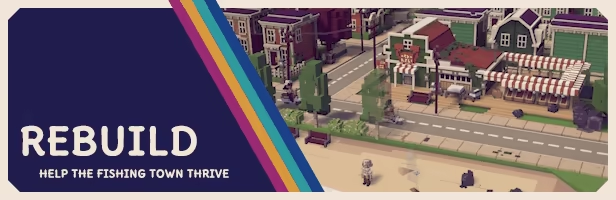
- Celebrate the Centennial: Help revitalise the once-thriving fishing town, breathing new life into its weathered buildings.
- Meet the Townsfolk: Befriend the locals and accept quests through the bulletin board to restore the Bay’s fractured community.
- Equip for Success: Stock up on bait, tackle, and ship upgrades to prepare for the challenges ahead.
Discover the Heart of Moonglow
- Vivid Voxel Art: Immerse yourself in Moonglow Bay's stunning visual style complimenting your adventure every step of the way.
- Sumptuous Soundtrack: Lose yourself in Lena Raine's enchanting score that seamlessly flows with the rhythm of your journey.

Explore the Picture Perfect Update
- Photomode Delight: Capture the beauty of Moonglow Bay from every angle with our new photomode feature.
- Customise Your Haven: Personalise your storefront with new decorations that reflect your unique style and personality.
- Unearth Ancient Mysteries: Join Marina on a thrilling quest to uncover the skeleton of a long-lost sea creature. Piece together its bones, decode its legend, and embark on a journey that spans land and sea in search of elusive fossils.
- Photomode Delight: Capture the beauty of Moonglow Bay from every angle with our new photomode feature.
- Vivid Voxel Art: Immerse yourself in Moonglow Bay's stunning visual style complimenting your adventure every step of the way.
- Celebrate the Centennial: Help revitalise the once-thriving fishing town, breathing new life into its weathered buildings.
Dieser Text stammt direkt von der Store-Seite des Spiels und wird automatisch übernommen. Wir schreiben und bearbeiten ihn nicht, er kann also Spoiler enthalten.
Systemanforderungen
- Min
- Windows 10 64-bit
- Empf
- Windows 10 64-bit
- Min
- Intel i3 Skylake | AMD FX-6000
- Empf
- Intel i5 Coffee Lake | AMD Ryzen 3
- Min
- 8 GB RAM
- Empf
- 8 GB RAM
- Min
- AMD Radeon R7 260X | NVIDIA GeForce GTX 750 Ti
- Empf
- AMD Radeon RX 570 | NVIDIA GeForce GTX 970
- Min
- 4 GB available space
- Empf
- 4 GB available space
Dies sind die vom Entwickler angegebenen Anforderungen, die möglicherweise nicht zu 100 % genau sind. Wenn deine Hardware unter dem Minimum liegt, probiere das Spiel trotzdem aus; viele Spiele laufen auch außerhalb der Spezifikationen gut. Im Zweifel schau dir Performance-Benchmarks auf YouTube an.
Moonglow Bay installieren
Moonglow Bay ist ein vorinstalliertes PC-Spiel, aktuell Build 20276376, 976.4MB. Aktualisiert Oct 2026.
- Lade alle Teile von einem Mirror herunter und speichere sie im selben Ordner.
- Entpacke das erste Archiv mit 7-Zip oder WinRAR. Die übrigen Teile werden automatisch entpackt.
- Öffne den entpackten Ordner und starte die .exe des Spiels. Ein Installer ist nicht nötig.
- Vorinstalliert heißt: Nach dem Entpacken ist das Spiel spielbereit. Nichts einzurichten.
Herunterladen
Lade die Dateien von einem der untenstehenden Mirror herunter. Alle Teile werden benötigt. Speichere sie im selben Ordner und entpacke dann die erste Datei.
Wir nehmen keine Fix-Anfragen an, wenn nur ein Host ausfällt. Nutze bitte einen anderen Mirror oben. Links defekt? Sag uns Bescheid.
Wir schützen Archive nie mit Passwörtern und verstecken keine Installer. Wenn eine Seite nach einem Passwort oder einer Zahlung fragt, ist das die Werbung des Hosters, nicht wir. Siehe unseren Sicherheitsleitfaden.