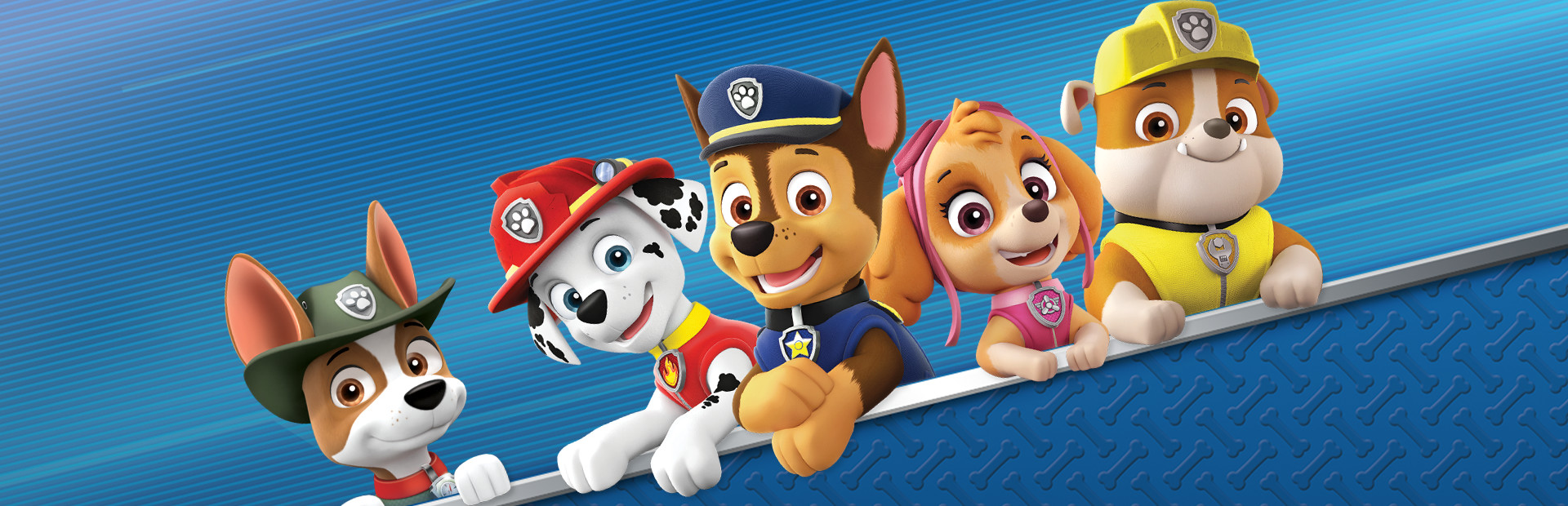

Paw Patrol: On A Roll! - Free PC Download
Über Paw Patrol: On A Roll!

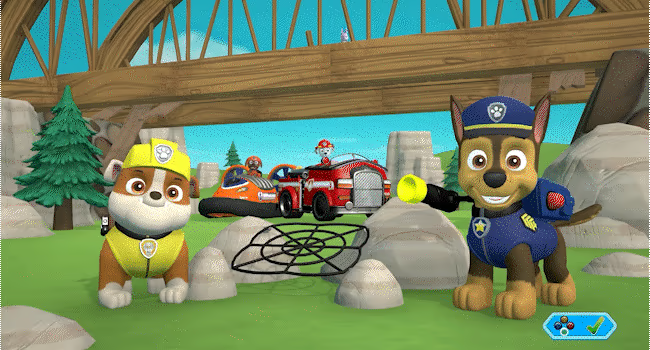
No job is too big, no pup is too small! The PAW Patrol is ready to save the day in Adventure Bay on 16 exciting rescue missions, but they can only do it with your help! Help each pup use their unique abilities to rescue friends and keep their community safe.

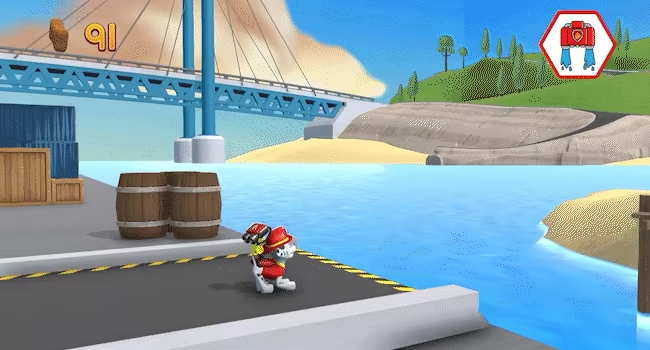
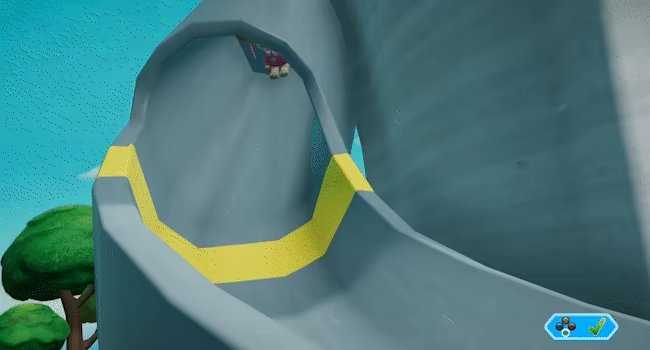
Jump into eight awesome Adventure Bay locations, including Farmer Yumi’s Farm, Jake’s Mountain, a desert canyon, under the waves, and more! Get ready for fun puzzle-platforming action that is PAWfect for kids of all ages with all the pups of the PAW Patrol!

- Ryder and all eight PAW Patrol pups, including Everest & Tracker!
- 16 daring adventures set in 8 Adventure Bay locations!
- Special pup abilities that need to be used for each rescue!
- Playing as two different pups per mission!
Dieser Text stammt direkt von der Store-Seite des Spiels und wird automatisch übernommen. Wir schreiben und bearbeiten ihn nicht, er kann also Spoiler enthalten.
Systemanforderungen
- Min
- Windows 7 / 8 / 10
- Empf
- Windows 10
- Min
- Intel Core 2 Quad Q6600 (2.4 GHz) or AMD equivalent
- Empf
- Intel i5, 4 x 2.6 GHz or AMD equivalent
- Min
- 4 GB RAM
- Empf
- 4 GB RAM
- Min
- GeForce GT 430 (1024 MB)
- Empf
- Radeon HD 6850 (1024 MB)
- Min
- Version 9.0c
- Empf
- Version 11
- Min
- 3 GB available space
- Empf
- 5 GB available space
- Min
- DirectX compatible
- Empf
- DirectX compatible
- Min
- Windows Vista and DirectX® 9.0b and below not supported
- Empf
- Windows Vista and DirectX® 9.0b and below not supported
Dies sind die vom Entwickler angegebenen Anforderungen, die möglicherweise nicht zu 100 % genau sind. Wenn deine Hardware unter dem Minimum liegt, probiere das Spiel trotzdem aus; viele Spiele laufen auch außerhalb der Spezifikationen gut. Im Zweifel schau dir Performance-Benchmarks auf YouTube an.
Paw Patrol: On A Roll! installieren
Paw Patrol: On A Roll! ist ein vorinstalliertes PC-Spiel, aktuell Build 3219315, 745.9MB. Aktualisiert Oct 2026.
- Lade alle Teile von einem Mirror herunter und speichere sie im selben Ordner.
- Entpacke das erste Archiv mit 7-Zip oder WinRAR. Die übrigen Teile werden automatisch entpackt.
- Öffne den entpackten Ordner und starte die .exe des Spiels. Ein Installer ist nicht nötig.
- Vorinstalliert heißt: Nach dem Entpacken ist das Spiel spielbereit. Nichts einzurichten.
Herunterladen
Lade die Dateien von einem der untenstehenden Mirror herunter. Alle Teile werden benötigt. Speichere sie im selben Ordner und entpacke dann die erste Datei.
Wir nehmen keine Fix-Anfragen an, wenn nur ein Host ausfällt. Nutze bitte einen anderen Mirror oben. Links defekt? Sag uns Bescheid.
Wir schützen Archive nie mit Passwörtern und verstecken keine Installer. Wenn eine Seite nach einem Passwort oder einer Zahlung fragt, ist das die Werbung des Hosters, nicht wir. Siehe unseren Sicherheitsleitfaden.