
Rayman: 30th Anniversary Edition - Free PC Download
Über Rayman: 30th Anniversary Edition
THE ADVENTURE THAT STARTED IT ALL
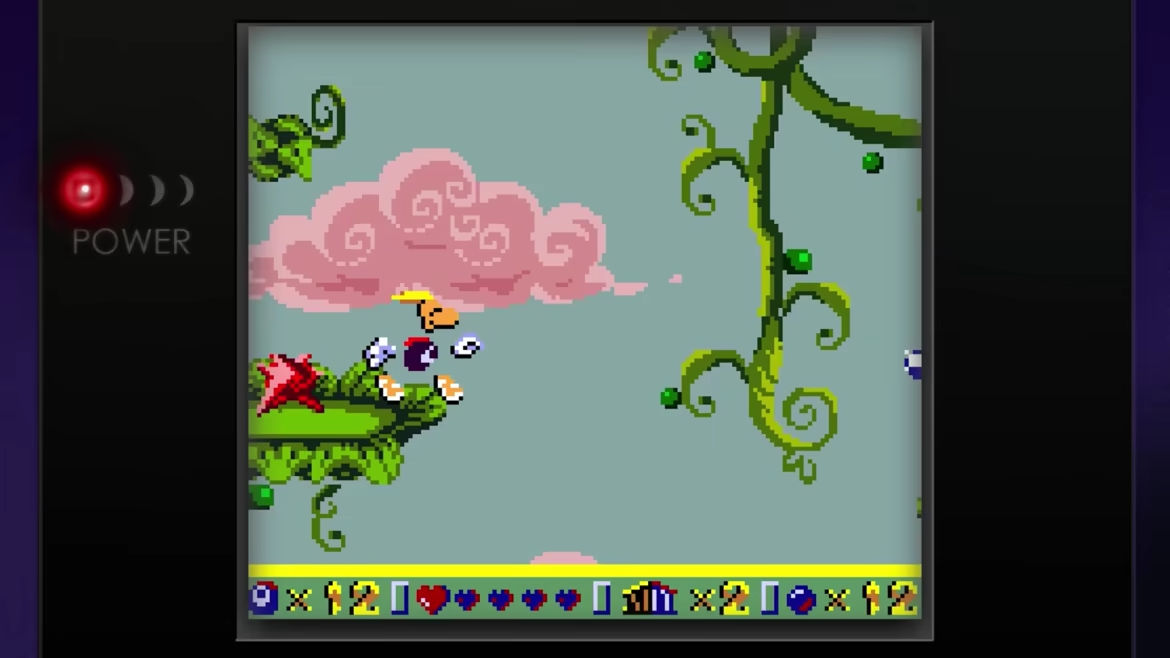
Perform Rayman’s signature punch and helicopter hair glide through colorful worlds, from the Dream Forest and its unforgettable mosquito ride to Band Land’s musical chaos. Rescue the Electoons and save the world from Mr. Dark in a classic platforming adventure with a unique art style that remains as magical today as it was in the '90s.
THE DEFINITIVE EDITION
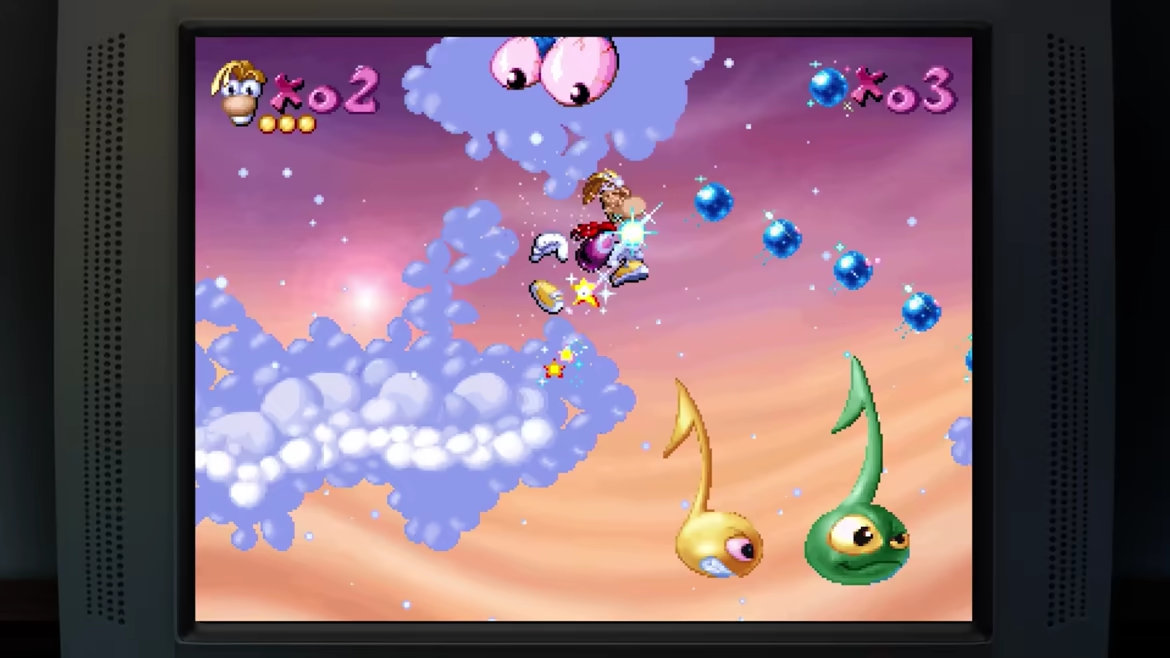
Play the classic adventure across 5 versions (MS-DOS, PlayStation®, Atari Jaguar, Game Boy Color, and Game Boy Advance) now enhanced with an immersive, reimagined soundtrack, plus more than 120 additional levels from Rayman’s New Levels, Rayman 60 Levels, and Rayman By His Fans. And for the first time ever, experience the long-lost SNES prototype, offering a rare glimpse into how Rayman’s innovative gameplay first took shape.
EXCLUSIVE DOCUMENTARY
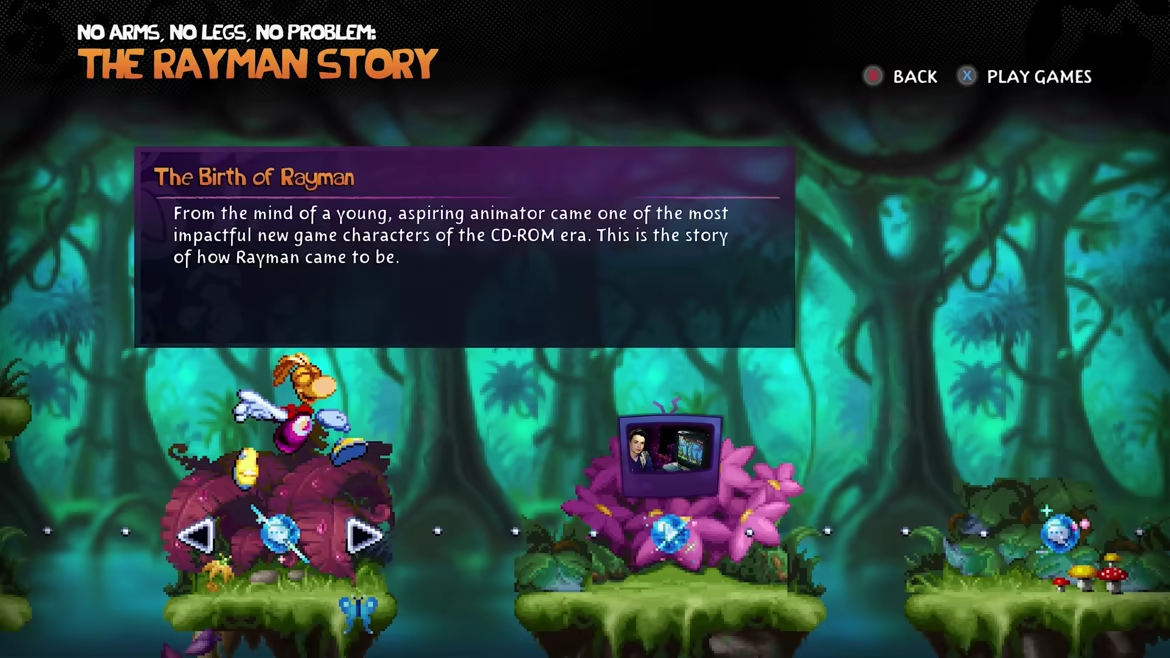
Uncover the untold story behind Rayman’s creation in an interactive documentary featuring over 50 minutes of brand-new interviews with the original developers. Dive into rare concept art, early sketches, and design documents that offer exclusive insights into the making of the limbless hero.
A CLASSIC FOR EVERYONE
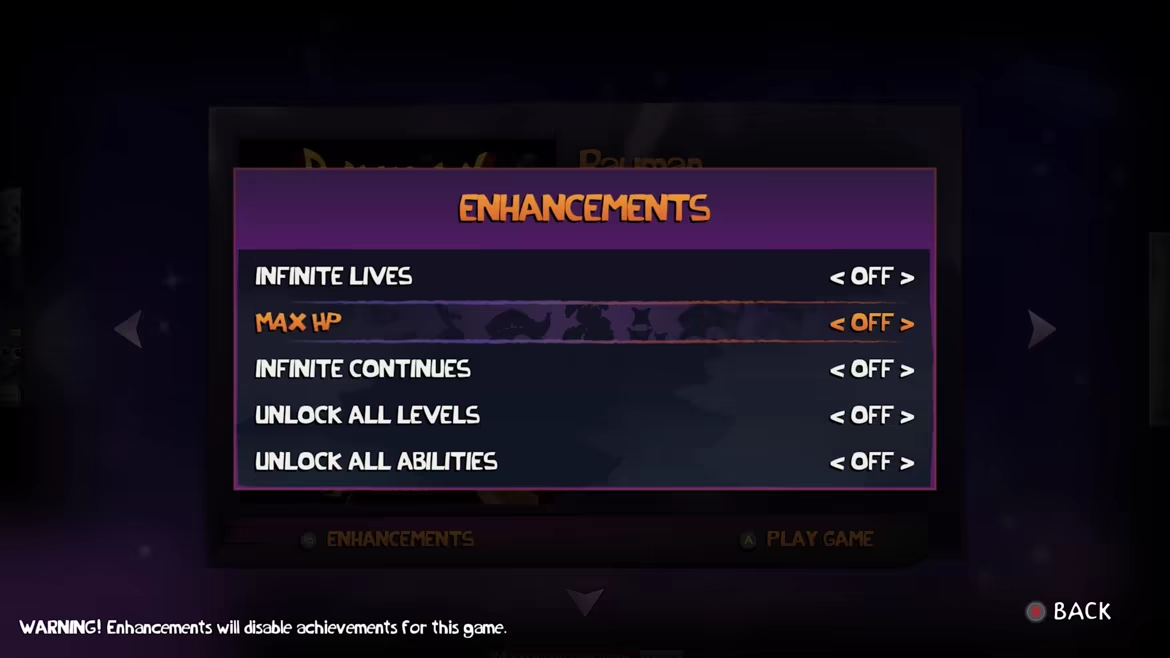
Rediscover the cult-classic gameplay or take on the challenge with new features designed to keep you in the action, including a rewind, multiple save slots, and accessibility options like infinite lives and instant level unlocks.
Dieser Text stammt direkt von der Store-Seite des Spiels und wird automatisch übernommen. Wir schreiben und bearbeiten ihn nicht, er kann also Spoiler enthalten.
Systemanforderungen
- Min
- Windows 10 (64 bit only)
- Empf
- -
- Min
- Intel Core i3-7100 3.9 GHz AMD Ryzen3 1200 3.1 GHz
- Empf
- -
- Min
- 8 GB RAM
- Empf
- -
- Min
- NVIDIA GeForce GTX 1650 4GB, AMD Radeon RX-5500 XT 4GB
- Empf
- -
- Min
- 4 GB available space
- Empf
- -
Dies sind die vom Entwickler angegebenen Anforderungen, die möglicherweise nicht zu 100 % genau sind. Wenn deine Hardware unter dem Minimum liegt, probiere das Spiel trotzdem aus; viele Spiele laufen auch außerhalb der Spezifikationen gut. Im Zweifel schau dir Performance-Benchmarks auf YouTube an.
Rayman: 30th Anniversary Edition installieren
Rayman: 30th Anniversary Edition ist ein vorinstalliertes PC-Spiel, aktuell (9.4.2026 | Build 22417154), 3.5 GB. Aktualisiert Jun 2026.
- Lade alle Teile von einem Mirror herunter und speichere sie im selben Ordner.
- Entpacke das erste Archiv mit 7-Zip oder WinRAR. Die übrigen Teile werden automatisch entpackt.
- Öffne den entpackten Ordner und starte die .exe des Spiels. Ein Installer ist nicht nötig.
- Vorinstalliert heißt: Nach dem Entpacken ist das Spiel spielbereit. Nichts einzurichten.
Herunterladen
Lade die Dateien von einem der untenstehenden Mirror herunter. Alle Teile werden benötigt. Speichere sie im selben Ordner und entpacke dann die erste Datei.
Wir nehmen keine Fix-Anfragen an, wenn nur ein Host ausfällt. Nutze bitte einen anderen Mirror oben. Links defekt? Sag uns Bescheid.
Wir schützen Archive nie mit Passwörtern und verstecken keine Installer. Wenn eine Seite nach einem Passwort oder einer Zahlung fragt, ist das die Werbung des Hosters, nicht wir. Siehe unseren Sicherheitsleitfaden.
Kommentare
Das könnte dir auch gefallen

Prince of Persia: Warrior Within™
Action, Adventure, Platformer
Sonic Mania
Platformer, Adventure, Action
Crash Bandicoot™ N. Sane Trilogy
Platformer, Adventure, Action

Prince of Persia®: The Sands of Time
Action, Adventure, Platformer
Hollow Knight
Metroidvania, Platformer, Souls-like
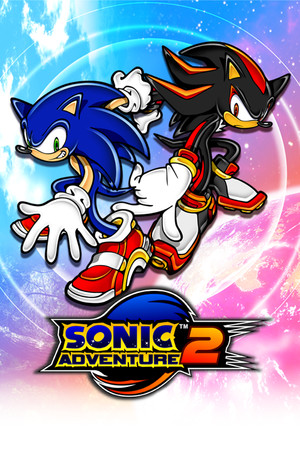
Sonic Adventure™ 2
Action, Platformer, Adventure