Steven Universe: Save the Light - Free PC Download
Über Steven Universe: Save the Light
SUNSET ANNOUNCEMENT
Attention players, Save the Light will no longer be available for sale after Dec 23rd, 2024
Thanks for playing,
Cartoon Network Games
About the Game
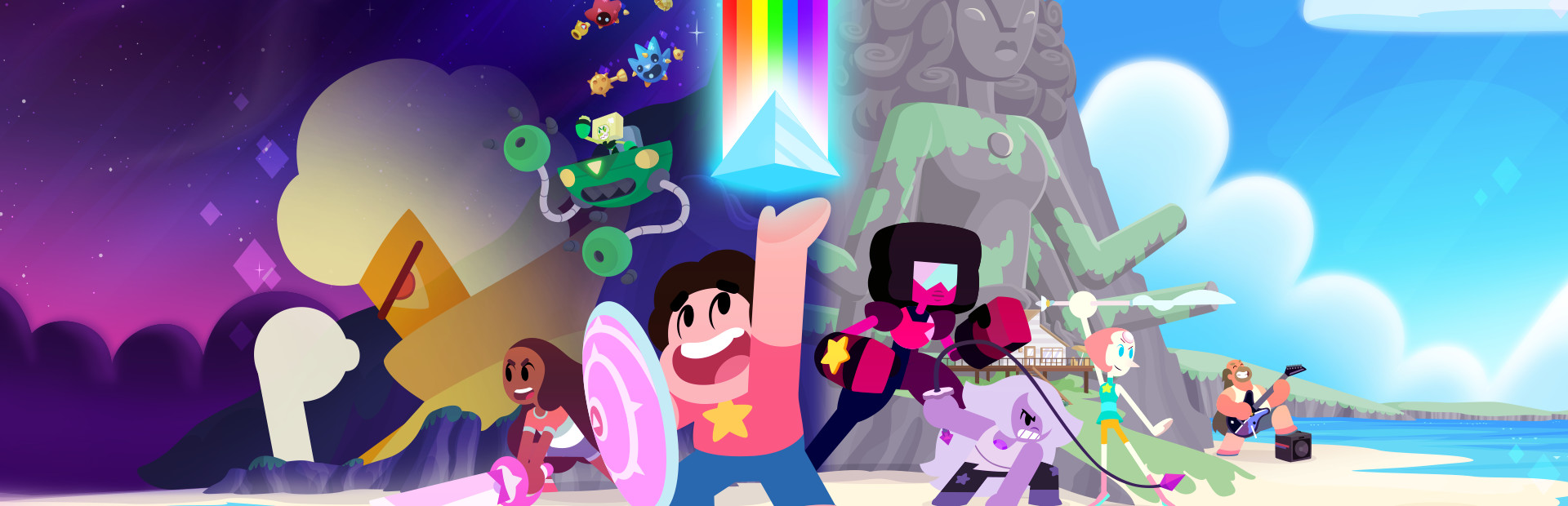
Join the Crystal Gems on the ultimate quest! A mysterious new Gem has stolen a powerful weapon. Only Steven and his friends have what it takes to stop her. “Save the Light” is a unique RPG hybrid that combines real-time and turn-based combat.7 PLAYABLE CHARACTERS
Completely customize your party. Fight an army of light as Steven, Garnet, Pearl, Amethyst, Connie, Greg, and Peridot! Bust out unique abilities to solve puzzles and battle the bad guys.
A NEW GEM
Face off against an all-new Homeworld Gem created by Rebecca Sugar. Who is this powerful warrior and what’s she doing back on Earth?
FUSIONS
Team up for incredible combo moves and Gem Fusions! Fuse to play as Stevonnie, Smoky Quartz, Opal, Sardonyx, and Sugilite!
BEACH CITY AND BEYOND
Explore and interact with expansive 3D environments. Travel to ancient Gem locations all over the world, including Strawberry Battlefield, The Great North, and Bismuth's Forge.
ORIGINAL VO
“Save the Light” features an original story co-written by Rebecca Sugar, and voices from the Steven Universe cast and special guest star Christine Baranski.
Dieser Text stammt direkt von der Store-Seite des Spiels und wird automatisch übernommen. Wir schreiben und bearbeiten ihn nicht, er kann also Spoiler enthalten.
Systemanforderungen
- Min
- 7 - 64bit
- Empf
- 10 - 64bit
- Min
- Intel i5
- Empf
- Intel i5-2300 (2.8 GHz quad core) or equivalent
- Min
- 8 GB RAM
- Empf
- 8 GB RAM
- Min
- Nvidia GTX 730 or equivalent with 1 GB VRAM
- Empf
- NVIDIA GTX 960 or equivalent with 2 GB VRAM
- Min
- -
- Empf
- Version 12
- Min
- 9 GB available space
- Empf
- 9 GB available space
Dies sind die vom Entwickler angegebenen Anforderungen, die möglicherweise nicht zu 100 % genau sind. Wenn deine Hardware unter dem Minimum liegt, probiere das Spiel trotzdem aus; viele Spiele laufen auch außerhalb der Spezifikationen gut. Im Zweifel schau dir Performance-Benchmarks auf YouTube an.
Steven Universe: Save the Light installieren
Steven Universe: Save the Light ist ein vorinstalliertes PC-Spiel, aktuell (28.08.2018 | Build 3046594), 716.1 MB. Aktualisiert Jul 2026.
- Lade alle Teile von einem Mirror herunter und speichere sie im selben Ordner.
- Entpacke das erste Archiv mit 7-Zip oder WinRAR. Die übrigen Teile werden automatisch entpackt.
- Öffne den entpackten Ordner und starte die .exe des Spiels. Ein Installer ist nicht nötig.
- Vorinstalliert heißt: Nach dem Entpacken ist das Spiel spielbereit. Nichts einzurichten.
Herunterladen
Lade die Dateien von einem der untenstehenden Mirror herunter. Alle Teile werden benötigt. Speichere sie im selben Ordner und entpacke dann die erste Datei.
Pixeldrain drosselt kostenlose Downloads auf wenige MB/s. Die Schaltfläche Schnellen Link kopieren liefert einen Bypass-Link ohne Tempolimit. Füge ihn in deinen Downloadmanager oder in die Adressleiste deines Browsers ein.
Wir nehmen keine Fix-Anfragen an, wenn nur ein Host ausfällt. Nutze bitte einen anderen Mirror oben. Links defekt? Sag uns Bescheid.
Wir schützen Archive nie mit Passwörtern und verstecken keine Installer. Wenn eine Seite nach einem Passwort oder einer Zahlung fragt, ist das die Werbung des Hosters, nicht wir. Siehe unseren Sicherheitsleitfaden.
Kommentare
Das könnte dir auch gefallen
The Elder Scrolls IV: Oblivion Remastered
RPG, Adventure, Action

Clair Obscur: Expedition 33
RPG, JRPG, Adventure
KINGDOM HEARTS -HD 1.5+2.5 ReMIX-
Action, RPG, Adventure
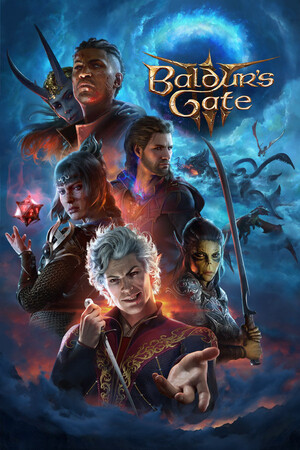
Baldur's Gate 3
RPG, Adventure
The Elder Scrolls V: Skyrim Special Edition
RPG, Adventure, Action
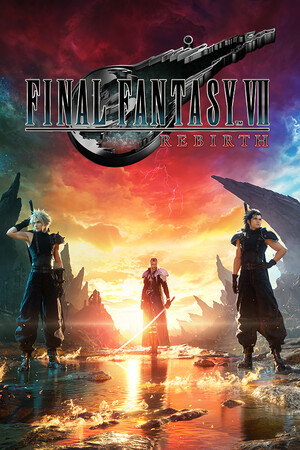
FINAL FANTASY VII REBIRTH
RPG, Action, Adventure