Who Takes The Crown? - Free PC Download
Über Who Takes The Crown?
Gameplay
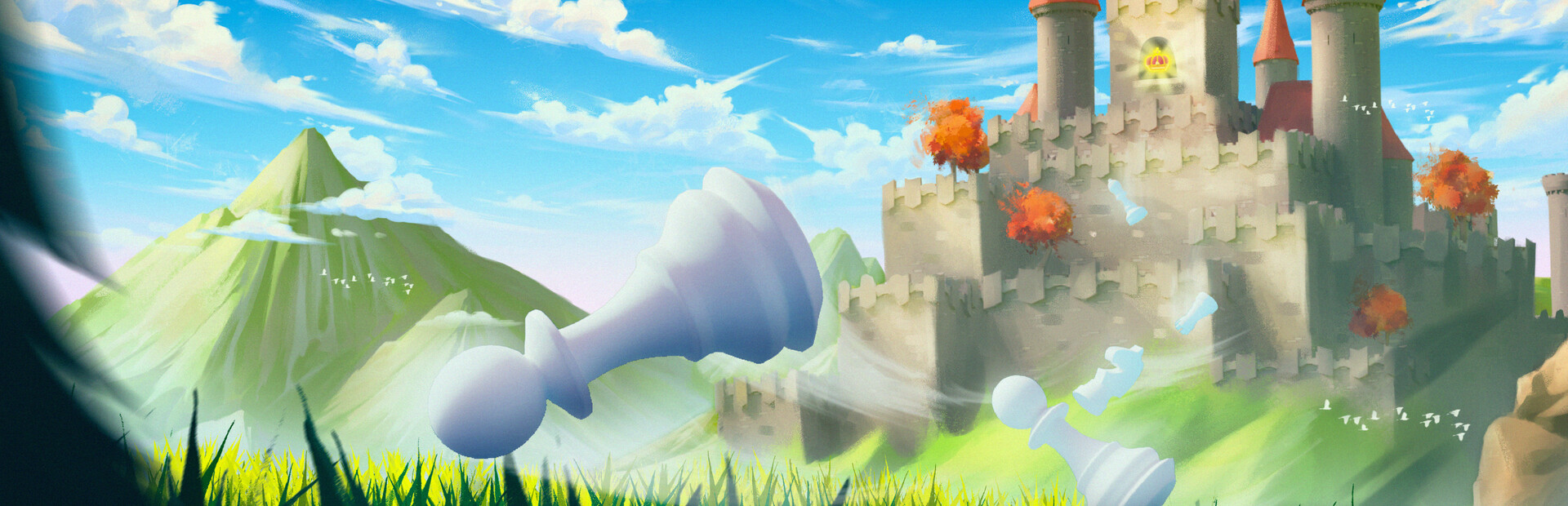
Who Takes The Crown? is about controlling a little pawn and getting to the top of each level to claim your crown. Play through various chess games to build your platforms and climb higher and higher. Be careful though, much like the game of chess, the movement of your pawn requires timing and patience. One wrong maneuver could send you tumbling back down to the bottom of the level and start you over.
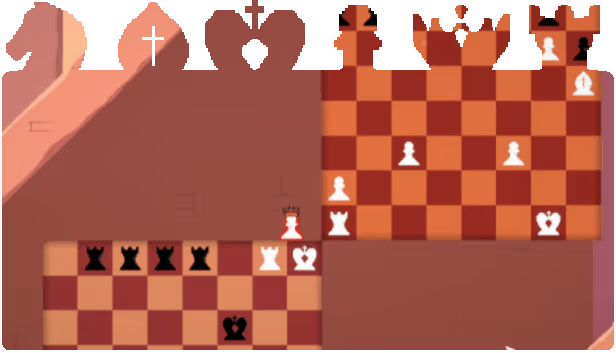
It's not only about your platforming skill either. One blunder in any of the chess games could send you back as well!
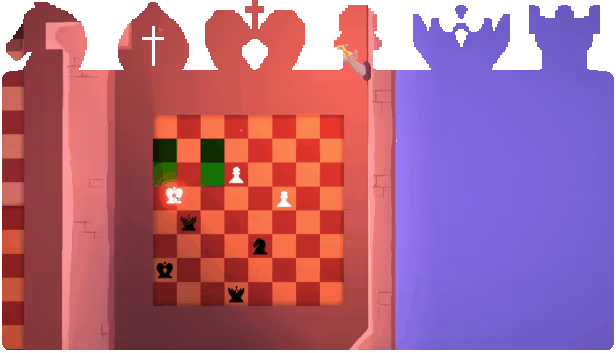
Something for everyone!
Not a fan of rage games but like chess? Not to worry! Who Takes The Crown? has a Casual difficulty that lets you turn off the jump failure and features game boards that are more about puzzling than platforming.
Like puzzle platformers but aren't as strong at chess? No problem! This game includes custom settings so you can adjust the Stockfish ELO and the difficulties of the chess positions to your desire.
Looking for a hard challenge to put all your skills to the test? Who Takes The Crown? has challenges of all types including procedurally generated chess boards to conquer!
Game Modes
Adventure
This is the main game mode in Who Takes the Crown? Start from the bottom of the map and make your way very high up to claim the crown. The map contains many chess games for you to navigate through. There are varying difficulties for all kinds of skill levels. The chess games are played against the Stockfish chess engine so make sure to have your thinking cap on!
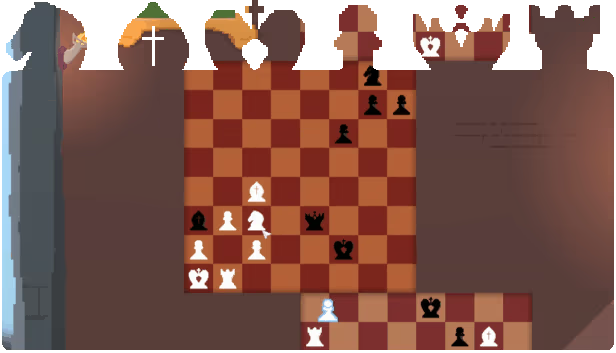
There are three main difficulties to the Adventure Mode
Casual
1000 Stockfish Elo
Jump Failure Turned Off
Resets/Restarts Go To Your Current Section
Normal
1300 Stockfish Elo
Jump Failure Turned On
Resets/Restarts Go To Your Current Section
Immortal
1600 Stockfish Elo
Jump Failure Turned On
Resets/Restarts Go To The Beginning Of The Level
Use your chess skills to checkmate Stockfish and gain a power up to help you navigate difficult boards!
Stacks
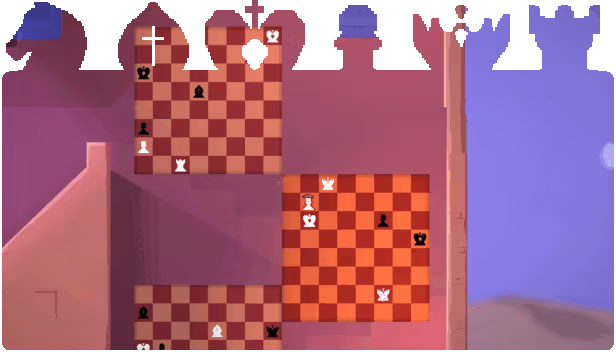
This game mode is similar to the Adventure mode but it is more puzzle based and much shorter. There are seven boards stacked straight on top of each other. Climb them as quick as you can!
There are three main stacks:
Modern Classics - Games from recent history,
Influencers - Famous games played by internet celebrities,
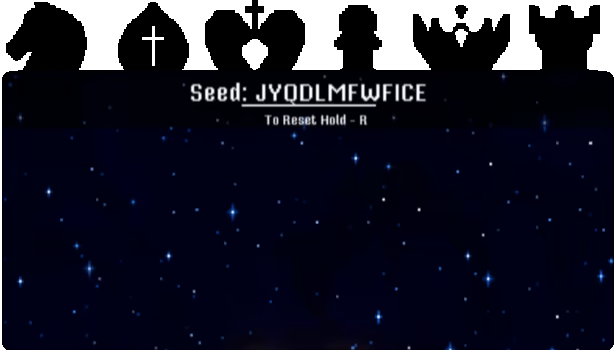
Endless - Procedurally generated games based on a seed value
Highscores
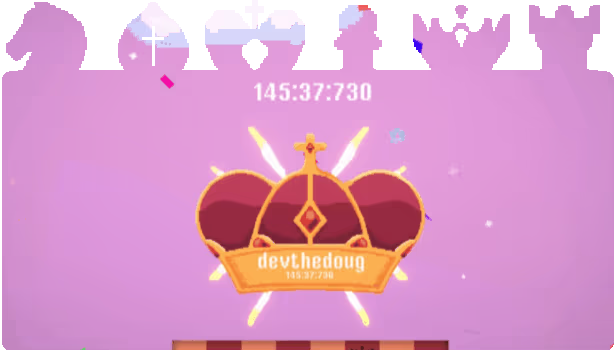
Completing each Adventure Mode and Stacks maps will enter you into a highscores list with your fastest time. If you are the fastest player to complete a level your name will be displayed on the crown at the top of each level for everyone else to see!
Disclaimer: This game is not associated with or endorsed by a board game called "Who Wears The Crown?" by Blue Heron Entertainment LLC.
Dieser Text stammt direkt von der Store-Seite des Spiels und wird automatisch übernommen. Wir schreiben und bearbeiten ihn nicht, er kann also Spoiler enthalten.
Systemanforderungen
- Min
- Windows 10
- Empf
- Windows 10
- Min
- Dual Core 2.4 Ghz
- Empf
- Dual Core 2.4 Ghz
- Min
- 2000 MB RAM
- Empf
- 2 GB RAM
- Min
- GTX 760
- Empf
- -
- Min
- Version 11
- Empf
- Version 11
- Min
- 3 GB available space
- Empf
- -
- Min
- 64 Bit Architecture Required to Run Stockfish
- Empf
- 64 Bit Architecture Required to Run Stockfish
Dies sind die vom Entwickler angegebenen Anforderungen, die möglicherweise nicht zu 100 % genau sind. Wenn deine Hardware unter dem Minimum liegt, probiere das Spiel trotzdem aus; viele Spiele laufen auch außerhalb der Spezifikationen gut. Im Zweifel schau dir Performance-Benchmarks auf YouTube an.
Who Takes The Crown? installieren
Who Takes The Crown? ist ein vorinstalliertes PC-Spiel, aktuell (29.07.25 | Build 19405828), 240 MB. Aktualisiert Mar 2026.
- Lade alle Teile von einem Mirror herunter und speichere sie im selben Ordner.
- Entpacke das erste Archiv mit 7-Zip oder WinRAR. Die übrigen Teile werden automatisch entpackt.
- Öffne den entpackten Ordner und starte die .exe des Spiels. Ein Installer ist nicht nötig.
- Vorinstalliert heißt: Nach dem Entpacken ist das Spiel spielbereit. Nichts einzurichten.
Herunterladen
Lade die Dateien von einem der untenstehenden Mirror herunter. Alle Teile werden benötigt. Speichere sie im selben Ordner und entpacke dann die erste Datei.
Pixeldrain drosselt kostenlose Downloads auf wenige MB/s. Die Schaltfläche Schnellen Link kopieren liefert einen Bypass-Link ohne Tempolimit. Füge ihn in deinen Downloadmanager oder in die Adressleiste deines Browsers ein.
Wir nehmen keine Fix-Anfragen an, wenn nur ein Host ausfällt. Nutze bitte einen anderen Mirror oben. Links defekt? Sag uns Bescheid.
Wir schützen Archive nie mit Passwörtern und verstecken keine Installer. Wenn eine Seite nach einem Passwort oder einer Zahlung fragt, ist das die Werbung des Hosters, nicht wir. Siehe unseren Sicherheitsleitfaden.