EARTH DEFENSE FORCE 4.1 The Shadow of New Despair - Free PC Download
Über EARTH DEFENSE FORCE 4.1 The Shadow of New Despair
The phenomenon that "Armor value" or "Acquisition of weapons" of save data is tampered when playing online multi play with specific players
We deeply apologize for any inconvenience this time. We have got some reports about the title above. We investigated about it and verified the same phenomenon. When we played online multi play with specific players who are called cheaters and tamper their game data, our save data became aberrant by obtaining tampered items after the mission. We will keep investigating about malicious data tampering, but for now, once your save data is tampered, it is impossible to get your data back again. We would appreciate for your understanding. As a workaround for customers, since this phenomenon is caused by playing online play with cheaters and completing missions, if you find any cheaters or players who are suspected as cheaters in the online room, we deeply recommend you to leave the room as soon as possible without launching the mission. In addition, if you find any cheaters or players who are suspected as cheaters during the mission, we also recommend you to leave the mission before you complete it.
About the Game
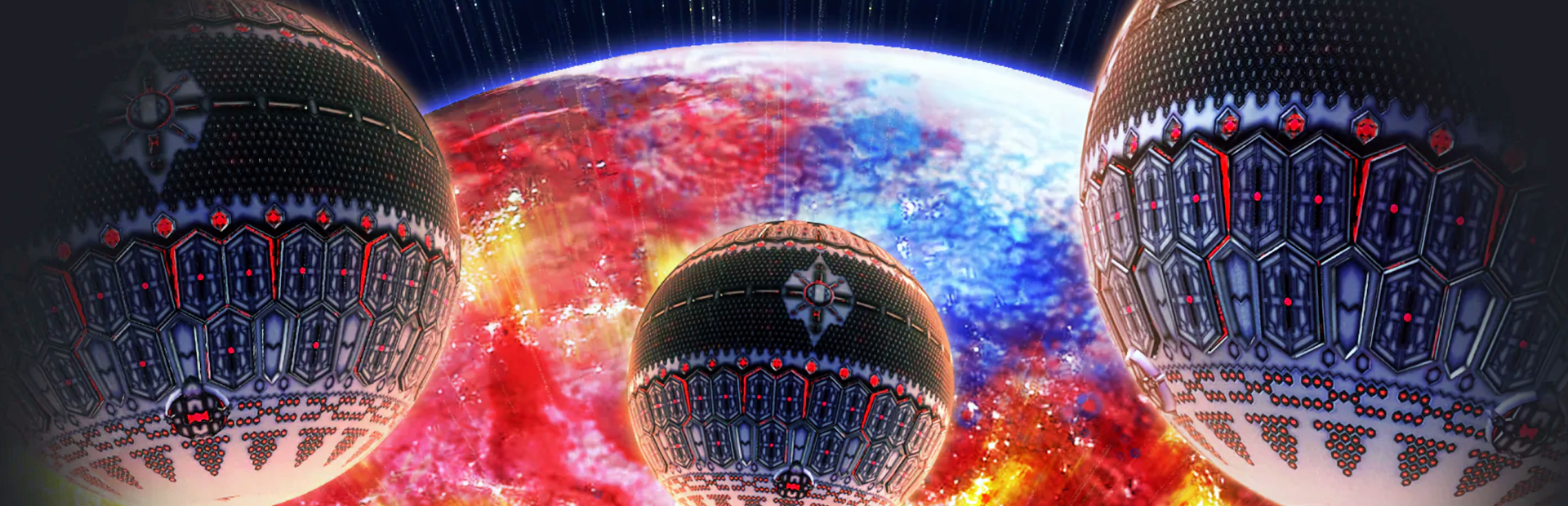
It's a fight for the future of the planet between the Ravagers, a merciless swarm of alien invaders, and the Earth Defense Force (EDF) in this third-person shooter. As an EDF soldier you will go head to head in fierce combat against the hordes of giant alien insects and their slaughtering machines. Play as four different classes in over 80 missions with a range of 800 weapons at your disposal. The most overwhelmingly numerous forces of Ravagers the series has ever seen will take the EDF fighters to the depths of despair and back! Online co-op play supported. Web http://www.d3p.co.jp/edf4.1_pc/ TRAILER 【EDF News】 https://www.youtube.com/watch?v=NxYv9cvvM9U https://www.youtube.com/watch?v=bE1eff1xvLg https://www.youtube.com/watch?v=JmjnVI5mJo8Dieser Text stammt direkt von der Store-Seite des Spiels und wird automatisch übernommen. Wir schreiben und bearbeiten ihn nicht, er kann also Spoiler enthalten.
Systemanforderungen
- Min
- Windows 7 64bit, Windows 8.1 64bit Windows 10 64bit
- Empf
- Windows 7 64bit, Windows 8.1 64bit Windows 10 64bit
- Min
- 3 GHz 2 Core
- Empf
- 3.2GHz 4Core
- Min
- 4 GB RAM
- Empf
- 8 GB RAM
- Min
- AMD Radeon HD 7870 / NVIDIA GeForce GTX 660 (2GB Model or higher)
- Empf
- AMD Radeon HD 7970 / NVIDIA GeForce GTX 760 (3GB Model or higher)
- Min
- Version 11
- Empf
- Version 11
- Min
- 8 GB available space
- Empf
- 8 GB available space
- Min
- DirectX 11 sound device
- Empf
- DirectX 11 sound device
- Min
- Broadband Internet connection
- Empf
- Broadband Internet connection
- Min
- XInput Controller
- Empf
- XInput Controller
Dies sind die vom Entwickler angegebenen Anforderungen, die möglicherweise nicht zu 100 % genau sind. Wenn deine Hardware unter dem Minimum liegt, probiere das Spiel trotzdem aus; viele Spiele laufen auch außerhalb der Spezifikationen gut. Im Zweifel schau dir Performance-Benchmarks auf YouTube an.
EARTH DEFENSE FORCE 4.1 The Shadow of New Despair installieren
EARTH DEFENSE FORCE 4.1 The Shadow of New Despair ist ein vorinstalliertes PC-Spiel, aktuell Build 1271537, 6.5 GB. Aktualisiert Aug 2026.
- Lade alle Teile von einem Mirror herunter und speichere sie im selben Ordner.
- Entpacke das erste Archiv mit 7-Zip oder WinRAR. Die übrigen Teile werden automatisch entpackt.
- Öffne den entpackten Ordner und starte die .exe des Spiels. Ein Installer ist nicht nötig.
- Vorinstalliert heißt: Nach dem Entpacken ist das Spiel spielbereit. Nichts einzurichten.
Herunterladen
Lade die Dateien von einem der untenstehenden Mirror herunter. Alle Teile werden benötigt. Speichere sie im selben Ordner und entpacke dann die erste Datei.
Pixeldrain drosselt kostenlose Downloads auf wenige MB/s. Die Schaltfläche Schnellen Link kopieren liefert einen Bypass-Link ohne Tempolimit. Füge ihn in deinen Downloadmanager oder in die Adressleiste deines Browsers ein.
Wir nehmen keine Fix-Anfragen an, wenn nur ein Host ausfällt. Nutze bitte einen anderen Mirror oben. Links defekt? Sag uns Bescheid.
Wir schützen Archive nie mit Passwörtern und verstecken keine Installer. Wenn eine Seite nach einem Passwort oder einer Zahlung fragt, ist das die Werbung des Hosters, nicht wir. Siehe unseren Sicherheitsleitfaden.