Fugl
Team Fugl2017Simulation, Casual
4.8GBBuild 25944995Updated 1 day ago
About Fugl
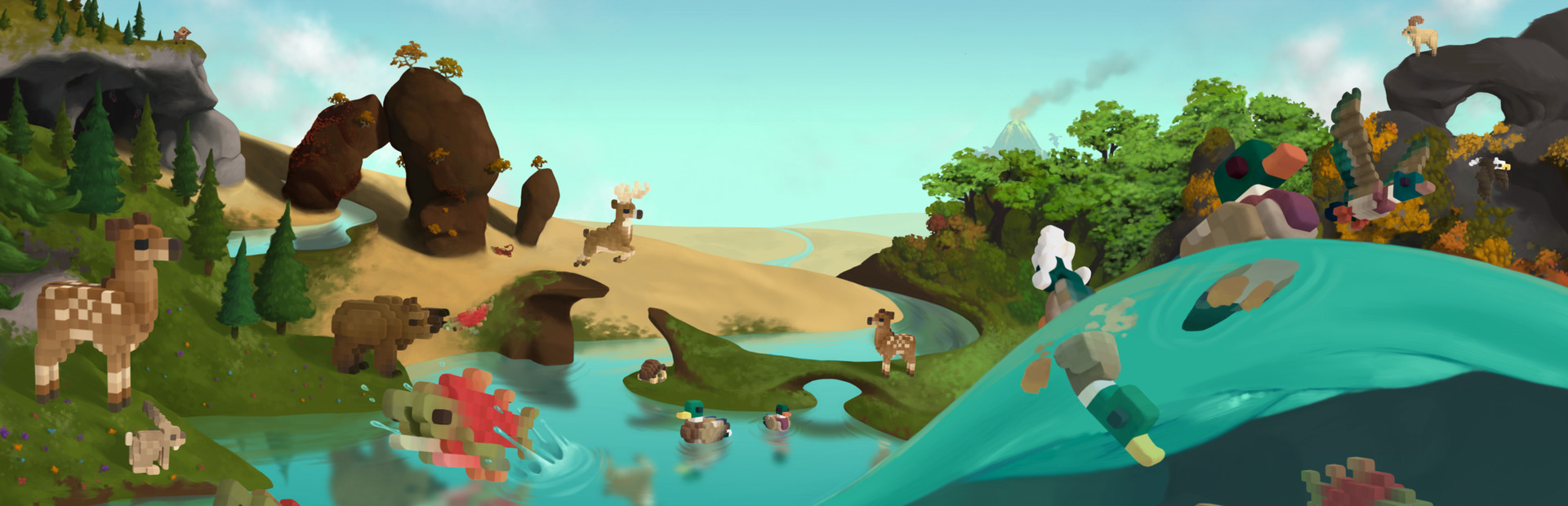
Soar with the wind as a shape-shifting bird. Explore worlds teeming with life. Discover and morph into hundreds of animal species. Relax and enjoy the freedom of Fugl.
If you ever dreamed about flying, this is the game for you. Fugl is a hard game to explain, but when you actually play it, it makes perfect sense. Be a bird today and get to know what Fugl is all about.
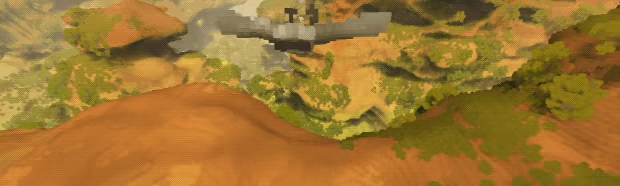
- Freely control different flying creatures and enjoy the freedom of flying
- Hundreds of animal friends to discover
- Make your own avatar or mix from what you discover
- Free roaming gameplay on your own terms – no pressure or set goals
- Absolutely no hoops to fly through, but lots of caves
- Diverse areas to explore
- Morph into nearby animals and change your appearance and physics
- Find mythical creatures
- Customize in-game physics
Fugl Discord server:
From the store page, unedited. May contain spoilers.
This release
Reviews and playtime
Very Positive
84% of 599
The game
Genres and features
How to install Fugl
Pre-installed, so there is no setup wizard. Follow these in order.
- 01
Create a games folder
Make a folder like C:\Games\ and keep every game in it. Avoid Program Files, Downloads and the Desktop.
- 02
Exclude it from Windows Defender
Defender often deletes cracked files by mistake while they extract. Add C:\Games\ as an excluded folder:
Windows Security -> Virus & threat protection -> Manage settings -> Exclusions -> Add an exclusion -> Folder
- 03
Download into C:\Games\
Save the archive straight into that folder. This release is one 4.8GB file.
- 04
Extract it there
Use 7-Zip or WinRAR. Keep about 10.6 GB free while it unpacks.
- One file
- Right-click it -> Extract here.
- Several parts
- Extract only part1 (or .001). The other parts are read automatically.
- 05
Open README.html
It is inside the extracted folder and explains how to start the game.
Still stuck? Read the install help
Download
Set up your games folder and the Defender exclusion before you extract. The Install tab has the steps.
FilesYard
The whole game in one file
VikingFile
The whole game in one file
We don't accept fix requests when only one host is down. Please use another mirror above. Links broken? Let us know.
We never password-protect files or hide installers. If a page asks for a password or payment, that is the host's ad, not us. See our safety guide.
System requirements
- Min
- 2.2 GHz Dual Core
- Rec
- 2.8 GHz Quad Core
- Min
- 4 GB RAM
- Rec
- 8 GB RAM
- Min
- 1.5 GB VRAM
- Rec
- Dedicated graphics card, 1 GB Memory
Windows 10
4 GB available space
Requires Open GL 4.3 or Vulkan 1.1. Nvidia / AMD card
These are the developer's listed requirements and may not be 100% accurate. If your specs fall below the minimum, try the game anyway; many games run fine below the listed requirements. When in doubt, check YouTube for performance benchmarks.