Gal Guardians: Servants of the Dark - Free PC Download
Sobre Gal Guardians: Servants of the Dark
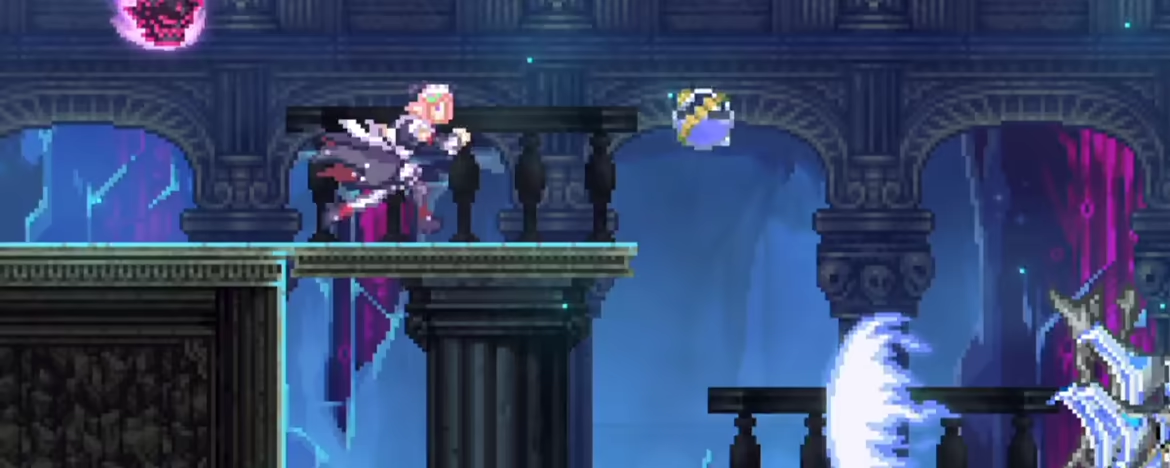
■A Demonic Metroidvania Adventure
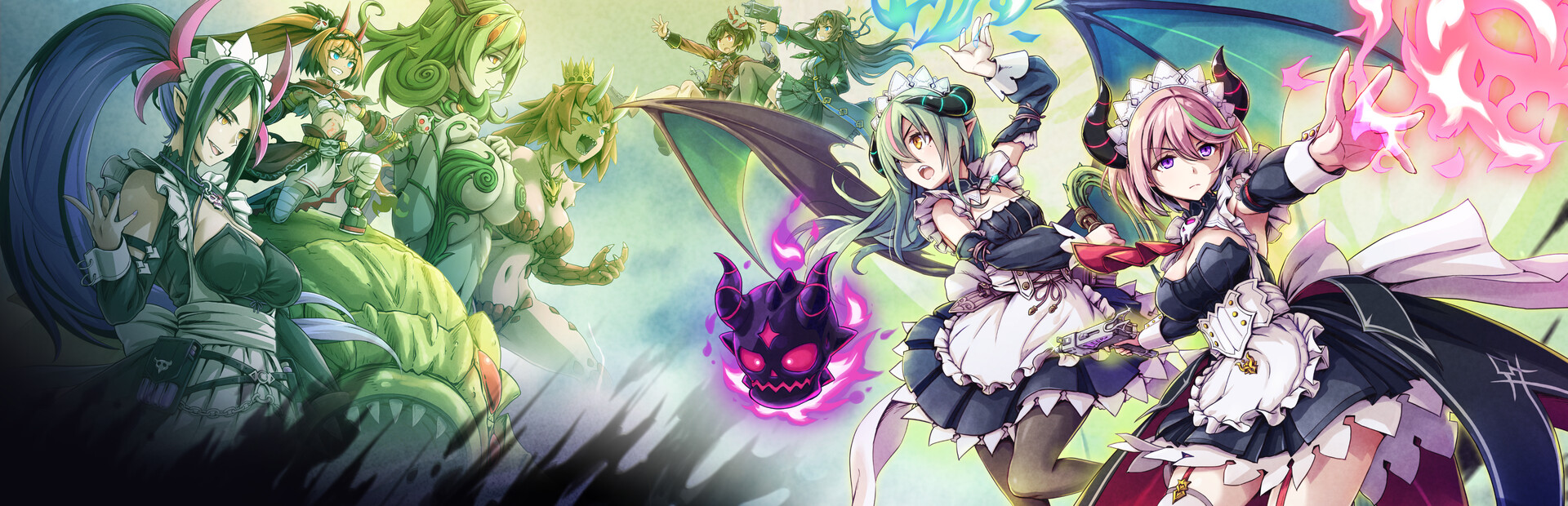
"Gal Guardians: Servants of the Dark" is a true metroidvania sequel to the classic-style action game "Gal Guardians: Demon Purge." Two new characters, Kirika and Masha, take the stage with unique playstyles, and you'll need to switch between the two at will in order to fully explore the vast areas and take down enemies and bosses.
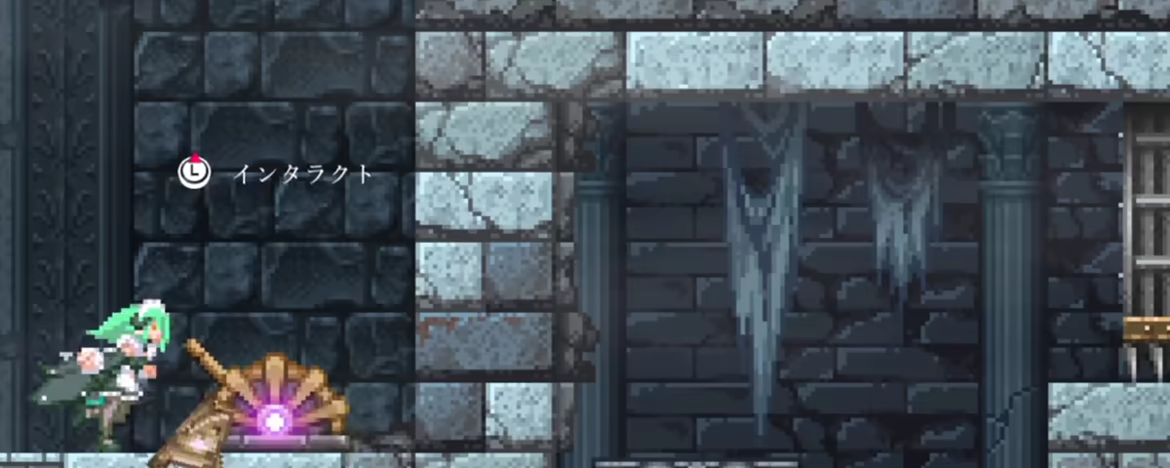
■Search the vast Demon Realm to revive your allies
Search for hidden passages, trap doors, and solve puzzles throughout the Demon Realm to collect the scattered bones of the Demon Lord Maxim.
Each sub-weapon and ability you unlock will open up new routes and strategies, requiring every tool at your disposal to fully explore.
As you find and revive Maxim's vassals, they will help strengthen your home base, the Demon Lord's castle. Rebuilding it will provide bonus support features to assist your journey.
Fill out the colorful cast of vassals and see their personalities shine in story cutscenes that play throughout the game.
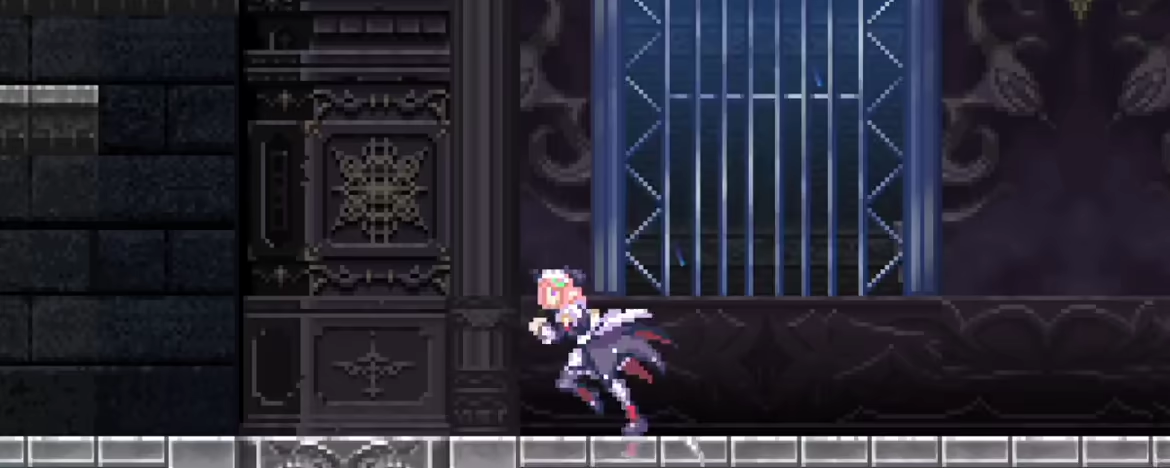
■Swap between sisters in Demonic action gameplay
Older sister Kirika attacks from a distance with demonic guns while her younger sister Masha covers close ranges with her whip.
They can spend demonic energy to attack with different sub-weapons as well, but it is crucial to switch between the two as the situation changes.
Should one of the sisters be defeated, you can bring her back to life by returning to her location and using "Sister Rescue" to revive her.
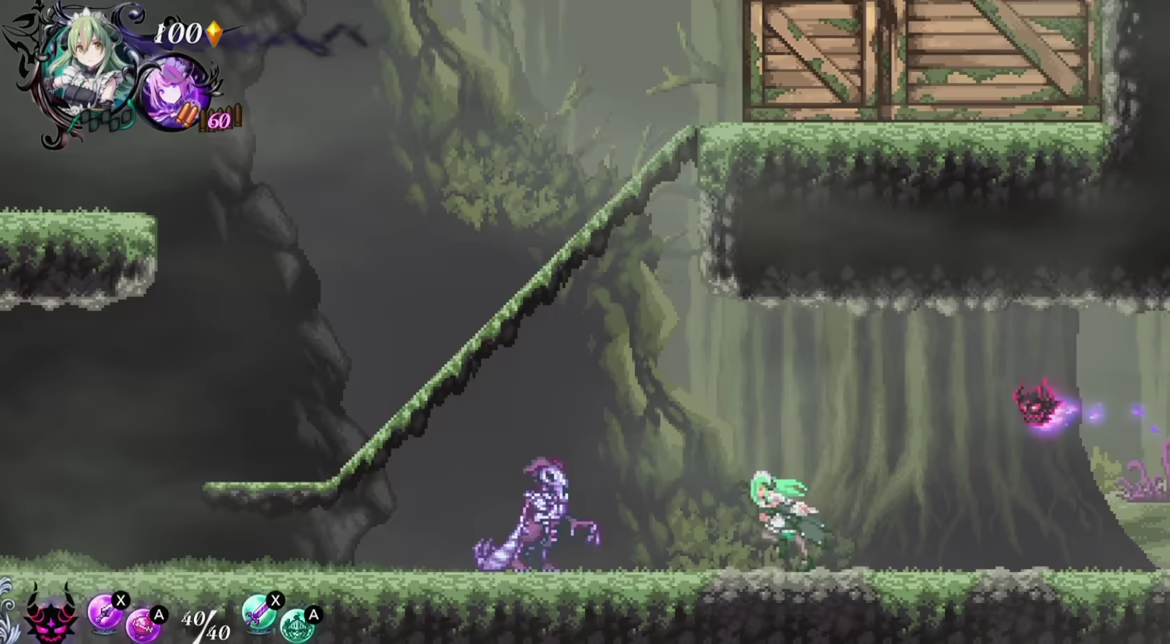
■Collect mountains of items
Enemies and treasure chests will earn you consumable items, sub-weapons, and passive enhancements called "Demon Relics" as random drops.
You'll use these items to unlock new special abilities for the sisters and access new areas of the map.
Sub-weapons can be combined and crafted to customize their power, making use of items you wouldn't otherwise need.
Gather, craft, and enhance to power up on your journey.
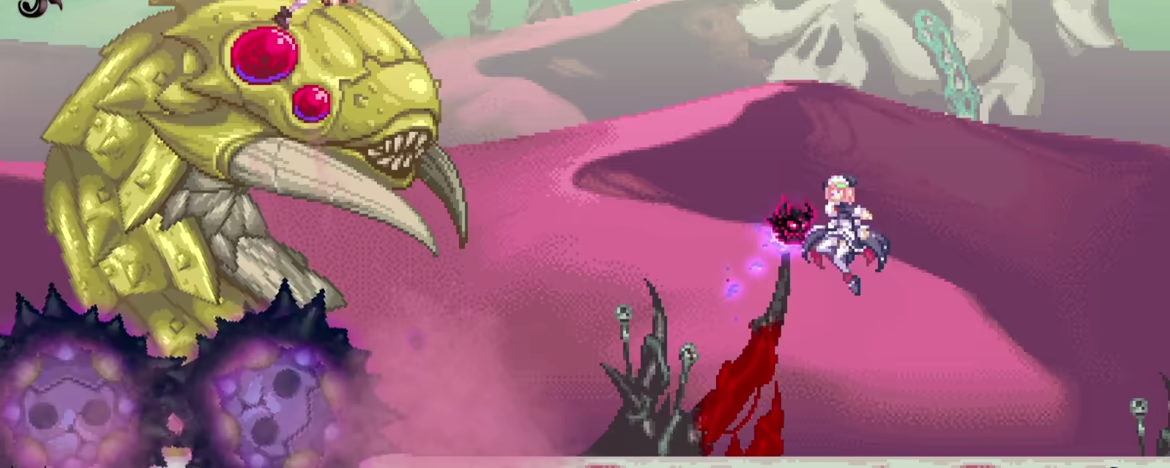
■Choose the play "Style" that's right for you
Servants of the Dark inherits the "Style" system of its predecessor, allowing you choose between "Casual," "Veteran," and "Legend."
You can switch Styles at any time, and all of the game's content is available no matter what you choose.
Feel free to choose the one that best fits the experience you want on any given day, for a chill time or a challenging endeavor.
Este texto vem direto da página do jogo na loja e é puxado automaticamente. Não somos nós que o escrevemos ou editamos, então pode conter spoilers.
Requisitos do sistema
- Mín
- Windows 10, 11
- Rec
- Windows 10, 11
- Mín
- 2Ghz or faster processer
- Rec
- 3Ghz or faster processer
- Mín
- 8 GB RAM
- Rec
- 16 GB RAM
- Mín
- 2GB VRAM (NVIDIA GeForce)
- Rec
- 4GB VRAM (NVIDIA GeForce)
- Mín
- Version 11
- Rec
- Version 11
- Mín
- 5 GB available space
- Rec
- 5 GB available space
- Mín
- -
- Rec
- Broadband Internet connection
Estes são os requisitos listados pela desenvolvedora e podem não ser 100% precisos. Se sua configuração ficar abaixo do mínimo, tente o jogo mesmo assim; muitos jogos rodam bem fora das especificações. Na dúvida, veja benchmarks de desempenho no YouTube.
Como instalar Gal Guardians: Servants of the Dark
Gal Guardians: Servants of the Dark é um jogo de PC pré-instalado, atualmente em (21.12.2025 | Build 21017416), 4.5 GB. Atualizado em Jun 2026.
- Baixe todas as partes de um mesmo mirror e salve na mesma pasta.
- Extraia o primeiro arquivo com 7-Zip ou WinRAR. As demais partes são extraídas automaticamente.
- Abra a pasta extraída e execute o .exe do jogo. Não é preciso instalador.
- Pré-instalado significa que o jogo está pronto para jogar após extrair. Nada a configurar.
Baixar
Baixe os arquivos de qualquer mirror abaixo. Todas as partes são necessárias. Salve-as na mesma pasta e extraia a primeira.
Não aceitamos pedidos de correção quando só um host está fora do ar. Use outro mirror acima. Links quebrados? Avise-nos.
Nunca protegemos arquivos com senha nem escondemos instaladores. Se uma página pedir senha ou pagamento, é o anúncio do host, não nós. Veja nosso guia de segurança.