Green Project
Zerone Games2020Indie, Simulation
492.0MBBuild 6589452Updated 3 days ago
About Green Project
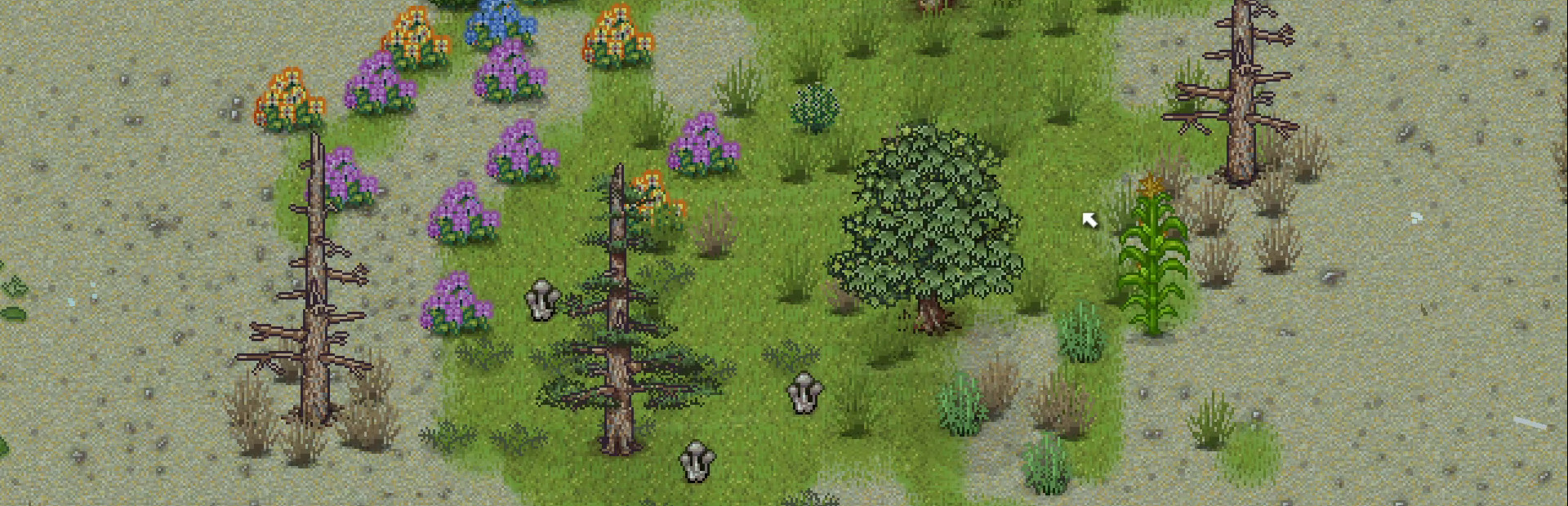
Post apocalyptic survival farming, green the world to survive !
An autonomous system with artificial intelligence ends up to establish his return on his native Earth, after a destructive fungal pandemic degrading the humankind in scraps. Thanks Rosanto!
It's a earthling, he's at home and he will survive! Or not... Armed with his protocolar pouch brief of the UASA (pronounce "WAZA") and his 80's scout formation, he will adapt or fade away in the dust of his Mother-Earth...
- Green your environment, plant trees, heal damaged nature to bring back biodiversity to be able to survive !
- Explore an open-world without loading !
- Grow crops and raise animals !
- More than 220 craftings and items !
- Night and day cycle
- Visual and sonore environment that change depending your progression !
- Save your progression whenever and wherever you want !
- No connection required and no in-app purchases !
From the store page, unedited. May contain spoilers.
This release
Reviews and playtime
Very Positive
80% of 1,435
The game
Genres and features
How to install Green Project
Pre-installed, so there is no setup wizard. Follow these in order.
- 01
Create a games folder
Make a folder like C:\Games\ and keep every game in it. Avoid Program Files, Downloads and the Desktop.
- 02
Exclude it from Windows Defender
Defender often deletes cracked files by mistake while they extract. Add C:\Games\ as an excluded folder:
Windows Security -> Virus & threat protection -> Manage settings -> Exclusions -> Add an exclusion -> Folder
- 03
Download into C:\Games\
Save the archive straight into that folder. This release is one 492.0MB file.
- 04
Extract it there
Use 7-Zip or WinRAR. Keep about 1.1 GB free while it unpacks.
- One file
- Right-click it -> Extract here.
- Several parts
- Extract only part1 (or .001). The other parts are read automatically.
- 05
Open README.html
It is inside the extracted folder and explains how to start the game.
Still stuck? Read the install help
Download
Set up your games folder and the Defender exclusion before you extract. The Install tab has the steps.
FilesYard
The whole game in one file
FileDitch
The whole game in one file
VikingFile
The whole game in one file
We don't accept fix requests when only one host is down. Please use another mirror above. Links broken? Let us know.
We never password-protect files or hide installers. If a page asks for a password or payment, that is the host's ad, not us. See our safety guide.
System requirements
Windows Vista, 7, 8 or 10
1 GB RAM
256 mb
150 MB available space
These are the developer's listed requirements and may not be 100% accurate. If your specs fall below the minimum, try the game anyway; many games run fine below the listed requirements. When in doubt, check YouTube for performance benchmarks.