Horse Club™ Adventures 2: Hazelwood Stories
Wild River Games GmbH2022Adventure, Simulation
3.0GBBuild 10114516Updated 1 day ago
About Horse Club™ Adventures 2: Hazelwood Stories
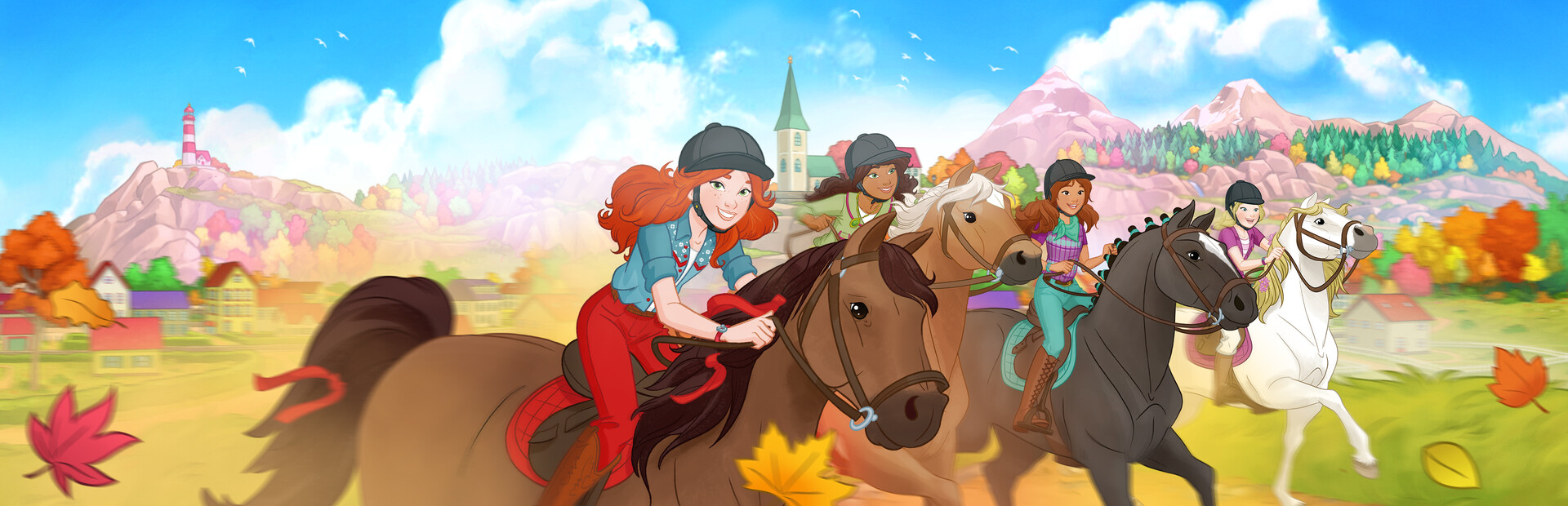
Saddled, up and away! Ride together with the girls from Horse Club™ and discover a colorful world full of adventure. In Horse Club Adventures 2 – Hazelwood Stories you can plunge once again into the colorful world around Lakeside and experience adventures on horseback!
It’s not so easy, but luckily you meet up with lots of friends who help you, and afterwards you can play out a wide variety of stories with them: helping out at the riding stables, taking photos of birds, finding hidden treasures – apart from the thrilling main story, diverse experiences await you, too.
Demonstrate your skill at elegant dressage, on the dusty Western riding grounds, in fast-paced obstacle-course races, at herding stubborn livestock, or at “Pop & Gallop” while trying to improve your high score!
Enjoy rides out in the open, lovingly designed world: Hazelwood, sunny beaches, autumn forests and dusky swamps, all the way to snow-capped mountains.
Tend to your horse: feeding, washing, scraping out hooves or simply just an affectionate hug – your friendship and abilities will steadily grow.
Design yourself and your horse to please you: With over a hundred unlockable pieces of clothing and customizations you can find a style all your own.
Including completely dubbed texts in English and an original soundtrack by Winifred Phillips.
From the store page, unedited. May contain spoilers.
This release
Reviews and playtime
Positive
88% of 48
The game
Genres and features


How to install Horse Club™ Adventures 2: Hazelwood Stories
Pre-installed, so there is no setup wizard. Follow these in order.
- 01
Create a games folder
Make a folder like C:\Games\ and keep every game in it. Avoid Program Files, Downloads and the Desktop.
- 02
Exclude it from Windows Defender
Defender often deletes cracked files by mistake while they extract. Add C:\Games\ as an excluded folder:
Windows Security -> Virus & threat protection -> Manage settings -> Exclusions -> Add an exclusion -> Folder
- 03
Download into C:\Games\
Save the archive straight into that folder. This release is one 3.0GB file.
- 04
Extract it there
Use 7-Zip or WinRAR. Keep about 6.6 GB free while it unpacks.
- One file
- Right-click it -> Extract here.
- Several parts
- Extract only part1 (or .001). The other parts are read automatically.
- 05
Open README.html
It is inside the extracted folder and explains how to start the game.
Still stuck? Read the install help
Download
Set up your games folder and the Defender exclusion before you extract. The Install tab has the steps.
FilesYard
The whole game in one file
VikingFile
The whole game in one file
We don't accept fix requests when only one host is down. Please use another mirror above. Links broken? Let us know.
We never password-protect files or hide installers. If a page asks for a password or payment, that is the host's ad, not us. See our safety guide.
System requirements
- Min
- Intel Core i5 2500 or AMD X8 FX-8350
- Rec
- i5 9600 or AMD Ryzen 5 3600
- Min
- 4 GB RAM
- Rec
- 8 MB RAM
- Min
- Nvidia GT 710 or AMD Radeon HD 8570D
- Rec
- Nvidia GTX 1060 or AMD Radeon RX 570
Windows 10 or higher
Version 11
2 GB available space
These are the developer's listed requirements and may not be 100% accurate. If your specs fall below the minimum, try the game anyway; many games run fine below the listed requirements. When in doubt, check YouTube for performance benchmarks.