
Logic Arrows - Free PC Download
About Logic Arrows
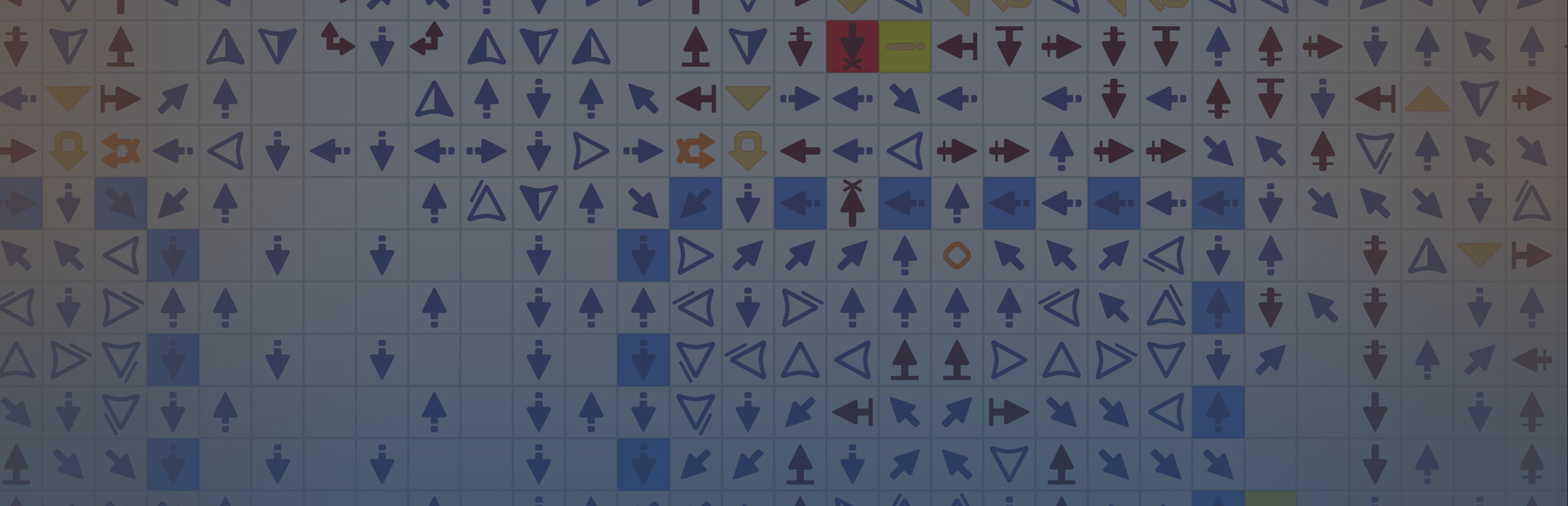
Each arrow performs a single simple operation on a signal, resulting in complex behavior. The game introduces you to the fundamentals of digital logic and computer architecture.

Solve minimalist puzzles and watch the flow of signals.

Or push the limits. Build calculators, displays, memory blocks, or even a fully functional CPU.
There is no "right" solution, only your solution. Once you solve a puzzle, the real challenge begins: can you make it smaller? Can you make it faster?
This text comes straight from the game's store page and is pulled in automatically. We don't write or edit it, so it may contain spoilers.
System requirements
- Min
- Windows 10
- Rec
- Windows 10
- Min
- 64-bit processor
- Rec
- 64-bit processor
- Min
- 1 GB RAM
- Rec
- 2 GB RAM
- Min
- Intel HD Graphics 630
- Rec
- NVIDIA GeForce GTX 1070
- Min
- Version 10
- Rec
- Version 10
- Min
- 1 GB available space
- Rec
- 2 GB available space
These are the developer's listed requirements and may not be 100% accurate. If your specs fall below the minimum, try the game anyway; many games run fine below the listed requirements. When in doubt, check YouTube for performance benchmarks.
How to install Logic Arrows
Logic Arrows is a pre-installed PC game, currently at Build 26605849, 91.3MB. Updated Nov 2026.
- Download every part from one mirror and save them in the same folder.
- Extract the first archive with 7-Zip or WinRAR. The rest unpack automatically.
- Open the extracted folder and run the game's .exe. No installer is needed.
- Pre-installed means the game is ready to play after extracting. Nothing to set up.
Download
Download the files from any mirror below. All parts are needed. Save them to the same folder, then extract the first one.
We don't accept fix requests when only one host is down. Please use another mirror above. Links broken? Let us know.
We never password-protect files or hide installers. If a page asks for a password or payment, that is the host's ad, not us. See our safety guide.
Comments
You might also like

The Farmer Was Replaced
Idle, Puzzle, Interactive Fiction

Turing Complete
Puzzle, Simulation, Sandbox
Database Detective: Minor Crimes Division
Puzzle, Indie, Mystery

Automation - The Car Company Tycoon Game
Simulation, Management, Sandbox

Kerbal Space Program
Simulation, Sandbox, Indie

Planetary Life
Sandbox, Simulation, Strategy