
NAIAD Free Download
HiWarp2024Adventure, Puzzle
1.7GBBuild 17158414Updated 1 day ago
About NAIAD
Immerse yourself in a relaxing, minimalist and colorful adventure. Flow with Naiad across a mysterious river and interact with its fauna and flora to discover little secrets. Enjoy a wholesome experience with an original and dreamy visual style.
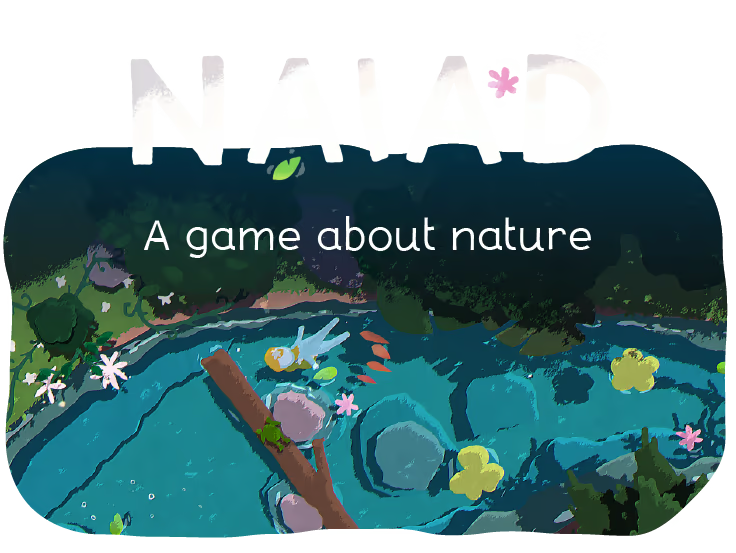

Flow with Naiad across a mysterious river and interact with its fauna and flora to discover little secrets. Enjoy a wholesome experience with an original visual style.
 Learn to swim like a duck, dive like a fish, dash like a frog and meet other adorable friends like butterflies, rabbits, turtles, snakes, and crocodiles. Help them find their way and avoid obstacles.
A journey in 16 episodes that will take you through beautiful and strange places like a spring, a forest, a cave, a lake, an orchard... until you reach the sea.
Developed by a solo dev who has pampered every detail to create a very personal and unique game.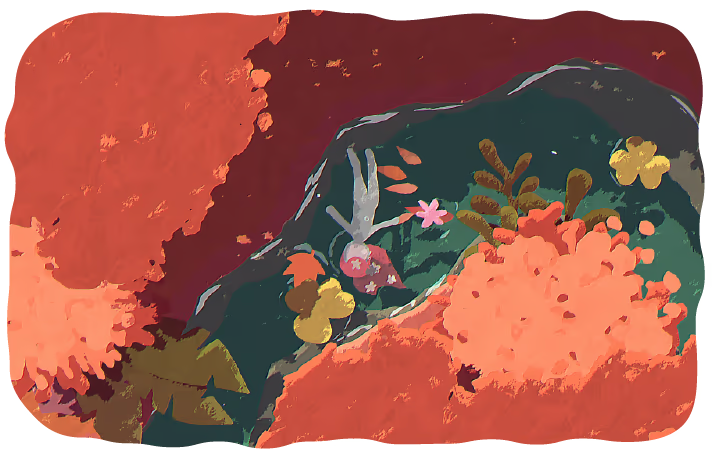
 Take a refreshing and serene swim where you can explore a peaceful river at your own pace.
Embark on an emotional journey of growth to reach the sea. Play with friendly and adorable animals and make flowers sprout as you sing.
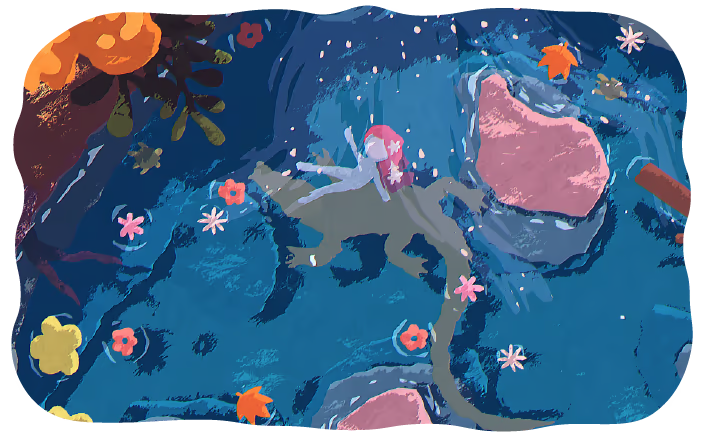

Beautiful visuals and sound design helps you feel like you're diving underwater and flowing among floating leaves and flowers.
In each zone you will discover new animals and little secrets, with different atmosphere and music as the day progresses.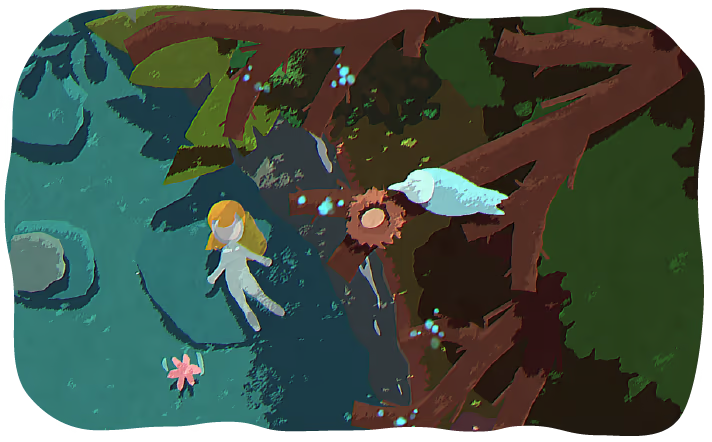
 Join little Naiad on an adventure to protect nature from certain humans who try to take advantage of the river and pollute it.
Will you be able to guide and help the animals find their way?
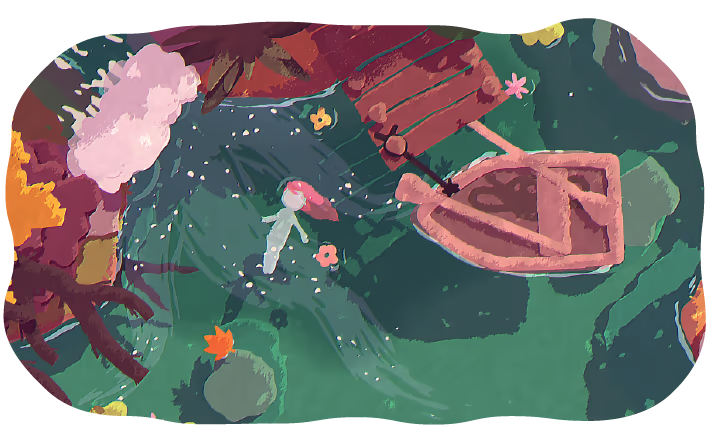
From the store page, unedited. May contain spoilers.
This release
Reviews and playtime
Overwhelmingly Positive
95% of 603
The game
Genres and features
How to install NAIAD
Pre-installed, so there is no setup wizard. Follow these in order.
- 01
Create a games folder
Make a folder like C:\Games\ and keep every game in it. Avoid Program Files, Downloads and the Desktop.
- 02
Exclude it from Windows Defender
Defender often deletes cracked files by mistake while they extract. Add C:\Games\ as an excluded folder:
Windows Security -> Virus & threat protection -> Manage settings -> Exclusions -> Add an exclusion -> Folder
- 03
Download into C:\Games\
Save the archive straight into that folder. This release is one 1.7GB file.
- 04
Extract it there
Use 7-Zip or WinRAR. Keep about 3.7 GB free while it unpacks.
- One file
- Right-click it -> Extract here.
- Several parts
- Extract only part1 (or .001). The other parts are read automatically.
- 05
Open README.html
It is inside the extracted folder and explains how to start the game.
Still stuck? Read the install help
Download
Set up your games folder and the Defender exclusion before you extract. The Install tab has the steps.
FilesYard
The whole game in one file
VikingFile
The whole game in one file
We don't accept fix requests when only one host is down. Please use another mirror above. Links broken? Let us know.
We never password-protect files or hide installers. If a page asks for a password or payment, that is the host's ad, not us. See our safety guide.
System requirements
- Min
- Windows 7 SP1+ (or later)
- Rec
- Windows 10
- Min
- Intel or AMD Dual Core at 2 GHz (or better)
- Rec
- Intel Core i5, Ryzen 5
- Min
- 4 GB RAM
- Rec
- 8 GB RAM
- Min
- Intel Graphics 4400 or better
- Rec
- NVIDIA 970 GTX, Radeon RX 580
- Min
- 1 GB available space
- Rec
- 2 GB available space
Version 11
Gamepad Controller Recommended
These are the developer's listed requirements and may not be 100% accurate. If your specs fall below the minimum, try the game anyway; many games run fine below the listed requirements. When in doubt, check YouTube for performance benchmarks.