
About Projector Face
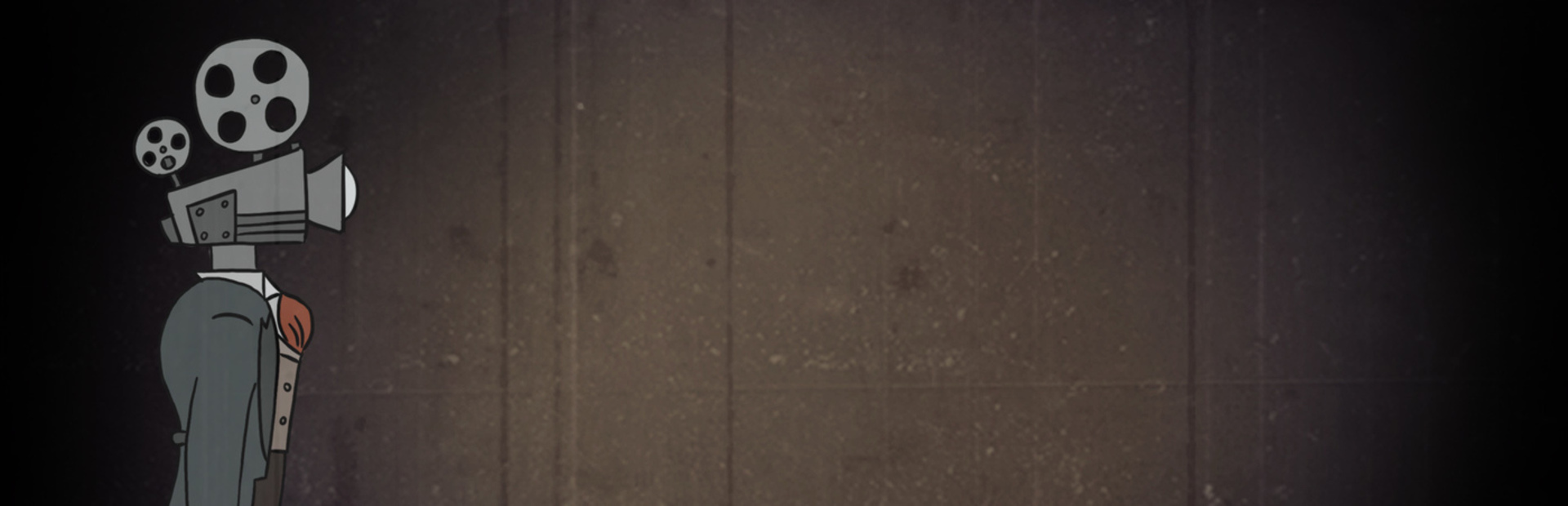
Featuring a beautiful art style, Projector Face is an interesting experience set in an odd town forgotten to time. Players will need to gather items needed to solve a variety of puzzles, as well as create and repair old film reels and the surfaces they can be projected onto. Put yourself in the shoes of a misunderstood creature, and discover the odd world of Projector Face.
Game Features:
- Repair old films found throughout the town
- Mouse-only controls
- Interact with, pick up, and combine items to solve various puzzles throughout the game
- 100% hand drawn characters and environments
- "Silent Film" style narration
- Find hidden collectables throughout the town
This text comes straight from the game's store page and is pulled in automatically. We don't write or edit it, so it may contain spoilers.
System requirements
- Min
- Windows 2000 or higher
- Min
- Pentium or higher
- Min
- 64 MB RAM
- Min
- Supports all DirectX-compatible sound and video cards
- Min
- Version 5.2
- Min
- Supports all DirectX-compatible sound and video cards
These are the developer's listed requirements and may not be 100% accurate. If your specs fall below the minimum, try the game anyway; many games run fine below the listed requirements. When in doubt, check YouTube for performance benchmarks.
How to install Projector Face
Projector Face is a pre-installed PC game, currently at Build 15347574, 1.6GB. Updated Nov 2026.
- Download every part from one mirror and save them in the same folder.
- Extract the first archive with 7-Zip or WinRAR. The rest unpack automatically.
- Open the extracted folder and run the game's .exe. No installer is needed.
- Pre-installed means the game is ready to play after extracting. Nothing to set up.
Download
Download the files from any mirror below. All parts are needed. Save them to the same folder, then extract the first one.
We don't accept fix requests when only one host is down. Please use another mirror above. Links broken? Let us know.
We never password-protect files or hide installers. If a page asks for a password or payment, that is the host's ad, not us. See our safety guide.