Armoured Commander II - Free PC Download
Sobre Armoured Commander II
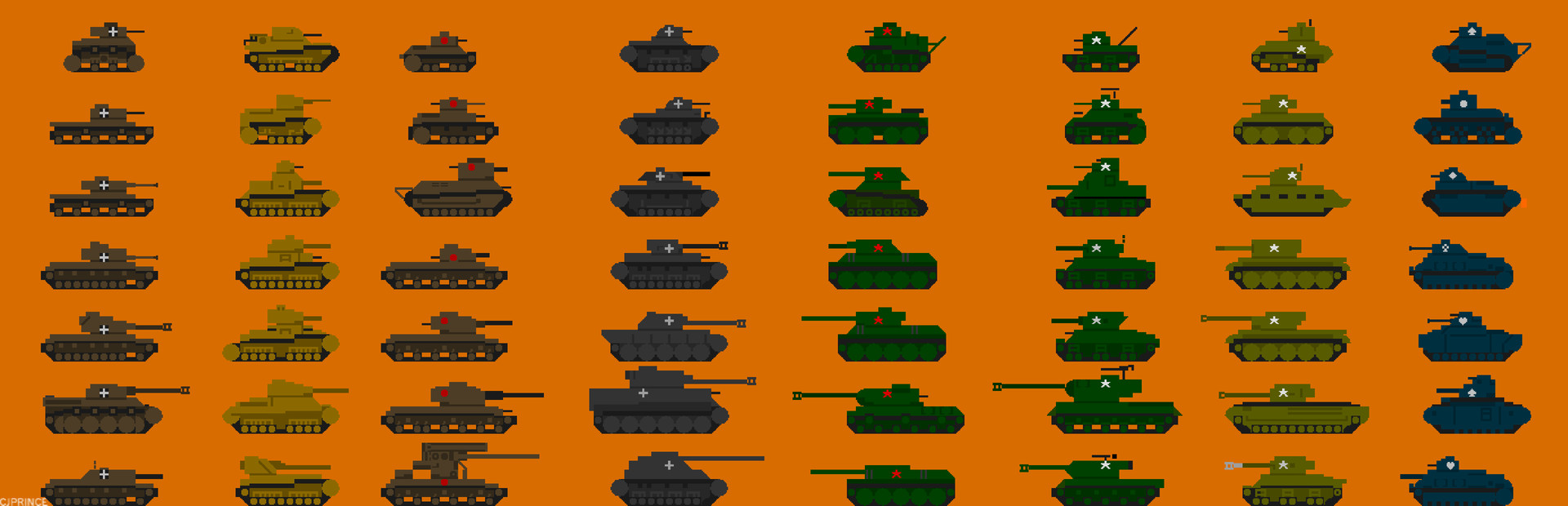
In Armoured Commander II, you play the role of a tank commander in World War II, leading your crew through a campaign in one of the major conflicts of the war. The game features over 50 campaigns set between 1939 and 1945, and over 1300 unit types. The terrain map for each combat day, the weather conditions, and the types of enemies you encounter are randomly and procedurally generated, which means that each playthrough of a campaign will bring new and unexpected challenges. Your commander and crew gain experience and can improve their stats and gain skills over time, but they are also vulnerable to injury and may be seriously wounded or killed during the course of a campaign.
Gameplay
ArmCom2 is a game of survival rather than destruction. You will frequently find yourself outnumbered and outgunned. Your success in a campaign will depend on your ability to deal with a variety of challenges, and to make best use of all the tactics and tools that you have at your disposal. Different tanks, historical eras, and regions of the world will produce a very different play experiences, from the initial armoured clashes in Asia and Poland in 1939, to the final drive on Berlin and the Pacific Islands of the Japanese Empire in 1945.
The gameplay is turn-based, so you can pause and consider your options at any point in the game. You can choose to take on the role of your Commander, meaning that if your Commander is killed in the game your campaign ends (Permadeath), or you can continue playing through an entire campaign, replacing your tank and crew as needed. Once a campaign ends, you can choose to continue with your crew in a new campaign.
Different campaigns are designed to include historically-based vehicles for you to command, friendly support units, enemy units, and different types of missions. Some campaigns will be easier than others, and historical battles such as Kursk or Operation Overlord are included. The weather, terrain, and length of combat day will vary based on your location in the world and the date in the calendar.
Mods are supported: an extension for the Vortex mod manager is available, or mods can be manually installed by the player.
No DRM is used in the game and it will run without Steam connectivity if required (although achievements will not be recorded). The source code (excluding assets such as portraits, campaign and unit definitions) is open source and included with the game.
No generative AI was used in creating this game.
Este texto vem direto da página do jogo na loja e é puxado automaticamente. Não somos nós que o escrevemos ou editamos, então pode conter spoilers.
Requisitos do sistema
- Mín
- Windows 7
- Rec
- -
- Mín
- Intel i5 4300M or equivalent
- Rec
- -
- Mín
- 1 GB RAM
- Rec
- -
- Mín
- Must support SDL2 or OpenGL
- Rec
- -
- Mín
- 150 MB available space
- Rec
- -
- Mín
- Any card that supports SDL2
- Rec
- -
Estes são os requisitos listados pela desenvolvedora e podem não ser 100% precisos. Se sua configuração ficar abaixo do mínimo, tente o jogo mesmo assim; muitos jogos rodam bem fora das especificações. Na dúvida, veja benchmarks de desempenho no YouTube.
Como instalar Armoured Commander II
Armoured Commander II é um jogo de PC pré-instalado, atualmente em (31.05.2026 | Build 23494714), 31.3 MB. Atualizado em Jun 2026.
- Baixe todas as partes de um mesmo mirror e salve na mesma pasta.
- Extraia o primeiro arquivo com 7-Zip ou WinRAR. As demais partes são extraídas automaticamente.
- Abra a pasta extraída e execute o .exe do jogo. Não é preciso instalador.
- Pré-instalado significa que o jogo está pronto para jogar após extrair. Nada a configurar.
Baixar
Baixe os arquivos de qualquer mirror abaixo. Todas as partes são necessárias. Salve-as na mesma pasta e extraia a primeira.
Não aceitamos pedidos de correção quando só um host está fora do ar. Use outro mirror acima. Links quebrados? Avise-nos.
Nunca protegemos arquivos com senha nem escondemos instaladores. Se uma página pedir senha ou pagamento, é o anúncio do host, não nós. Veja nosso guia de segurança.