

Cozy Organizer - Free PC Download
Sobre Cozy Organizer
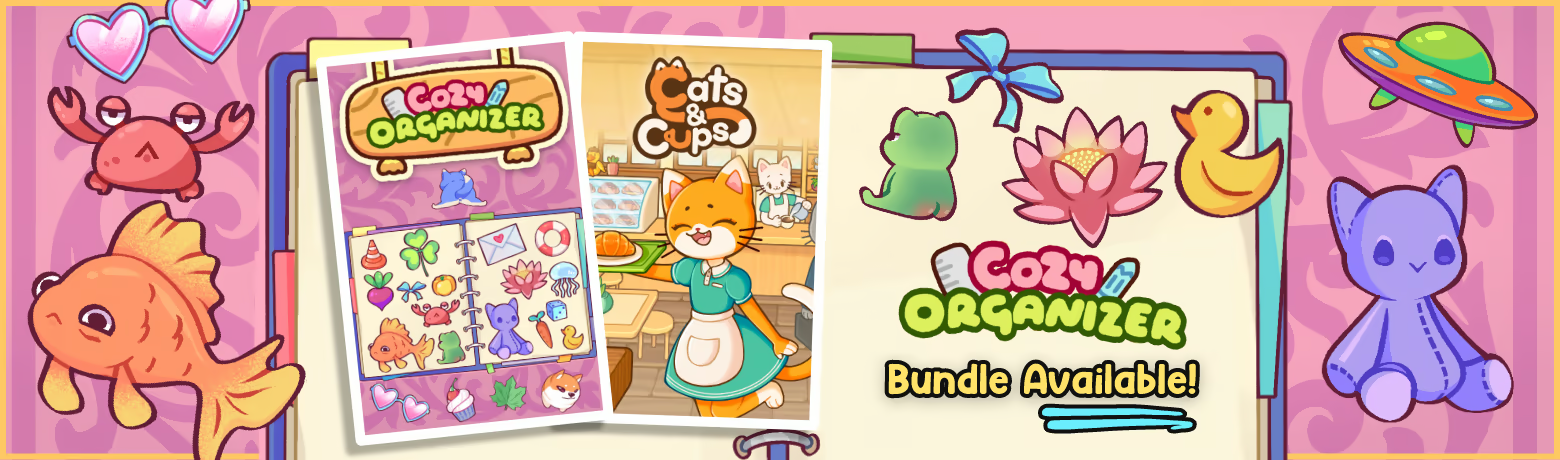
✨ Get it Together Discounted!
About the Game
The world of cozy chaos and satisfying order!In Cozy Organizer, you’ll find yourself in a relaxing sandbox where creativity meets comfort. Inspired by the most satisfying organizing TikTok videos, this game lets you organize, decorate, align, and stack items to your heart’s content. Whether you're a master of tidying up or just love to see things perfectly in place, this is your ultimate organizing haven!

What Makes Cozy Organizer Special?
Endless Customization: Create your dream cozy spaces by organizing vibrant and quirky items. From bookshelves and pantries to wardrobes and living rooms, the possibilities are endless.
Wholesome Fun: With charming visuals, humorous references, and delightful surprises, every session feels like wrapping yourself in a warm blanket of creativity.
Relaxation Guaranteed: Enjoy chill music and satisfying gameplay as you bring harmony to cluttered spaces. This isn’t just a game—it’s your digital escape from a hectic world.
Cozy Challenges: Unlock new items, themes, and layouts by completing fun, low-pressure organizing tasks at your own pace.

Features:
Vibrant colorful graphics that make every item pop.
A soothing soundtrack designed to enhance your cozy vibes.
Hundreds of quirky and charming items to discover and organize.
Funny and unexpected references that will keep you smiling.
An endlessly replayable sandbox mode where you can decorate and reorganize to your heart’s content.

Unleash Your Inner Organizer
Whether you’re arranging a tidy pantry, creating a picture-perfect closet, or stacking books for aesthetic perfection, Cozy Organizer is the game where your creativity and attention to detail shine. There’s no right or wrong way to play—just the satisfying joy of turning chaos into cozy harmony.
Dive in, organize endlessly, and create spaces that feel like home. Because in Cozy Organizer, perfection is as cozy as it gets.

Don't forget to wishlist "Cozy Organizer" on Steam, press the green button by going up the page 💜
Este texto vem direto da página do jogo na loja e é puxado automaticamente. Não somos nós que o escrevemos ou editamos, então pode conter spoilers.
Requisitos do sistema
- Mín
- Windows 7+
- Rec
- -
- Mín
- Intel Pentium CPU G860
- Rec
- -
- Mín
- NVIDIA GeForce 840M (Onboard Okay)
- Rec
- -
- Mín
- 64 Bit Only
- Rec
- -
Estes são os requisitos listados pela desenvolvedora e podem não ser 100% precisos. Se sua configuração ficar abaixo do mínimo, tente o jogo mesmo assim; muitos jogos rodam bem fora das especificações. Na dúvida, veja benchmarks de desempenho no YouTube.
Como instalar Cozy Organizer
Cozy Organizer é um jogo de PC pré-instalado, atualmente em Build 24436527, 446.8 MB. Atualizado em Aug 2026.
- Baixe todas as partes de um mesmo mirror e salve na mesma pasta.
- Extraia o primeiro arquivo com 7-Zip ou WinRAR. As demais partes são extraídas automaticamente.
- Abra a pasta extraída e execute o .exe do jogo. Não é preciso instalador.
- Pré-instalado significa que o jogo está pronto para jogar após extrair. Nada a configurar.
Baixar
Baixe os arquivos de qualquer mirror abaixo. Todas as partes são necessárias. Salve-as na mesma pasta e extraia a primeira.
O Pixeldrain limita downloads gratuitos a alguns MB/s. O botão Copiar link rápido gera um link de bypass sem limite de velocidade. Cole no seu gerenciador de downloads ou na barra de endereços do navegador.
Não aceitamos pedidos de correção quando só um host está fora do ar. Use outro mirror acima. Links quebrados? Avise-nos.
Nunca protegemos arquivos com senha nem escondemos instaladores. Se uma página pedir senha ou pagamento, é o anúncio do host, não nós. Veja nosso guia de segurança.