
GONE Fishing - Free PC Download
Sobre GONE Fishing
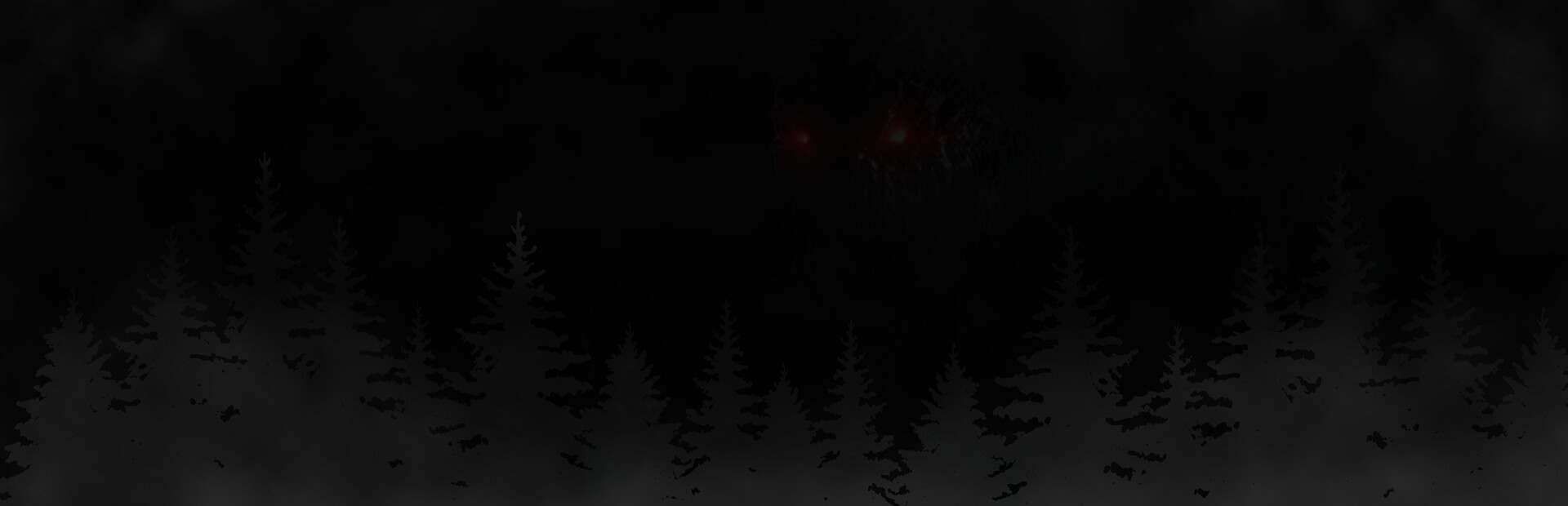
Welcome to Gone Fishing, a 1-8 player co-op horror game where players must fish together to satisfy the hunger of an ancient lake monster's never-ending hunger before each night falls.

Cast your line, catch fish, and gather bait. But beneath the surface, something stirs and it's getting hungry... If you and your friends fail to offer enough fish before darkness creeps in, the creature will emerge, hunting you relentlessly. The cabin won’t keep you safe. Running won’t either. Only a full offering can delay the inevitable.
Key Features:
Immersive Fishing System: Catch a variety of fish species, each with unique behaviors, fight patterns, and sizes.
Dynamic Bait Collection: Hunt for live bait, frogs, worms, spiders, and bats, that each react differently to your presence.
Atmospheric Horror: Peaceful days turn into tense nights as the monster grows more aggressive with each failed offering.
Co-Op Survival: Coordinate with your team to gather, fish, and survive, or risk being dragged into the lake one by one.
Balloon Merchant: A mysterious trader floats in at midday, offering upgrades and totems that may be the difference between survival and doom.

Gone Fishing blends the calm of fishing with the creeping dread of survival horror. Feed the lake monster… or become its next feast.
How To Play
Gather Bait from the surrounding landscape. Bait lets you catch bigger fish, and big fish like big bait. Pressing TAB, or whatever inventory button you’ve chosen, will allow you to equip the bait once caught.

Go Fishing in the lake. Hold LMB to cast your line. When you get a bite, click LMB at the right moment to set the hook.
If your timing is off, the fish becomes harder to reel in.
Hold LMB to reel it in, but be careful—too much tension and the line snaps, too little and the fish escapes!

Sacrifice Fish To The Lake Monster by dropping the fish in the altar with ‘G’ or your drop key! Or drop your fish in the Hot Air Balloon Trader’s basket to earn money for Upgrades and Totems!

Think you're the best angler in the valley? Prove it.
Every fish you catch is recorded! Compete with players across the world to land the biggest fish and climb the global leaderboard.

JOIN THE DISCORD TO SUGGEST IDEAS AND REPORT BUGS:
Este texto vem direto da página do jogo na loja e é puxado automaticamente. Não somos nós que o escrevemos ou editamos, então pode conter spoilers.
Requisitos do sistema
- Mín
- Windows 10 (64-bit)
- Rec
- Windows 10 (64-bit)
- Mín
- Intel Core i5-2500K / AMD FX-6300
- Rec
- Intel Core i7-12400/ AMD Ryzen 5 5600X
- Mín
- 8 GB RAM
- Rec
- 12 GB RAM
- Mín
- NVIDIA GeForce GTX 970 / AMD Radeon R9 280
- Rec
- NVIDIA GeForce RTX 3060 / AMD Radeon RX 6700xt
- Mín
- Version 11
- Rec
- Version 12
- Mín
- 6 GB available space
- Rec
- 6 GB available space
- Mín
- DirectX compatible sound card
- Rec
- DirectX compatible sound card
Estes são os requisitos listados pela desenvolvedora e podem não ser 100% precisos. Se sua configuração ficar abaixo do mínimo, tente o jogo mesmo assim; muitos jogos rodam bem fora das especificações. Na dúvida, veja benchmarks de desempenho no YouTube.
Como instalar GONE Fishing
GONE Fishing é um jogo de PC pré-instalado, atualmente em Build 26140539, 5.1GB. Atualizado em Oct 2026.
- Baixe todas as partes de um mesmo mirror e salve na mesma pasta.
- Extraia o primeiro arquivo com 7-Zip ou WinRAR. As demais partes são extraídas automaticamente.
- Abra a pasta extraída e execute o .exe do jogo. Não é preciso instalador.
- Pré-instalado significa que o jogo está pronto para jogar após extrair. Nada a configurar.
Baixar
Baixe os arquivos de qualquer mirror abaixo. Todas as partes são necessárias. Salve-as na mesma pasta e extraia a primeira.
Não aceitamos pedidos de correção quando só um host está fora do ar. Use outro mirror acima. Links quebrados? Avise-nos.
Nunca protegemos arquivos com senha nem escondemos instaladores. Se uma página pedir senha ou pagamento, é o anúncio do host, não nós. Veja nosso guia de segurança.