Who Takes The Crown? - Free PC Download
Sobre Who Takes The Crown?
Gameplay
Who Takes The Crown? is about controlling a little pawn and getting to the top of each level to claim your crown. Play through various chess games to build your platforms and climb higher and higher. Be careful though, much like the game of chess, the movement of your pawn requires timing and patience. One wrong maneuver could send you tumbling back down to the bottom of the level and start you over.
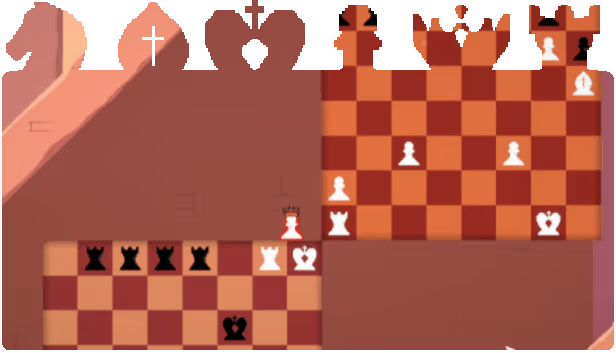
It's not only about your platforming skill either. One blunder in any of the chess games could send you back as well!
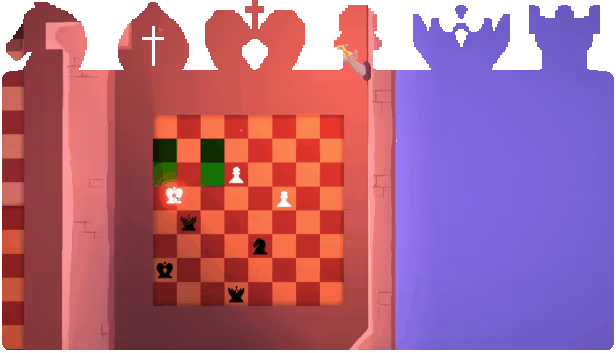
Something for everyone!
Not a fan of rage games but like chess? Not to worry! Who Takes The Crown? has a Casual difficulty that lets you turn off the jump failure and features game boards that are more about puzzling than platforming.
Like puzzle platformers but aren't as strong at chess? No problem! This game includes custom settings so you can adjust the Stockfish ELO and the difficulties of the chess positions to your desire.
Looking for a hard challenge to put all your skills to the test? Who Takes The Crown? has challenges of all types including procedurally generated chess boards to conquer!
Game Modes
Adventure
This is the main game mode in Who Takes the Crown? Start from the bottom of the map and make your way very high up to claim the crown. The map contains many chess games for you to navigate through. There are varying difficulties for all kinds of skill levels. The chess games are played against the Stockfish chess engine so make sure to have your thinking cap on!
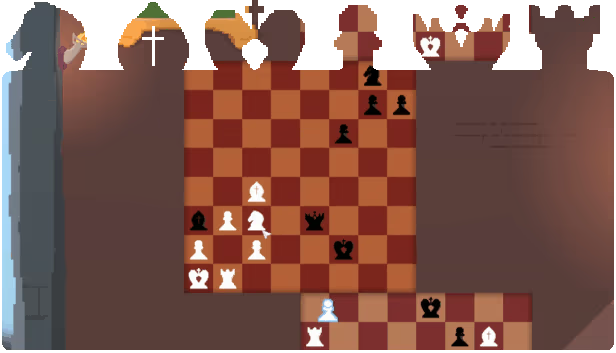
There are three main difficulties to the Adventure Mode
Casual
1000 Stockfish Elo
Jump Failure Turned Off
Resets/Restarts Go To Your Current Section
Normal
1300 Stockfish Elo
Jump Failure Turned On
Resets/Restarts Go To Your Current Section
Immortal
1600 Stockfish Elo
Jump Failure Turned On
Resets/Restarts Go To The Beginning Of The Level
Use your chess skills to checkmate Stockfish and gain a power up to help you navigate difficult boards!
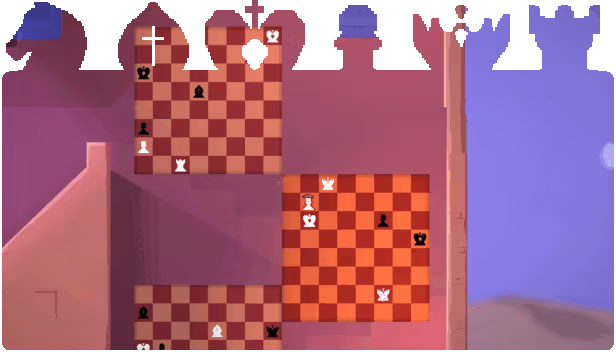
Stacks
This game mode is similar to the Adventure mode but it is more puzzle based and much shorter. There are seven boards stacked straight on top of each other. Climb them as quick as you can!
There are three main stacks:
Modern Classics - Games from recent history,
Influencers - Famous games played by internet celebrities,
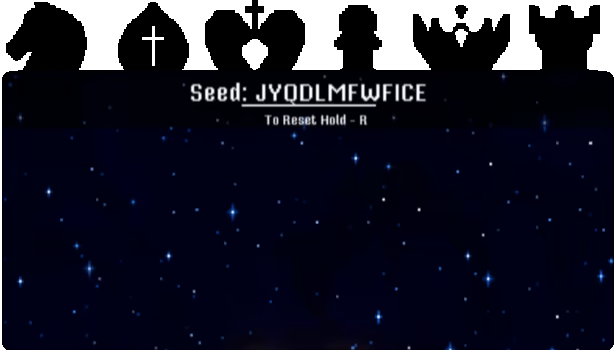
Endless - Procedurally generated games based on a seed value
Highscores
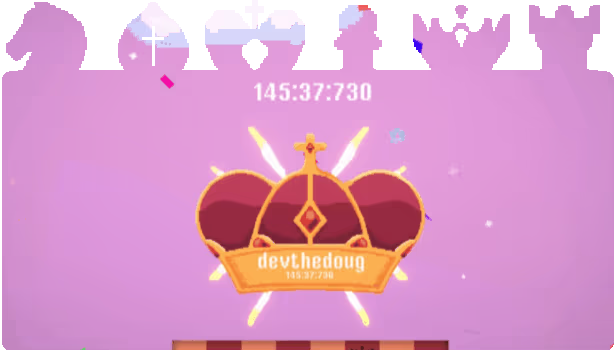
Completing each Adventure Mode and Stacks maps will enter you into a highscores list with your fastest time. If you are the fastest player to complete a level your name will be displayed on the crown at the top of each level for everyone else to see!
Disclaimer: This game is not associated with or endorsed by a board game called "Who Wears The Crown?" by Blue Heron Entertainment LLC.
Este texto vem direto da página do jogo na loja e é puxado automaticamente. Não somos nós que o escrevemos ou editamos, então pode conter spoilers.
Requisitos do sistema
- Mín
- Windows 10
- Rec
- Windows 10
- Mín
- Dual Core 2.4 Ghz
- Rec
- Dual Core 2.4 Ghz
- Mín
- 2000 MB RAM
- Rec
- 2 GB RAM
- Mín
- GTX 760
- Rec
- -
- Mín
- Version 11
- Rec
- Version 11
- Mín
- 3 GB available space
- Rec
- -
- Mín
- 64 Bit Architecture Required to Run Stockfish
- Rec
- 64 Bit Architecture Required to Run Stockfish
Estes são os requisitos listados pela desenvolvedora e podem não ser 100% precisos. Se sua configuração ficar abaixo do mínimo, tente o jogo mesmo assim; muitos jogos rodam bem fora das especificações. Na dúvida, veja benchmarks de desempenho no YouTube.
Como instalar Who Takes The Crown?
Who Takes The Crown? é um jogo de PC pré-instalado, atualmente em (29.07.25 | Build 19405828), 240 MB. Atualizado em Mar 2026.
- Baixe todas as partes de um mesmo mirror e salve na mesma pasta.
- Extraia o primeiro arquivo com 7-Zip ou WinRAR. As demais partes são extraídas automaticamente.
- Abra a pasta extraída e execute o .exe do jogo. Não é preciso instalador.
- Pré-instalado significa que o jogo está pronto para jogar após extrair. Nada a configurar.
Baixar
Baixe os arquivos de qualquer mirror abaixo. Todas as partes são necessárias. Salve-as na mesma pasta e extraia a primeira.
O Pixeldrain limita downloads gratuitos a alguns MB/s. O botão Copiar link rápido gera um link de bypass sem limite de velocidade. Cole no seu gerenciador de downloads ou na barra de endereços do navegador.
Não aceitamos pedidos de correção quando só um host está fora do ar. Use outro mirror acima. Links quebrados? Avise-nos.
Nunca protegemos arquivos com senha nem escondemos instaladores. Se uma página pedir senha ou pagamento, é o anúncio do host, não nós. Veja nosso guia de segurança.