Roulette Dungeon
Hooded Traveler Games2026Roguelike, Card Game
3.4GBBuild 24533805Updated 2 hours ago
About Roulette Dungeon
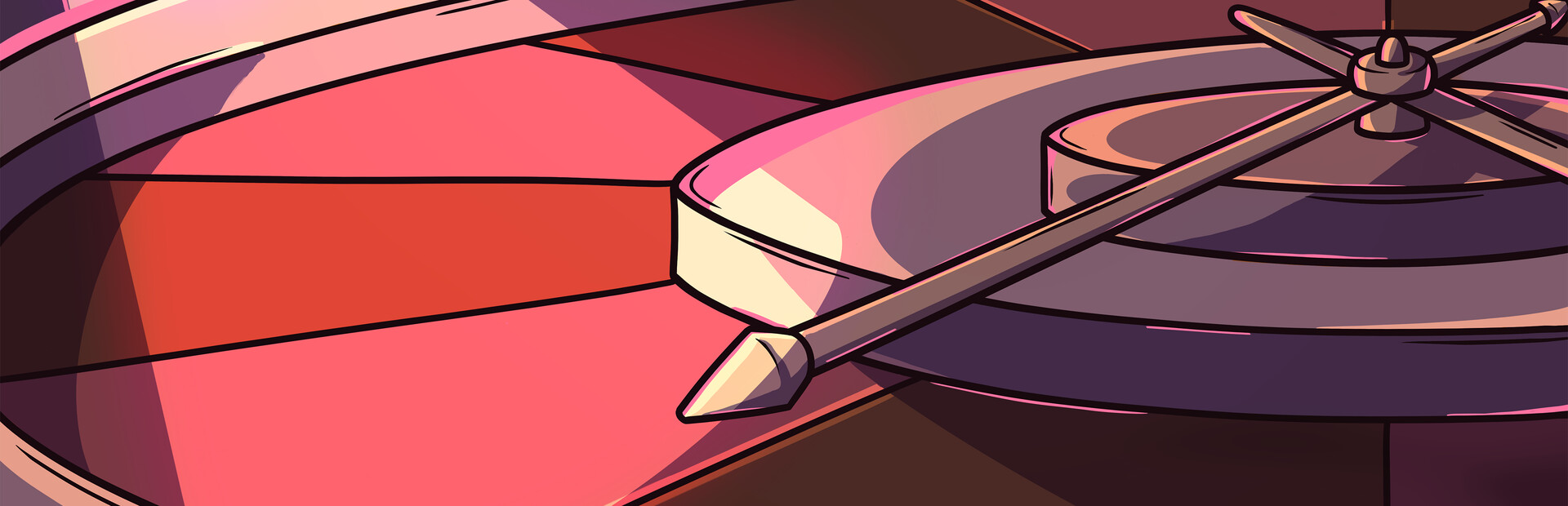
You're a gambling-addicted cat trying to break out of prison by spinning the roulette wheel! Master the balance between strategic planning and unpredictable luck by placing bets, using special abilities, and collecting items to outsmart your foes and conquer the dungeon.

Roulette Dungeon is a turn-based roguelike where you spin a roulette wheel to defeat your enemies.
Master the balance between strategic planning and unpredictable luck by placing bets, using special abilities, and collecting items to outsmart your foes and conquer the dungeon.

SPIN YOUR WHEEL TO VICTORY!
Find items to create tons of unique playstyles, collect chips to place your bets & use all of your resources (and a little bit of luck) to defeat your enemies!

CONQUER THE DUNGEON!
Unique take on the roguelike genre with a focus on roulette mechanics!
A variety of characters, each with their own abilities & strengths!
Countless different item combinations leading to a vast amount of unique playstyles!
Place bets to earn more chips & increase your chances of success!
Spend your well earned chips for upgrades, on the slot machine, to play the shell game & more!

From the store page, unedited. May contain spoilers.
This release
Reviews and playtime
Positive
81% of 27
The game
Genres and features
RoguelikeCard GameDungeon CrawlerAdventureBoard GameStrategy
How to install Roulette Dungeon
Pre-installed, so there is no setup wizard. Follow these in order.
- 01
Create a games folder
Make a folder like C:\Games\ and keep every game in it. Avoid Program Files, Downloads and the Desktop.
- 02
Exclude it from Windows Defender
Defender often deletes cracked files by mistake while they extract. Add C:\Games\ as an excluded folder:
Windows Security -> Virus & threat protection -> Manage settings -> Exclusions -> Add an exclusion -> Folder
- 03
Download into C:\Games\
Save the archive straight into that folder. This release is one 3.4GB file.
- 04
Extract it there
Use 7-Zip or WinRAR. Keep about 7.5 GB free while it unpacks.
- One file
- Right-click it -> Extract here.
- Several parts
- Extract only part1 (or .001). The other parts are read automatically.
- 05
Open README.html
It is inside the extracted folder and explains how to start the game.
Still stuck? Read the install help
Download
Set up your games folder and the Defender exclusion before you extract. The Install tab has the steps.
FilesYard
The whole game in one file
VikingFile
The whole game in one file
We don't accept fix requests when only one host is down. Please use another mirror above. Links broken? Let us know.
We never password-protect files or hide installers. If a page asks for a password or payment, that is the host's ad, not us. See our safety guide.
System requirements
- Min
- Windows 10+
- Min
- Intel Core i3-3225
- Min
- 8 GB RAM
- Min
- Intel HD 4000 | NVIDIA GeForce GTX 650 Ti
- Min
- 3 GB available space
These are the developer's listed requirements and may not be 100% accurate. If your specs fall below the minimum, try the game anyway; many games run fine below the listed requirements. When in doubt, check YouTube for performance benchmarks.