

Cozy Organizer - Free PC Download
Об игре Cozy Organizer
✨ Get it Together Discounted!
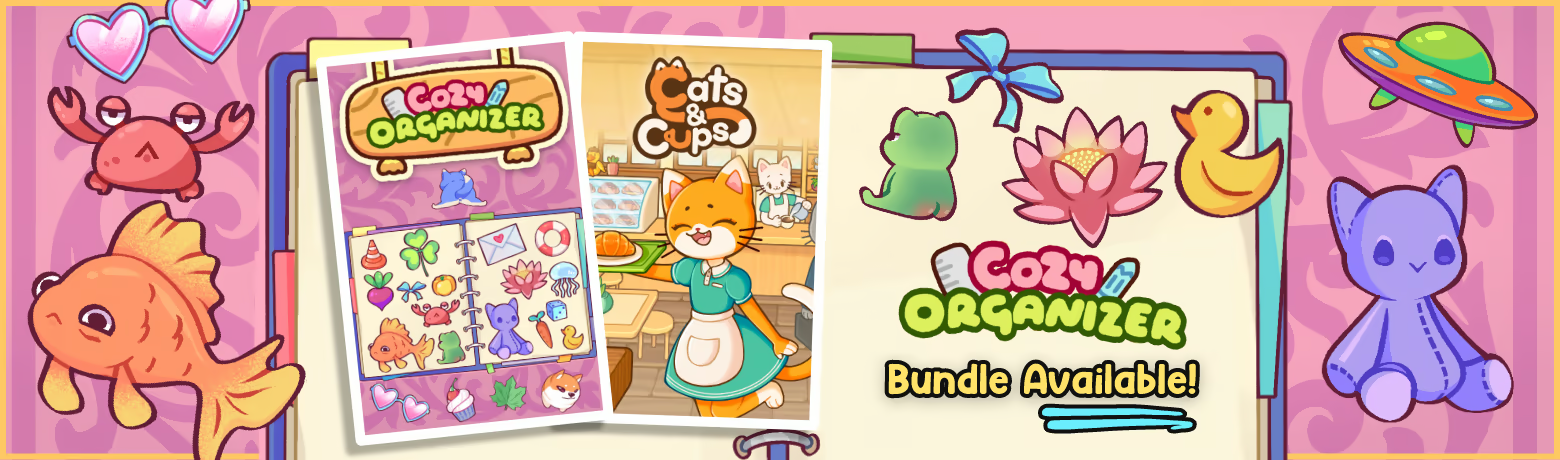
About the Game
The world of cozy chaos and satisfying order!In Cozy Organizer, you’ll find yourself in a relaxing sandbox where creativity meets comfort. Inspired by the most satisfying organizing TikTok videos, this game lets you organize, decorate, align, and stack items to your heart’s content. Whether you're a master of tidying up or just love to see things perfectly in place, this is your ultimate organizing haven!

What Makes Cozy Organizer Special?
Endless Customization: Create your dream cozy spaces by organizing vibrant and quirky items. From bookshelves and pantries to wardrobes and living rooms, the possibilities are endless.
Wholesome Fun: With charming visuals, humorous references, and delightful surprises, every session feels like wrapping yourself in a warm blanket of creativity.
Relaxation Guaranteed: Enjoy chill music and satisfying gameplay as you bring harmony to cluttered spaces. This isn’t just a game—it’s your digital escape from a hectic world.
Cozy Challenges: Unlock new items, themes, and layouts by completing fun, low-pressure organizing tasks at your own pace.

Features:
Vibrant colorful graphics that make every item pop.
A soothing soundtrack designed to enhance your cozy vibes.
Hundreds of quirky and charming items to discover and organize.
Funny and unexpected references that will keep you smiling.
An endlessly replayable sandbox mode where you can decorate and reorganize to your heart’s content.

Unleash Your Inner Organizer
Whether you’re arranging a tidy pantry, creating a picture-perfect closet, or stacking books for aesthetic perfection, Cozy Organizer is the game where your creativity and attention to detail shine. There’s no right or wrong way to play—just the satisfying joy of turning chaos into cozy harmony.
Dive in, organize endlessly, and create spaces that feel like home. Because in Cozy Organizer, perfection is as cozy as it gets.

Don't forget to wishlist "Cozy Organizer" on Steam, press the green button by going up the page 💜
Этот текст берётся напрямую со страницы игры в магазине и подставляется автоматически. Мы его не пишем и не редактируем, поэтому в нём могут быть спойлеры.
Системные требования
- Мин
- Windows 7+
- Рек
- -
- Мин
- Intel Pentium CPU G860
- Рек
- -
- Мин
- NVIDIA GeForce 840M (Onboard Okay)
- Рек
- -
- Мин
- 64 Bit Only
- Рек
- -
Это требования, указанные разработчиком, и они могут быть не на 100% точными. Если ваше железо ниже минимума, всё равно попробуйте игру; многие игры нормально работают и вне спецификаций. Если сомневаетесь, посмотрите тесты производительности на YouTube.
Как установить Cozy Organizer
Cozy Organizer — предустановленная игра для ПК, сейчас Build 24436527, 446.8 MB. Обновлено Aug 2026.
- Скачайте все части с одного зеркала и сохраните в одну папку.
- Распакуйте первый архив через 7-Zip или WinRAR. Остальные части распакуются автоматически.
- Откройте папку и запустите .exe игры. Установщик не нужен.
- Предустановленная игра готова к запуску сразу после распаковки. Ничего настраивать не нужно.
Скачать
Скачайте файлы из любого зеркала ниже. Все части необходимы. Сохраните их в одну папку и распакуйте первую часть.
Pixeldrain ограничивает бесплатные загрузки до нескольких МБ/с. Кнопка «Копировать быструю ссылку» даёт ссылку в обход ограничения скорости. Вставьте её в менеджер загрузок или в адресную строку браузера.
Мы не принимаем запросы на исправление, если не работает только один сервер. Используйте другое зеркало выше. Ссылки не работают? Сообщите нам.
Мы никогда не ставим пароли на архивы и не прячем внутри установщики. Если страница просит пароль или оплату, это реклама файлообменника, а не мы. Смотрите наше руководство по безопасности.