Who Takes The Crown? - Free PC Download
Об игре Who Takes The Crown?
Gameplay
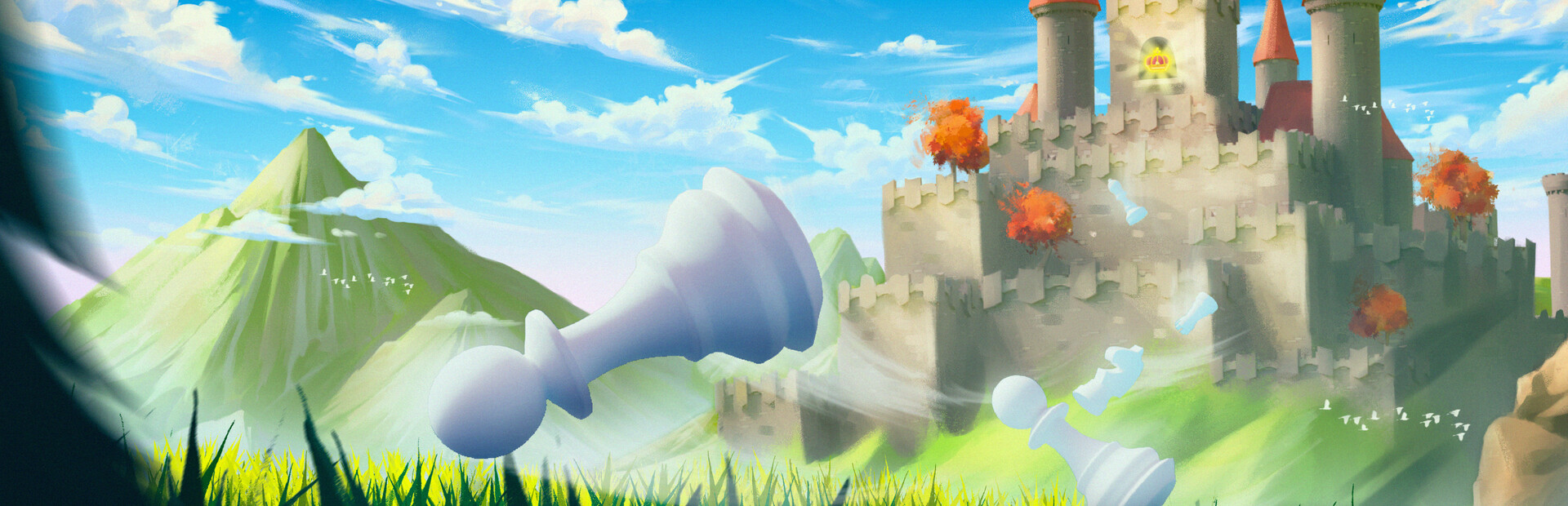
Who Takes The Crown? is about controlling a little pawn and getting to the top of each level to claim your crown. Play through various chess games to build your platforms and climb higher and higher. Be careful though, much like the game of chess, the movement of your pawn requires timing and patience. One wrong maneuver could send you tumbling back down to the bottom of the level and start you over.
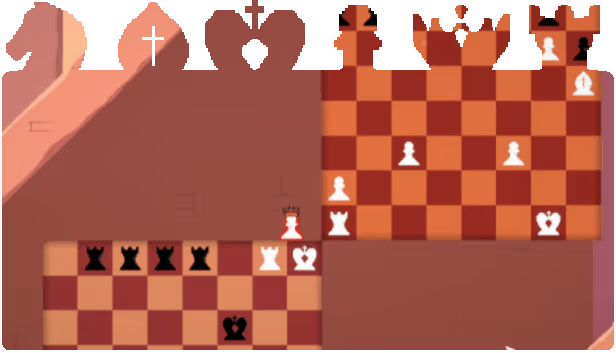
It's not only about your platforming skill either. One blunder in any of the chess games could send you back as well!
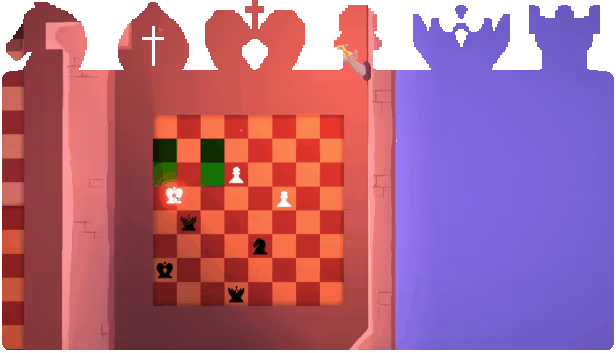
Something for everyone!
Not a fan of rage games but like chess? Not to worry! Who Takes The Crown? has a Casual difficulty that lets you turn off the jump failure and features game boards that are more about puzzling than platforming.
Like puzzle platformers but aren't as strong at chess? No problem! This game includes custom settings so you can adjust the Stockfish ELO and the difficulties of the chess positions to your desire.
Looking for a hard challenge to put all your skills to the test? Who Takes The Crown? has challenges of all types including procedurally generated chess boards to conquer!
Game Modes
Adventure
This is the main game mode in Who Takes the Crown? Start from the bottom of the map and make your way very high up to claim the crown. The map contains many chess games for you to navigate through. There are varying difficulties for all kinds of skill levels. The chess games are played against the Stockfish chess engine so make sure to have your thinking cap on!
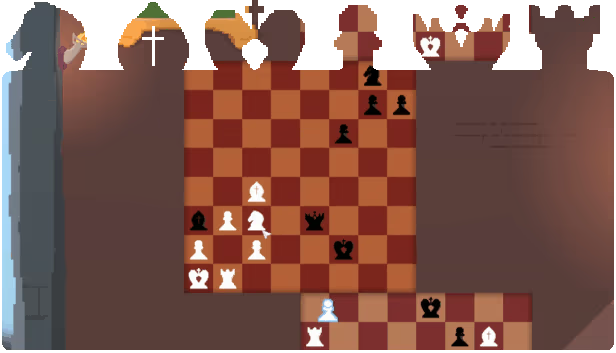
There are three main difficulties to the Adventure Mode
Casual
1000 Stockfish Elo
Jump Failure Turned Off
Resets/Restarts Go To Your Current Section
Normal
1300 Stockfish Elo
Jump Failure Turned On
Resets/Restarts Go To Your Current Section
Immortal
1600 Stockfish Elo
Jump Failure Turned On
Resets/Restarts Go To The Beginning Of The Level
Use your chess skills to checkmate Stockfish and gain a power up to help you navigate difficult boards!
Stacks
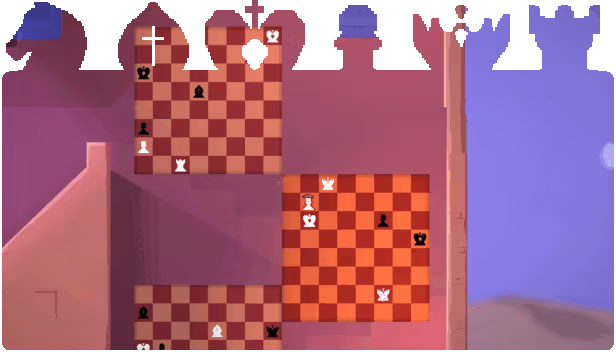
This game mode is similar to the Adventure mode but it is more puzzle based and much shorter. There are seven boards stacked straight on top of each other. Climb them as quick as you can!
There are three main stacks:
Modern Classics - Games from recent history,
Influencers - Famous games played by internet celebrities,
Endless - Procedurally generated games based on a seed value
Highscores
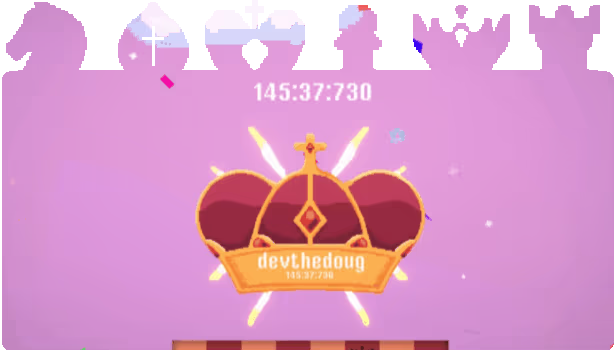
Completing each Adventure Mode and Stacks maps will enter you into a highscores list with your fastest time. If you are the fastest player to complete a level your name will be displayed on the crown at the top of each level for everyone else to see!
Disclaimer: This game is not associated with or endorsed by a board game called "Who Wears The Crown?" by Blue Heron Entertainment LLC.
Этот текст берётся напрямую со страницы игры в магазине и подставляется автоматически. Мы его не пишем и не редактируем, поэтому в нём могут быть спойлеры.
Системные требования
- Мин
- Windows 10
- Рек
- Windows 10
- Мин
- Dual Core 2.4 Ghz
- Рек
- Dual Core 2.4 Ghz
- Мин
- 2000 MB RAM
- Рек
- 2 GB RAM
- Мин
- GTX 760
- Рек
- -
- Мин
- Version 11
- Рек
- Version 11
- Мин
- 3 GB available space
- Рек
- -
- Мин
- 64 Bit Architecture Required to Run Stockfish
- Рек
- 64 Bit Architecture Required to Run Stockfish
Это требования, указанные разработчиком, и они могут быть не на 100% точными. Если ваше железо ниже минимума, всё равно попробуйте игру; многие игры нормально работают и вне спецификаций. Если сомневаетесь, посмотрите тесты производительности на YouTube.
Как установить Who Takes The Crown?
Who Takes The Crown? — предустановленная игра для ПК, сейчас (29.07.25 | Build 19405828), 240 MB. Обновлено Mar 2026.
- Скачайте все части с одного зеркала и сохраните в одну папку.
- Распакуйте первый архив через 7-Zip или WinRAR. Остальные части распакуются автоматически.
- Откройте папку и запустите .exe игры. Установщик не нужен.
- Предустановленная игра готова к запуску сразу после распаковки. Ничего настраивать не нужно.
Скачать
Скачайте файлы из любого зеркала ниже. Все части необходимы. Сохраните их в одну папку и распакуйте первую часть.
Pixeldrain ограничивает бесплатные загрузки до нескольких МБ/с. Кнопка «Копировать быструю ссылку» даёт ссылку в обход ограничения скорости. Вставьте её в менеджер загрузок или в адресную строку браузера.
Мы не принимаем запросы на исправление, если не работает только один сервер. Используйте другое зеркало выше. Ссылки не работают? Сообщите нам.
Мы никогда не ставим пароли на архивы и не прячем внутри установщики. Если страница просит пароль или оплату, это реклама файлообменника, а не мы. Смотрите наше руководство по безопасности.