Tinkerlands - Free PC Download
About Tinkerlands
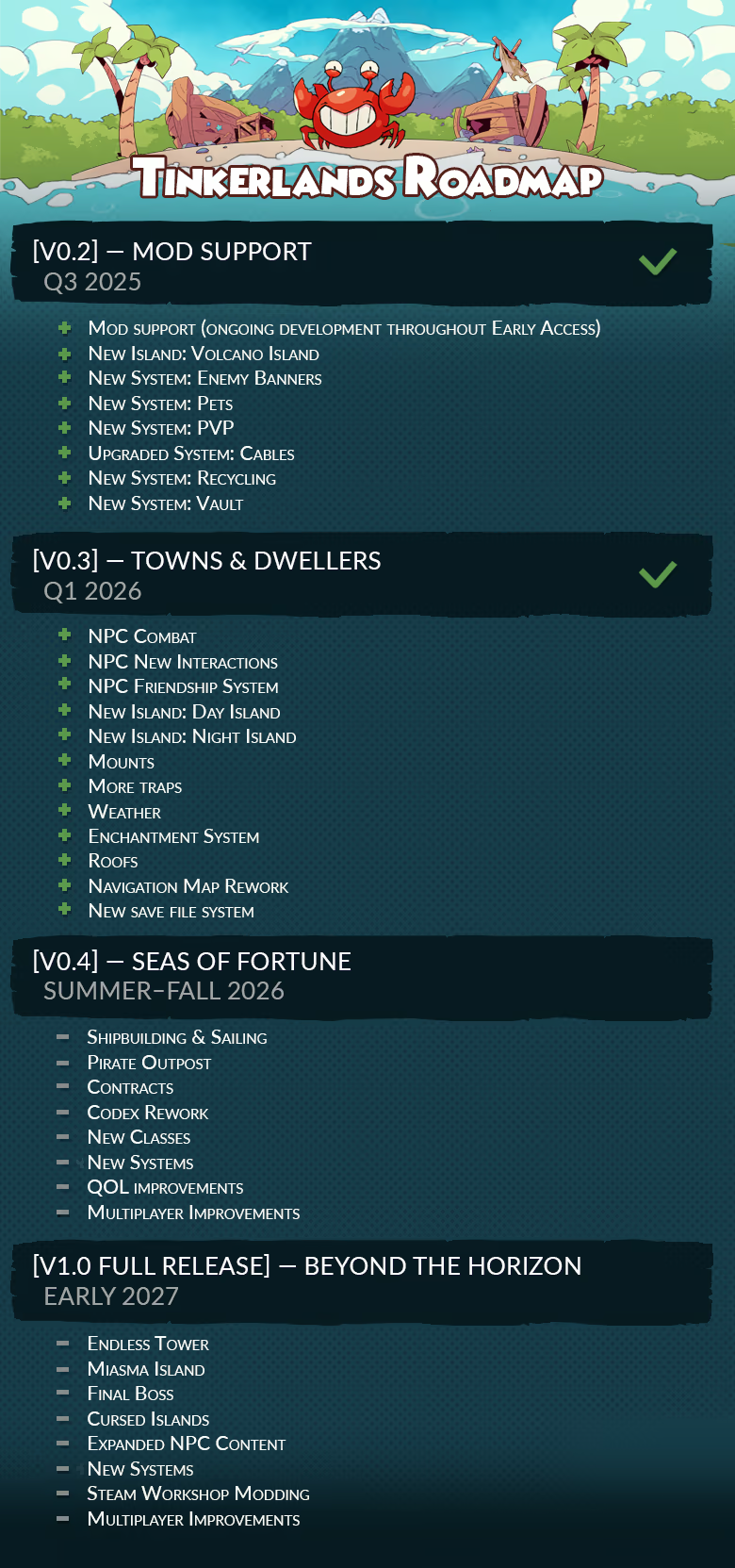
Roadmap
About the Game

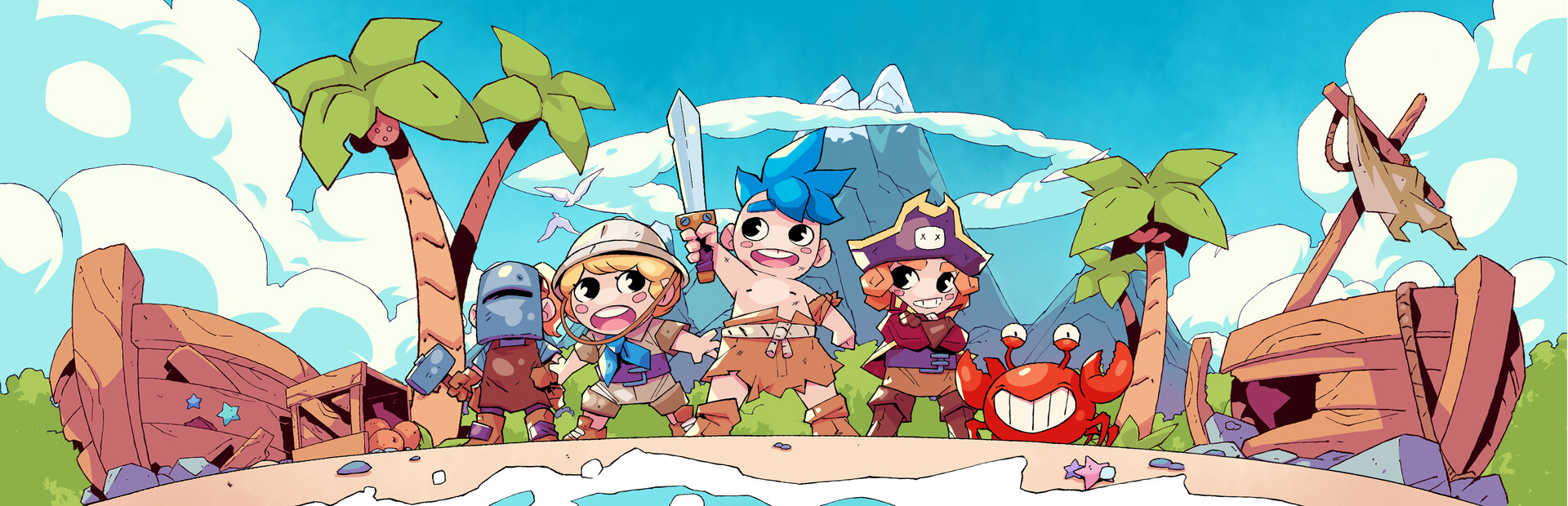
Welcome to Tinkerlands - a colorful and magical, yet dangerous survival adventure where players are stranded on mysterious islands. Craft, build, explore, and survive, alone or with friends online!


Discover a vast main island, three major islands (with more coming during Early Access), and numerous smaller islands - each offering unique challenges, events, loot, and adventures!


Create your own settlement, invite diverse NPCs to open shops, offer unique quests and helpful hints to aid your adventure!


Collect and craft resources from the islands’ environments and defeat over 10 challenging bosses to create powerful weapons - or quirky items just for fun!


Fishing, farming, cooking or setting up a deadly monster arena with cables and traps - fun and relaxing activities that complement your adventurous island life, offering variety and charm to your journey.


Gather your crew (up to 4 players online) and tackle the islands’ many challenges together. Build your settlement, sail the seas, and create memorable moments!
This text comes straight from the game's store page and is pulled in automatically. We don't write or edit it, so it may contain spoilers.
System requirements
- Min
- Win 10 or later
- Rec
- -
- Min
- Intel Core 2 Duo E6320 (2*1866) or equivalent
- Rec
- -
- Min
- 2 GB RAM
- Rec
- -
- Min
- GeForce 7600 GS (512 MB) or equivalent
- Rec
- -
- Min
- 250 MB available space
- Rec
- -
- Min
- Requires a 64-bit processor and operating system
- Rec
- Requires a 64-bit processor and operating system
These are the developer's listed requirements and may not be 100% accurate. If your specs fall below the minimum, try the game anyway; many games run fine below the listed requirements. When in doubt, check YouTube for performance benchmarks.
How to install Tinkerlands
Tinkerlands is a pre-installed PC game, currently at (13.04.2026 | Build 22762534), 461.9 MB. Updated Jun 2026.
- Download every part from one mirror and save them in the same folder.
- Extract the first archive with 7-Zip or WinRAR. The rest unpack automatically.
- Open the extracted folder and run the game's .exe. No installer is needed.
- Pre-installed means the game is ready to play after extracting. Nothing to set up.
Download
Download the files from any mirror below. All parts are needed. Save them to the same folder, then extract the first one.
We don't accept fix requests when only one host is down. Please use another mirror above. Links broken? Let us know.
We never password-protect files or hide installers. If a page asks for a password or payment, that is the host's ad, not us. See our safety guide.