When Chests Rain Tons of Loot Free Download
LeenGameDev2026Idle, Roguelike
678.0MBBuild 26932826Updated 7 hours ago
About When Chests Rain Tons of Loot
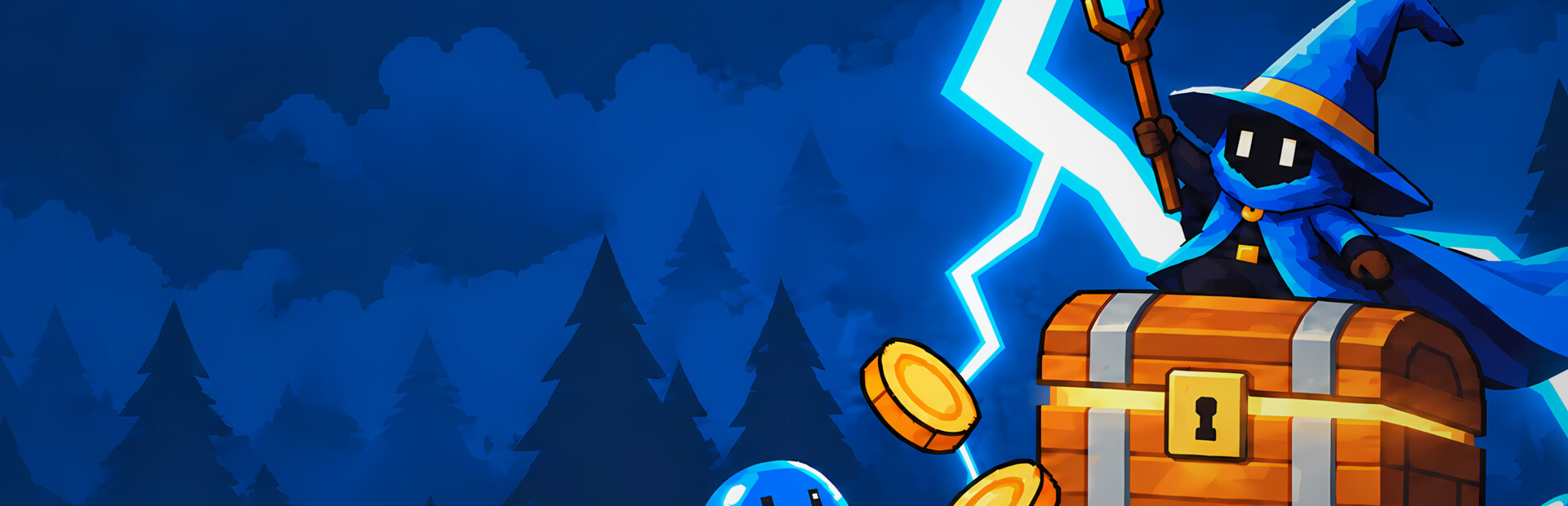
An incremental loot game where you drop your heroes onto hordes of slimes. They do the fighting, you grab the loot and fill your treasure chest. When time runs out, it bursts and rains it all back down. Upgrade your army in a huge skill tree and go again for a bigger haul.
When Chests Rain Tons of Loot is an incremental loot game about building an army and grabbing tons of loot.
Drop your heroes anywhere on the field and they fight the slimes on your screen, while you grab the loot they drop. Everything you grab goes into your treasure chest.

The chest bursts
Fill your chest past its marks and it turns Silver, Gold or Diamond for even more gold. When time runs out, it bursts and rains everything back down for one last grab. LOOT IT!

Grow stronger
Spend your gold in a huge skill tree: more heroes, harder landings, more arrows, more gold and better loot. Every run is bigger than the last.

What's in the game
Your army: Archers, Thunder Mages and more. Drop them where you want and they fight on their own.
The Barbarian: he fires up your heroes with war cries.
A huge skill tree full of upgrades for your heroes and your loot.
Gear and the forge: equip items and refine them, but the higher you go, the bigger the risk.
Cards to collect and slot for big bonuses.
New lands and bosses: a new map every run, and a boss waiting in every land.
Surprises: Golden Slimes, Slime Rain, the Treasure Goblin.
An Adventure Book of every slime, boss and event you meet.
And TONS of loot!
Out now! Drop your heroes and let the loot rain begin!
From the store page, unedited. May contain spoilers.
This release
Reviews and playtime
Mostly Positive
73% of 206
The game
Genres and features
How to install When Chests Rain Tons of Loot
Pre-installed, so there is no setup wizard. Follow these in order.
- 01
Create a games folder
Make a folder like C:\Games\ and keep every game in it. Avoid Program Files, Downloads and the Desktop.
- 02
Exclude it from Windows Defender
Defender often deletes cracked files by mistake while they extract. Add C:\Games\ as an excluded folder:
Windows Security -> Virus & threat protection -> Manage settings -> Exclusions -> Add an exclusion -> Folder
- 03
Download into C:\Games\
Save the archive straight into that folder. This release is one 678.0MB file.
- 04
Extract it there
Use 7-Zip or WinRAR. Keep about 1.5 GB free while it unpacks.
- One file
- Right-click it -> Extract here.
- Several parts
- Extract only part1 (or .001). The other parts are read automatically.
- 05
Open README.html
It is inside the extracted folder and explains how to start the game.
Still stuck? Read the install help
Download
Set up your games folder and the Defender exclusion before you extract. The Install tab has the steps.
FilesYard
The whole game in one file
VikingFile
The whole game in one file
We don't accept fix requests when only one host is down. Please use another mirror above. Links broken? Let us know.
We never password-protect files or hide installers. If a page asks for a password or payment, that is the host's ad, not us. See our safety guide.
System requirements
- Min
- Windows 10 (version 21H1) or Windows 11, 64-bit
- Min
- Intel Core 2 Duo or equivalent
- Min
- 512 MB RAM
- Min
- Integrated Graphics (Intel HD Graphics or AMD APU)
- Min
- 1 GB available space
- Min
- DirectX Compatible Sound Card
These are the developer's listed requirements and may not be 100% accurate. If your specs fall below the minimum, try the game anyway; many games run fine below the listed requirements. When in doubt, check YouTube for performance benchmarks.