
Call of Cthulhu - Free PC Download
关于 Call of Cthulhu

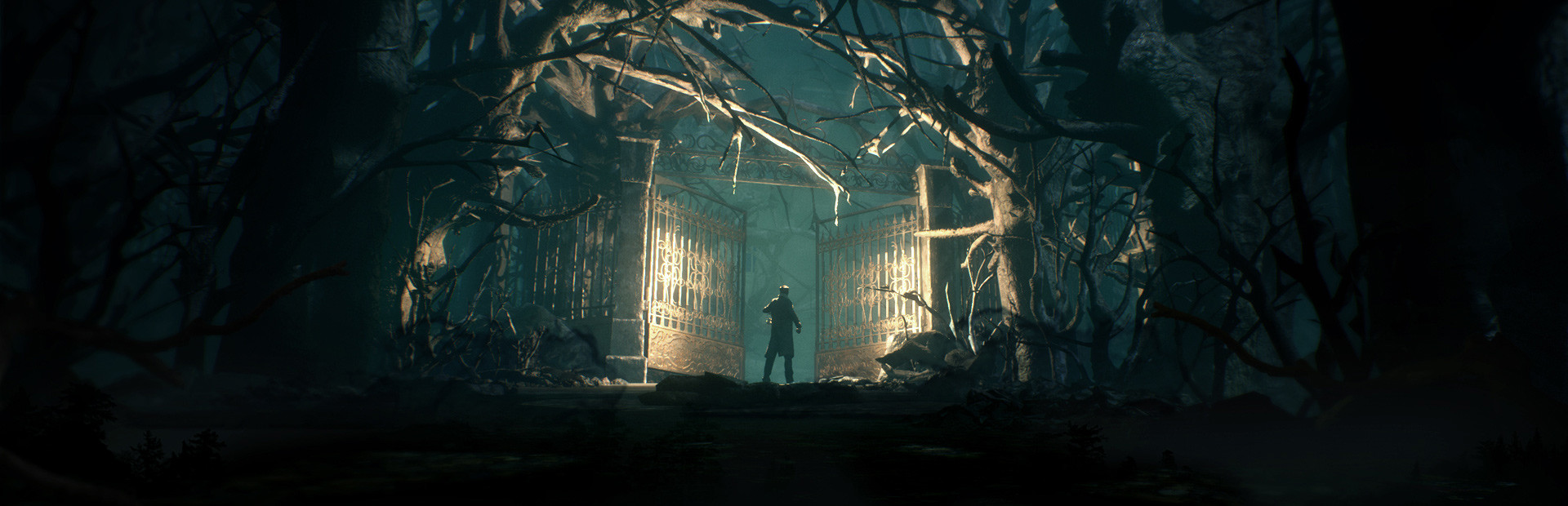
Call of Cthulhu, the official videogame inspired by Chaosium's classic pen and paper RPG, brings you deep into a world of creeping madness and shrouded Old Gods within Lovecraft's iconic universe.
1924. Private Investigator Pierce is sent to look into the tragic death of the Hawkins family on the isolated Darkwater Island. Soon enough, Pierce is pulled into a terrifying world of conspiracies, cultists, and cosmic horrors.

Nothing is as it seems. Sanity is an irregular bedfellow, all too often replaced by whisperings in the dark. Strange creatures, weird science, and sinister cults dominate the Cthulhu Mythos, intent on realizing their mad schemes to bring about the end of everything.
Your mind will suffer - between sanity and psychosis, your senses will be disrupted until you question the reality of everything around you. Trust no one. Slinking shadows hide lurking figures… and all the while, the Great Dreamer prepares for his awakening.

这段文字直接取自游戏的商店页面,由系统自动抓取。我们不撰写也不修改它,因此其中可能包含剧透。
系统需求
最低配置
推荐配置
操作系统
Windows 7/8/10 (64 bits)
Windows 7/8/10 (64 bits)
处理器
Intel Core i5-3450 (3.1 GHz)/AMD FX-6300 (3.5 GHz)
Intel Core i7-3820 (3.6 GHz)/AMD FX-8370 (4.0 GHz)
内存
8 GB RAM
8 GB RAM
显卡
2 GB, GeForce GTX 660/Radeon HD 7870
4 GB, GeForce GTX 970/Radeon R9 390
存储
13 GB available space
13 GB available space
备注
INTERNET CONNECTION REQUIRED FOR GAME ACTIVATION
INTERNET CONNECTION REQUIRED FOR GAME ACTIVATION
操作系统
- 最低
- Windows 7/8/10 (64 bits)
- 推荐
- Windows 7/8/10 (64 bits)
处理器
- 最低
- Intel Core i5-3450 (3.1 GHz)/AMD FX-6300 (3.5 GHz)
- 推荐
- Intel Core i7-3820 (3.6 GHz)/AMD FX-8370 (4.0 GHz)
内存
- 最低
- 8 GB RAM
- 推荐
- 8 GB RAM
显卡
- 最低
- 2 GB, GeForce GTX 660/Radeon HD 7870
- 推荐
- 4 GB, GeForce GTX 970/Radeon R9 390
存储
- 最低
- 13 GB available space
- 推荐
- 13 GB available space
备注
- 最低
- INTERNET CONNECTION REQUIRED FOR GAME ACTIVATION
- 推荐
- INTERNET CONNECTION REQUIRED FOR GAME ACTIVATION
这些是开发商列出的配置要求,可能并非 100% 准确。如果你的配置低于最低要求,也可以试着运行;很多游戏在低于要求的配置下也能流畅运行。拿不准时,可以在 YouTube 查看性能实测。
如何安装 Call of Cthulhu
Call of Cthulhu 是一款预安装的 PC 游戏,当前版本 Build 3550991, 12.2 GB。更新于 Aug 2026。
- 从同一个镜像下载所有分卷,并保存在同一文件夹。
- 用 7-Zip 或 WinRAR 解压第一个压缩包,其余分卷会自动解压。
- 打开解压后的文件夹,运行游戏的 .exe。无需安装程序。
- 预安装意味着解压后即可游玩,无需任何设置。
下载
从下方任意镜像下载文件。所有分卷都需要下载。保存到同一文件夹,然后解压第一个分卷。
如果只有一个主机失效,我们不接受修复请求。请使用上面的其他镜像。 链接失效了?告诉我们。
我们从不给压缩包加密码,也不夹带安装程序。如果某个页面要求输入密码或付款,那是文件主机的广告,不是我们。请查看我们的安全指南。