GRANDIA HD Remaster - Free PC Download
关于 GRANDIA HD Remaster
GRANDIA HD Remaster is out now! Celebrate its exciting adventures once again!
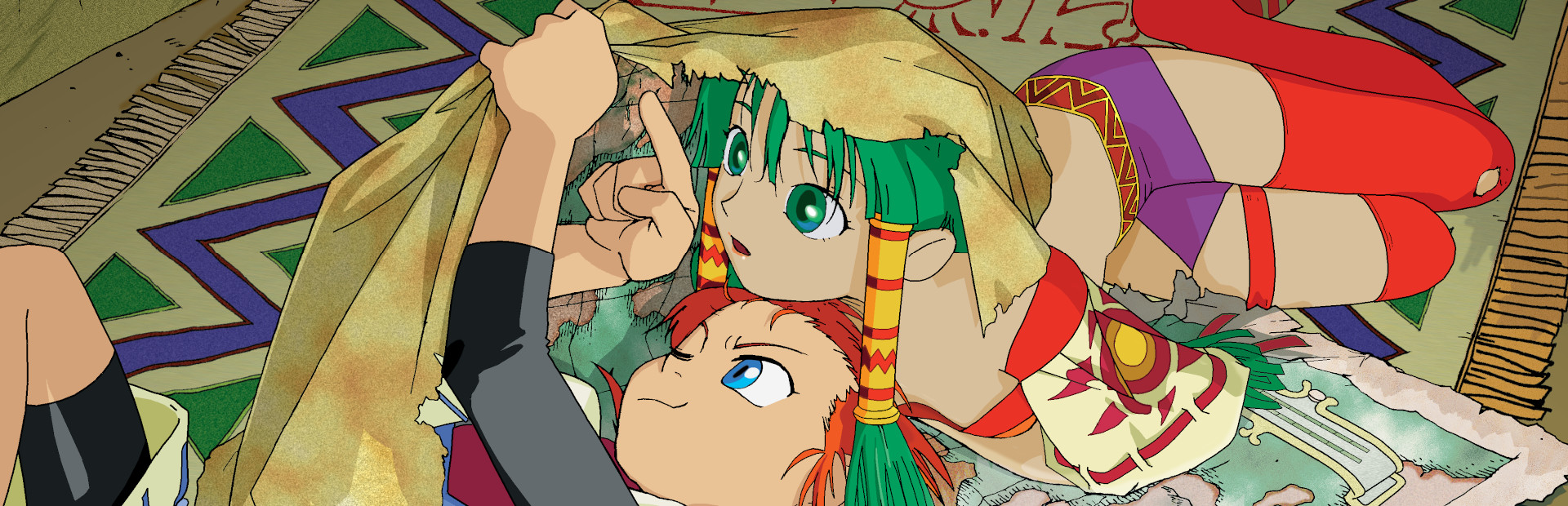
GRANDIA tells the story of Justin, the protagonist, and his companions in a race against the evil Garlyle Forces to uncover the long-lost secrets of an ancient civilization. Experience the game that became an instant classic and is considered to be one of the most influential RPGs of all time.

Originally created by Game Arts, developers of such classics as the Lunar series, GRANDIA was met with wide critical acclaim when released for the SEGA Saturn in 1997 and PlayStation® in 1999. GRANDIA recieved numerous awards including GameSpot Editor's Choice, IGN Editor's Choice Award and an Award for Excellence from the CESA AWARDS '97, currently known as "Japan Game Awards".
GRANDIA HD Remaster features:
- Enhanced UI, sprites, and texture art details
- Original cinematic videos that have been visually enhanced
- Widescreen support and customizable resolutions (PC only)
- Steam Achievements (PC only)
- Audio: Japanese and English
- Language Support: Original English plus French and German translation (Japanese added at a later date)
- Gamepad and keyboard support with remappable controls (PC only)
这段文字直接取自游戏的商店页面,由系统自动抓取。我们不撰写也不修改它,因此其中可能包含剧透。
系统需求
最低配置
推荐配置
操作系统
Windows 7 (64-bit Version)
Windows 10 (64-bit Version)
处理器
Intel Core2 Duo E8400
Intel Pentium G4500
内存
4 GB RAM
4 GB RAM
显卡
Nvidia GeForce GT 620
Nvidia GeForce 8800 GT
存储
6 GB available space
6 GB available space
操作系统
- 最低
- Windows 7 (64-bit Version)
- 推荐
- Windows 10 (64-bit Version)
处理器
- 最低
- Intel Core2 Duo E8400
- 推荐
- Intel Pentium G4500
内存
- 最低
- 4 GB RAM
- 推荐
- 4 GB RAM
显卡
- 最低
- Nvidia GeForce GT 620
- 推荐
- Nvidia GeForce 8800 GT
存储
- 最低
- 6 GB available space
- 推荐
- 6 GB available space
这些是开发商列出的配置要求,可能并非 100% 准确。如果你的配置低于最低要求,也可以试着运行;很多游戏在低于要求的配置下也能流畅运行。拿不准时,可以在 YouTube 查看性能实测。
如何安装 GRANDIA HD Remaster
GRANDIA HD Remaster 是一款预安装的 PC 游戏,当前版本 Build 8615408, 4.6GB。更新于 Sep 2026。
- 从同一个镜像下载所有分卷,并保存在同一文件夹。
- 用 7-Zip 或 WinRAR 解压第一个压缩包,其余分卷会自动解压。
- 打开解压后的文件夹,运行游戏的 .exe。无需安装程序。
- 预安装意味着解压后即可游玩,无需任何设置。
下载
从下方任意镜像下载文件。所有分卷都需要下载。保存到同一文件夹,然后解压第一个分卷。
如果只有一个主机失效,我们不接受修复请求。请使用上面的其他镜像。 链接失效了?告诉我们。
我们从不给压缩包加密码,也不夹带安装程序。如果某个页面要求输入密码或付款,那是文件主机的广告,不是我们。请查看我们的安全指南。