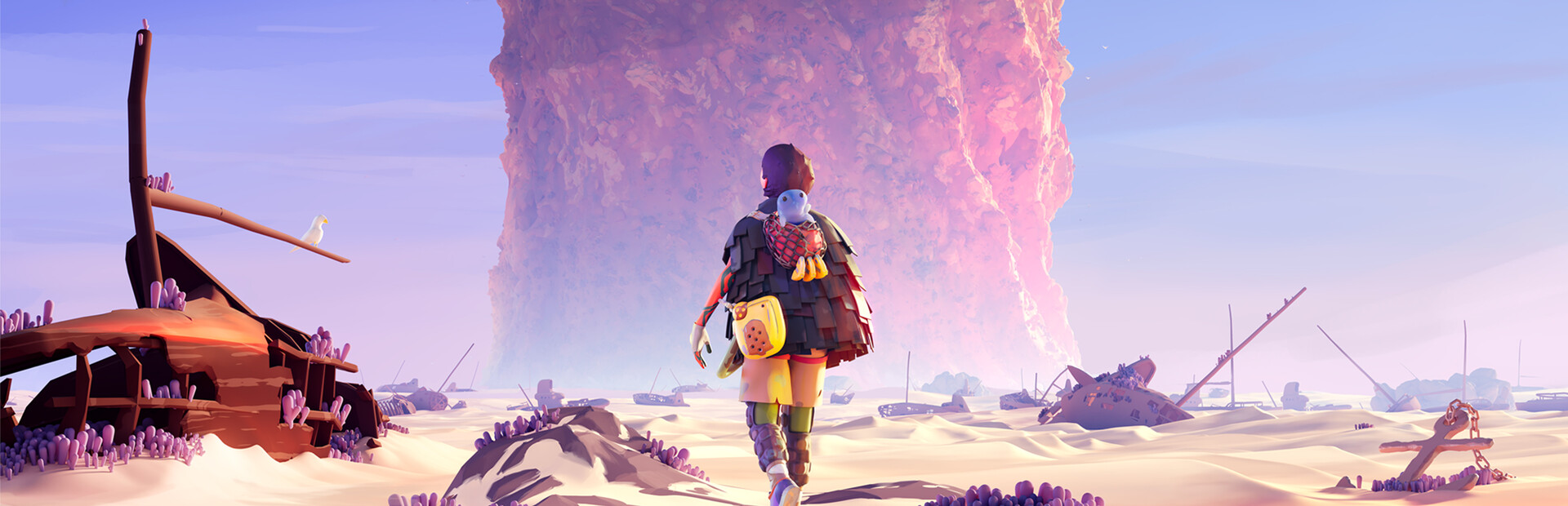

关于 Jusant
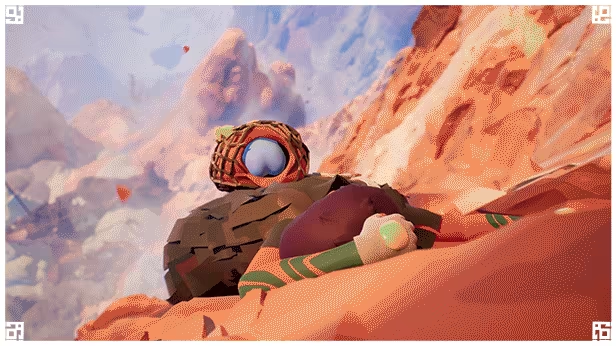
Jusant is a brand-new action-puzzle climbing game and a meditative journey to the top of a tall tower. Challenge yourself at your own pace, explore different paths, and unravel the secrets from a bygone civilization.
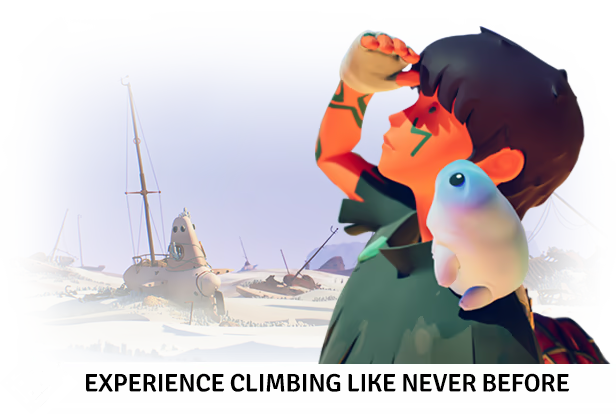
Master your climbing tools and watch your stamina meter to successfully navigate this mysterious and changing tower. As you go higher and hone your skills, you’ll have to figure out how best to use the tools at your disposal to get to where you want to go. Explore alternative paths to find clues about what happened here.
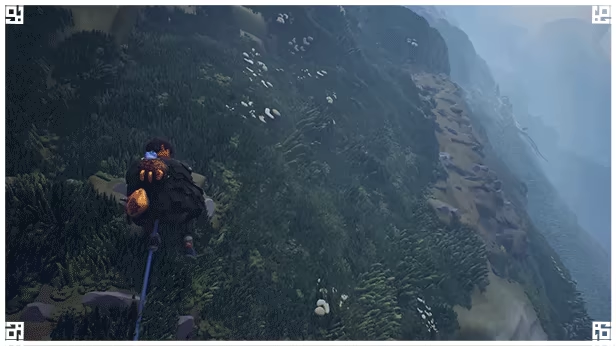

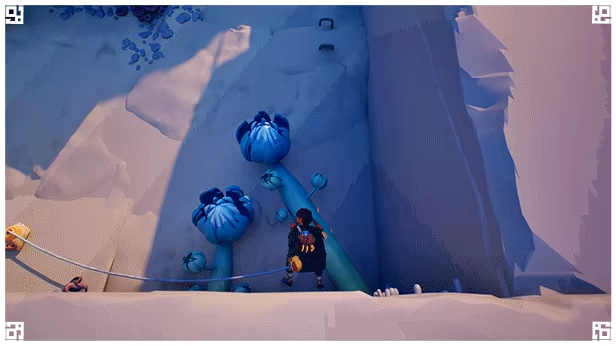
Play at your own pace. As you climb, you’ll come across breathtaking biomes full of flora and fauna, accompanied by a peaceful and atmospheric soundtrack. Brace yourself on arid, windy slopes, seek refuge in tunnels lit only by bioluminescence, and more.

Meet the mysterious Ballast. This creature will help guide you throughout your journey by waking nature along your path and helping to reveal clues that will help you piece together the tower’s past and reach the top.
这段文字直接取自游戏的商店页面,由系统自动抓取。我们不撰写也不修改它,因此其中可能包含剧透。
系统需求
- 最低
- Windows 10
- 推荐
- Windows 10
- 最低
- Intel Core i7-6700 (4 * 3400), AMD Ryzen 5 1500X (4 * 3500) or equivalent
- 推荐
- Intel Core i7-10700 (8 * 2900), AMD Ryzen 7 3700X (8 * 3600) or equivalent
- 最低
- 8 GB RAM
- 推荐
- 8 GB RAM
- 最低
- GPU supporting DirectX 12 with Shader Model 6.6 is mandatory, GeForce GTX 1050 Ti (4096 MB), Radeon RX 570 (8192 MB)
- 推荐
- Geforce RTX 2060 Super (6144 MB), Radeon RX 5700 (8192 MB)
- 最低
- 15 GB available space
- 推荐
- 15 GB available space
这些是开发商列出的配置要求,可能并非 100% 准确。如果你的配置低于最低要求,也可以试着运行;很多游戏在低于要求的配置下也能流畅运行。拿不准时,可以在 YouTube 查看性能实测。
如何安装 Jusant
Jusant 是一款预安装的 PC 游戏,当前版本 (17.5.2024 | Build 14182642), 3.8 GB。更新于 Jun 2026。
- 从同一个镜像下载所有分卷,并保存在同一文件夹。
- 用 7-Zip 或 WinRAR 解压第一个压缩包,其余分卷会自动解压。
- 打开解压后的文件夹,运行游戏的 .exe。无需安装程序。
- 预安装意味着解压后即可游玩,无需任何设置。
下载
从下方任意镜像下载文件。所有分卷都需要下载。保存到同一文件夹,然后解压第一个分卷。
如果只有一个主机失效,我们不接受修复请求。请使用上面的其他镜像。 链接失效了?告诉我们。
我们从不给压缩包加密码,也不夹带安装程序。如果某个页面要求输入密码或付款,那是文件主机的广告,不是我们。请查看我们的安全指南。
评论
你可能还喜欢
UNCHARTED™: Legacy of Thieves Collection
Adventure, Action, Puzzle

Assassin's Creed™: Director's Cut Edition
Action, Stealth, Adventure

Tomb Raider Game of the Year
Adventure, Action, Shooter
Big Walk
Puzzle, Adventure, Casual

INSIDE
Platformer, Puzzle, Horror

Prince of Persia: Warrior Within™
Action, Adventure, Platformer