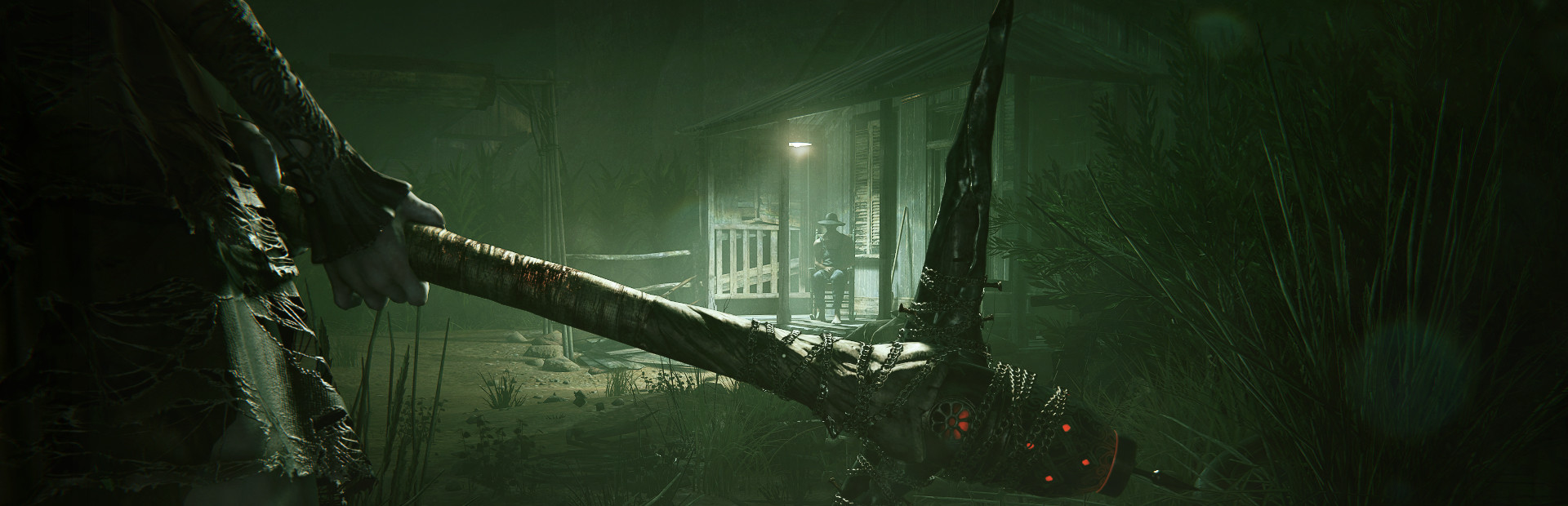

Outlast 2 - Free PC Download
关于 Outlast 2
Outlast 2 is the sequel to the acclaimed survival horror game Outlast. Set in the same universe as the first game, but with different characters and a different setting, Outlast 2 is a twisted new journey into the depths of the human mind and its dark secrets.
Outlast 2 introduces you to Sullivan Knoth and his followers, who left our wicked world behind to give birth to Temple Gate, a town, deep in the wilderness and hidden from civilization. Knoth and his flock are preparing for the tribulations of the end of times and you’re right in the thick of it.
You are Blake Langermann, a cameraman working with your wife, Lynn. The two of you are investigative journalists willing to take risks and dig deep to uncover the stories no one else will dare touch.
You're following a trail of clues that started with the seemingly impossible murder of a pregnant woman known only as Jane Doe.
The investigation has lead you miles into the Arizona desert, to a darkness so deep that no one could shed light upon it, and a corruption so profound that going mad may be the only sane thing to do.
这段文字直接取自游戏的商店页面,由系统自动抓取。我们不撰写也不修改它,因此其中可能包含剧透。
系统需求
最低配置
推荐配置
操作系统
Windows Vista / 7 / 8 / 10, 64-bits
Windows Vista / 7 / 8 / 10, 64-bits
处理器
Intel Core i3-530
Intel Core i5
内存
4 GB RAM
8 GB RAM
显卡
1GB VRAM, NVIDIA Geforce GTX 260 / ATI Radeon HD 4870
1.5GB VRAM, NVIDIA Geforce GTX 660 / ATI Radeon HD 7850
DirectX
Version 10
Version 11
存储
30 GB available space
30 GB available space
声卡
DirectX Compatible
DirectX Compatible
备注
Targetting 720p @ 30 fps
Targetting 1080p @ 60 fps
操作系统
- 最低
- Windows Vista / 7 / 8 / 10, 64-bits
- 推荐
- Windows Vista / 7 / 8 / 10, 64-bits
处理器
- 最低
- Intel Core i3-530
- 推荐
- Intel Core i5
内存
- 最低
- 4 GB RAM
- 推荐
- 8 GB RAM
显卡
- 最低
- 1GB VRAM, NVIDIA Geforce GTX 260 / ATI Radeon HD 4870
- 推荐
- 1.5GB VRAM, NVIDIA Geforce GTX 660 / ATI Radeon HD 7850
DirectX
- 最低
- Version 10
- 推荐
- Version 11
存储
- 最低
- 30 GB available space
- 推荐
- 30 GB available space
声卡
- 最低
- DirectX Compatible
- 推荐
- DirectX Compatible
备注
- 最低
- Targetting 720p @ 30 fps
- 推荐
- Targetting 1080p @ 60 fps
这些是开发商列出的配置要求,可能并非 100% 准确。如果你的配置低于最低要求,也可以试着运行;很多游戏在低于要求的配置下也能流畅运行。拿不准时,可以在 YouTube 查看性能实测。
如何安装 Outlast 2
Outlast 2 是一款预安装的 PC 游戏,当前版本 (27.03.2018 | Build 2601375), 25.3 GB。更新于 Mar 2026。
- 从同一个镜像下载所有分卷,并保存在同一文件夹。
- 用 7-Zip 或 WinRAR 解压第一个压缩包,其余分卷会自动解压。
- 打开解压后的文件夹,运行游戏的 .exe。无需安装程序。
- 预安装意味着解压后即可游玩,无需任何设置。
下载
从下方任意镜像下载文件。所有分卷都需要下载。保存到同一文件夹,然后解压第一个分卷。
下载每一个分卷。全部都需要。
Pixeldrain
Pixeldrain 会把免费下载限速到每秒几 MB。 上方的「全部复制」会给出绕过限速的链接。把列表粘贴到下载管理器可一次取回所有分卷,也可以在浏览器地址栏里逐个打开。
如果只有一个主机失效,我们不接受修复请求。请使用上面的其他镜像。 链接失效了?告诉我们。
我们从不给压缩包加密码,也不夹带安装程序。如果某个页面要求输入密码或付款,那是文件主机的广告,不是我们。请查看我们的安全指南。