Pixel Art Academy: Learn Mode - Free PC Download
关于 Pixel Art Academy: Learn Mode
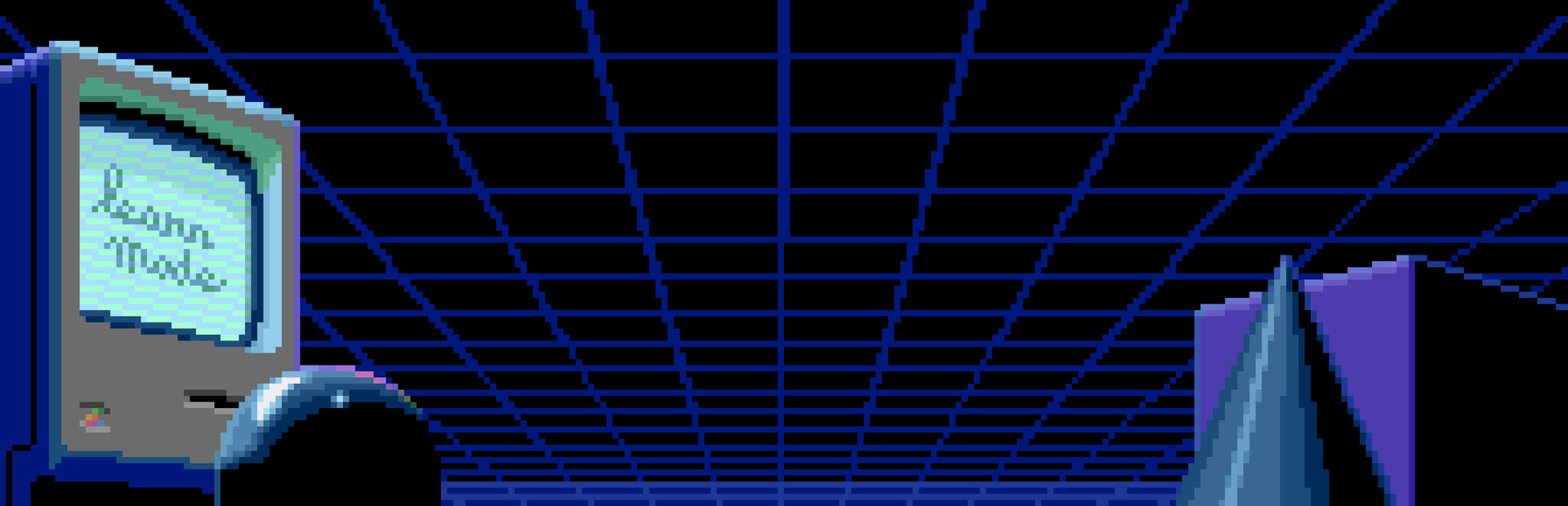
Pixel Art Academy is an educational game for learning how to draw. In Learn Mode, you jump straight into the game's interactive tutorials for the fastest way of becoming a pixel artist. After you learn the rules behind pixel art lines, test your skills by drawing fan art and unleash your creativity with designing and illustrating your own pinball machine.
Please note that during Early Access the game does not cover all areas of art yet!
The game's content is organized around the 7 elements of art: line, shape, form, space, value, color, and texture. The current version only covers lines with about 2–3 hours of gameplay for a minimal playthrough (more if you complete all the challenges and put extra effort into game projects). The other 6 elements are planned to be developed during Early Access.
I also keep a completely transparent development process. Visit my YouTube channel for frequent devlogs or catch me anywhere on the internet to chat about current progress.
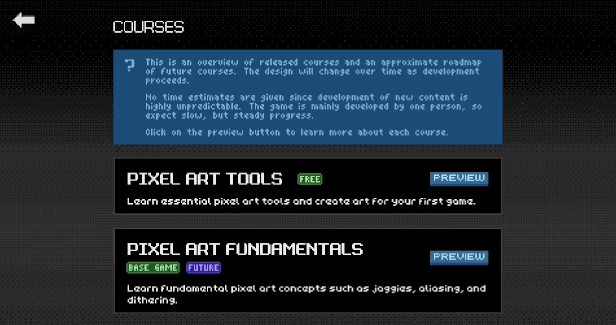
Please note that during Early Access the game does not cover all areas of art yet!
The game's content is organized around the 7 elements of art: line, shape, form, space, value, color, and texture. The current version only covers lines with about 2–3 hours of gameplay for a minimal playthrough (more if you complete all the challenges and put extra effort into game projects). The other 6 elements are planned to be developed during Early Access.
Features
- An immersive user interface with a cozy, relaxing atmosphere.
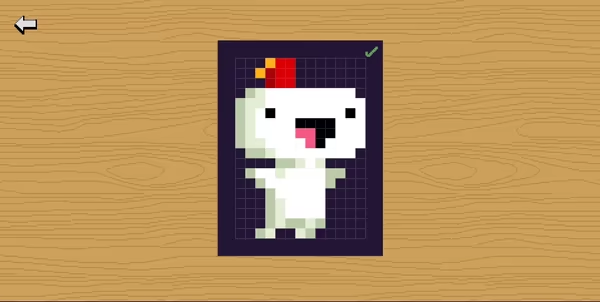
- Carefully designed interactive tutorials teach how to use drawing tools, followed by intermediate lessons covering pixel art fundamentals with a focus on line art and jaggies.
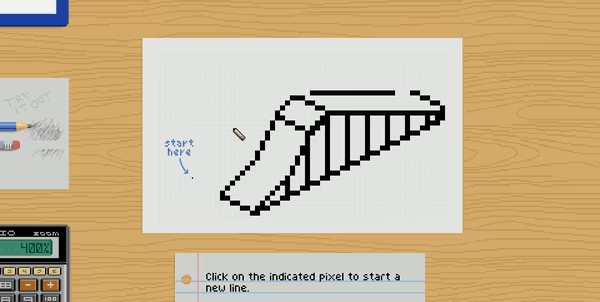
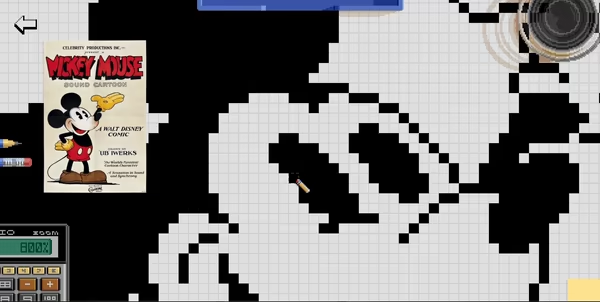
- Put theory into practice with drawing challenges where you copy other indie game sprites or draw fan art from reference.
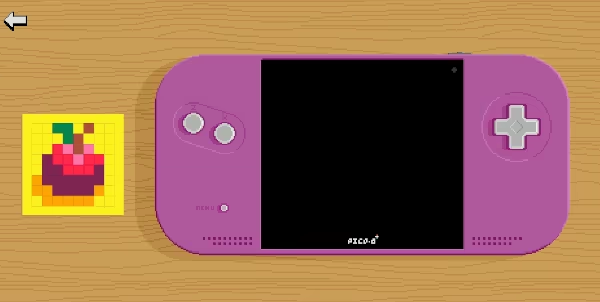
- Design video game sprites as you customize the game Snake and create your very own pinball machine. Of course, you get to play the games as well!
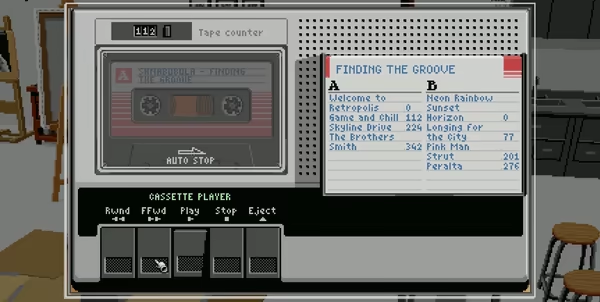
- Get in the groove with more than 6 hours of background music to accompany your drawing sessions.
Future development
Please keep in mind that the game is designed, drawn, and coded by a single person—me! I also have to run the business side of things, do marketing, and organize collaborations with other artists, all of which take time. Expect slow, but steady progress. I have been working on the bigger Pixel Art Academy universe for 9 years now and I don't intend to stop any time soon.I also keep a completely transparent development process. Visit my YouTube channel for frequent devlogs or catch me anywhere on the internet to chat about current progress.
这段文字直接取自游戏的商店页面,由系统自动抓取。我们不撰写也不修改它,因此其中可能包含剧透。
系统需求
最低配置
推荐配置
操作系统
Windows 10
-
处理器
Can it run a browser?
-
内存
1 GB RAM
-
显卡
At least 320×240 pixels resolution
-
存储
2 GB available space
-
声卡
Sound Blaster-compatible
-
操作系统
- 最低
- Windows 10
- 推荐
- -
处理器
- 最低
- Can it run a browser?
- 推荐
- -
内存
- 最低
- 1 GB RAM
- 推荐
- -
显卡
- 最低
- At least 320×240 pixels resolution
- 推荐
- -
存储
- 最低
- 2 GB available space
- 推荐
- -
声卡
- 最低
- Sound Blaster-compatible
- 推荐
- -
这些是开发商列出的配置要求,可能并非 100% 准确。如果你的配置低于最低要求,也可以试着运行;很多游戏在低于要求的配置下也能流畅运行。拿不准时,可以在 YouTube 查看性能实测。
如何安装 Pixel Art Academy: Learn Mode
Pixel Art Academy: Learn Mode 是一款预安装的 PC 游戏,当前版本 Build 24748728, 1.3GB。更新于 Sep 2026。
- 从同一个镜像下载所有分卷,并保存在同一文件夹。
- 用 7-Zip 或 WinRAR 解压第一个压缩包,其余分卷会自动解压。
- 打开解压后的文件夹,运行游戏的 .exe。无需安装程序。
- 预安装意味着解压后即可游玩,无需任何设置。
下载
从下方任意镜像下载文件。所有分卷都需要下载。保存到同一文件夹,然后解压第一个分卷。
如果只有一个主机失效,我们不接受修复请求。请使用上面的其他镜像。 链接失效了?告诉我们。
我们从不给压缩包加密码,也不夹带安装程序。如果某个页面要求输入密码或付款,那是文件主机的广告,不是我们。请查看我们的安全指南。