Rugrats: Adventures in Gameland - Free PC Download
关于 Rugrats: Adventures in Gameland

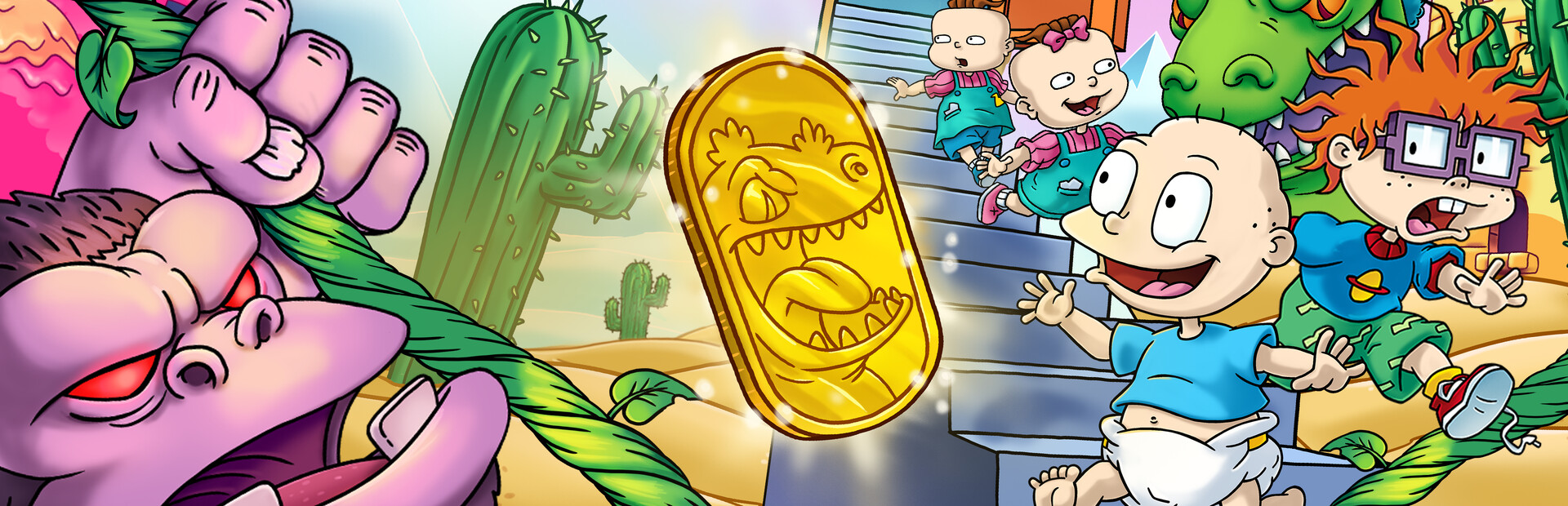
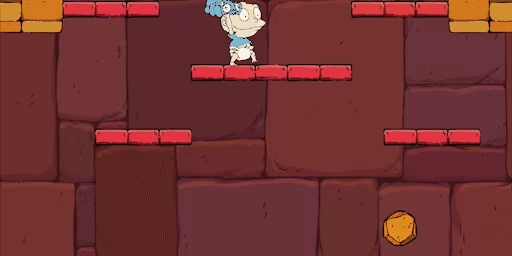
Everyone's favorite babies are back in action! When Tommy, Chuckie, Phil and Lil see a commercial for the new Reptar video game, they pretend that they're in a video game of their own. Through the power of imagination, the babies transform Tommy's house into a video game world full of action, excitement, and adventure. Toggle between beautiful 8-bit and HD art, select your favorite baby and play this neo-retro platformer! Rugrats: Adventures in Gameland can be played solo, or team up with a friend for some two-player co-op fun!
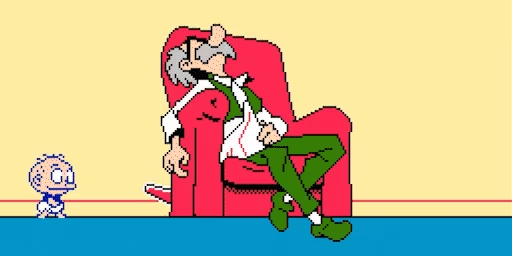
A baby's gotta do what a baby's gotta do!
- 4 playable babies with unique abilities: Tommy, Chuckie, Phil and Lil!
- Progress by grabbing Bottles, Cookies, Reptar Coins and more!
- Play solo or in co-op, where babies need to stick together to win.
- Toggle between nostalgic 8-bit or beautiful HD graphics.
- Use your trusty screwdriver to enter engaging boss fights with familiar faces.
这段文字直接取自游戏的商店页面,由系统自动抓取。我们不撰写也不修改它,因此其中可能包含剧透。
系统需求
最低配置
推荐配置
操作系统
Windows 10
Windows 10
处理器
Intel® Core i3-6100 or higher
Intel® Core i5-8300 or higher
内存
8 GB RAM
12 GB RAM
显卡
GeForce GTX 960 2GB or higher
GeForce GTX 960 2GB or higher
存储
2 GB available space
8 GB available space
操作系统
- 最低
- Windows 10
- 推荐
- Windows 10
处理器
- 最低
- Intel® Core i3-6100 or higher
- 推荐
- Intel® Core i5-8300 or higher
内存
- 最低
- 8 GB RAM
- 推荐
- 12 GB RAM
显卡
- 最低
- GeForce GTX 960 2GB or higher
- 推荐
- GeForce GTX 960 2GB or higher
存储
- 最低
- 2 GB available space
- 推荐
- 8 GB available space
这些是开发商列出的配置要求,可能并非 100% 准确。如果你的配置低于最低要求,也可以试着运行;很多游戏在低于要求的配置下也能流畅运行。拿不准时,可以在 YouTube 查看性能实测。
如何安装 Rugrats: Adventures in Gameland
Rugrats: Adventures in Gameland 是一款预安装的 PC 游戏,当前版本 (02.10.2024 | Build 15903724), 668.4 MB。更新于 Jul 2026。
- 从同一个镜像下载所有分卷,并保存在同一文件夹。
- 用 7-Zip 或 WinRAR 解压第一个压缩包,其余分卷会自动解压。
- 打开解压后的文件夹,运行游戏的 .exe。无需安装程序。
- 预安装意味着解压后即可游玩,无需任何设置。
下载
从下方任意镜像下载文件。所有分卷都需要下载。保存到同一文件夹,然后解压第一个分卷。
如果只有一个主机失效,我们不接受修复请求。请使用上面的其他镜像。 链接失效了?告诉我们。
我们从不给压缩包加密码,也不夹带安装程序。如果某个页面要求输入密码或付款,那是文件主机的广告,不是我们。请查看我们的安全指南。