
DOOM - Free PC Download
Über DOOM
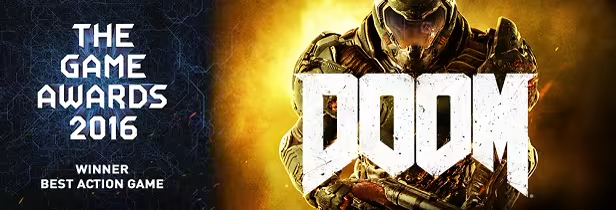
2016 Game Awards Winner
About the Game
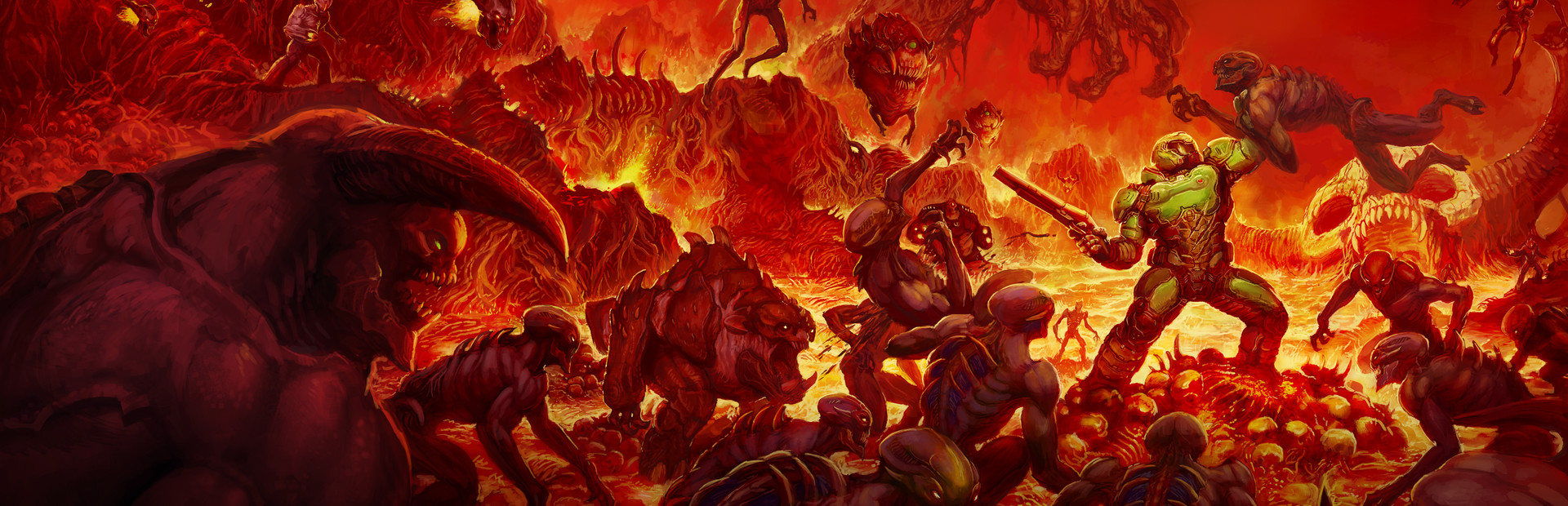
Developed by id software, the studio that pioneered the first-person shooter genre and created multiplayer Deathmatch, DOOM returns as a brutally fun and challenging modern-day shooter experience. Relentless demons, impossibly destructive guns, and fast, fluid movement provide the foundation for intense, first-person combat – whether you’re obliterating demon hordes through the depths of Hell in the single-player campaign, or competing against your friends in numerous multiplayer modes. Expand your gameplay experience using DOOM SnapMap game editor to easily create, play, and share your content with the world.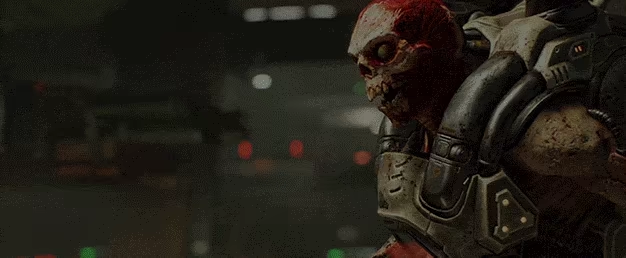
STORY:
You’ve come here for a reason. The Union Aerospace Corporation’s massive research facility on Mars is overwhelmed by fierce and powerful demons, and only one person stands between their world and ours. As the lone DOOM Marine, you’ve been activated to do one thing – kill them all.
KEY FEATURES:
- A Relentless Campaign
There is no taking cover or stopping to regenerate health as you beat back Hell’s raging demon hordes. Combine your arsenal of futuristic and iconic guns, upgrades, movement and an advanced melee system to knock-down, slash, stomp, crush, and blow apart demons in creative and violent ways. - Return of id Multiplayer
Dominate your opponents in DOOM’s signature, fast-paced arena-style combat. In both classic and all-new game modes, annihilate your enemies utilizing your personal blend of skill, powerful weapons, vertical movement, and unique power-ups that allow you to play as a demon. - Endless Possibilities
DOOM SnapMap – a powerful, but easy-to-use game and level editor – allows for limitless gameplay experiences on every platform. Without any previous experience or special expertise, any player can quickly and easily snap together and visually customize maps, add pre-defined or completely custom gameplay, and even edit game logic to create new modes. Instantly play your creation, share it with a friend, or make it available to players around the world – all in-game with the push of a button.
Dieser Text stammt direkt von der Store-Seite des Spiels und wird automatisch übernommen. Wir schreiben und bearbeiten ihn nicht, er kann also Spoiler enthalten.
Systemanforderungen
- Min
- Windows 7/8.1/10 (64-bit versions)
- Empf
- Windows 7/8.1/10 (64-bit versions)
- Min
- Intel Core i5-2400/AMD FX-8320 or better
- Empf
- Intel Core i7-3770/AMD FX-8350 or better
- Min
- 8 GB RAM
- Empf
- 8 GB RAM
- Min
- NVIDIA GTX 670 2GB/AMD Radeon HD 7870 2GB or better
- Empf
- NVIDIA GTX 970 4GB/AMD Radeon R9 290 4GB or better
- Min
- 55 GB available space
- Empf
- 55 GB available space
- Min
- Requires Steam activation and broadband internet connection for Multiplayer and SnapMap
- Empf
- Requires Steam activation and broadband internet connection for Multiplayer and SnapMap
Dies sind die vom Entwickler angegebenen Anforderungen, die möglicherweise nicht zu 100 % genau sind. Wenn deine Hardware unter dem Minimum liegt, probiere das Spiel trotzdem aus; viele Spiele laufen auch außerhalb der Spezifikationen gut. Im Zweifel schau dir Performance-Benchmarks auf YouTube an.
DOOM installieren
DOOM ist ein vorinstalliertes PC-Spiel, aktuell (11.04.24 | Build 13954591), 61.8 GB. Aktualisiert Jun 2026.
- Lade alle Teile von einem Mirror herunter und speichere sie im selben Ordner.
- Entpacke das erste Archiv mit 7-Zip oder WinRAR. Die übrigen Teile werden automatisch entpackt.
- Öffne den entpackten Ordner und starte die .exe des Spiels. Ein Installer ist nicht nötig.
- Vorinstalliert heißt: Nach dem Entpacken ist das Spiel spielbereit. Nichts einzurichten.
Herunterladen
Lade die Dateien von einem der untenstehenden Mirror herunter. Alle Teile werden benötigt. Speichere sie im selben Ordner und entpacke dann die erste Datei.
Lade jeden Teil herunter. Du brauchst alle.
Wir nehmen keine Fix-Anfragen an, wenn nur ein Host ausfällt. Nutze bitte einen anderen Mirror oben. Links defekt? Sag uns Bescheid.
Wir schützen Archive nie mit Passwörtern und verstecken keine Installer. Wenn eine Seite nach einem Passwort oder einer Zahlung fragt, ist das die Werbung des Hosters, nicht wir. Siehe unseren Sicherheitsleitfaden.