DOOM: The Dark Ages - Free PC Download
Über DOOM: The Dark Ages
PREMIUM EDITION
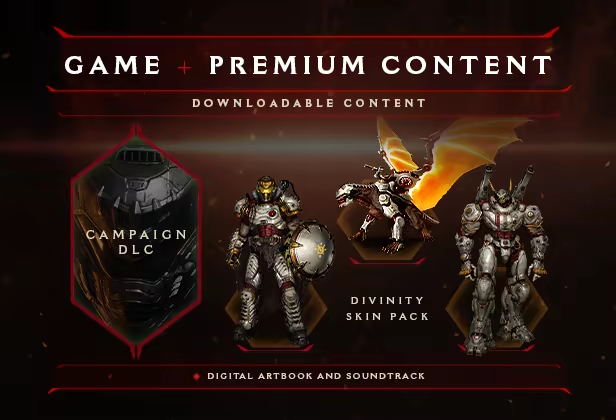
Stand and Fight with the Premium Edition, including the campaign DLC*, Digital Artbook and Soundtrack, and the Divinity Skin Pack, which includes matching skins for the DOOM Slayer, dragon and Atlan.
INCLUDES:
- Base Game
- Campaign DLC
- Digital Artbook and Soundtrack
- Divinity Skin Pack
*DLC availability to be provided at a later date.
About the Game
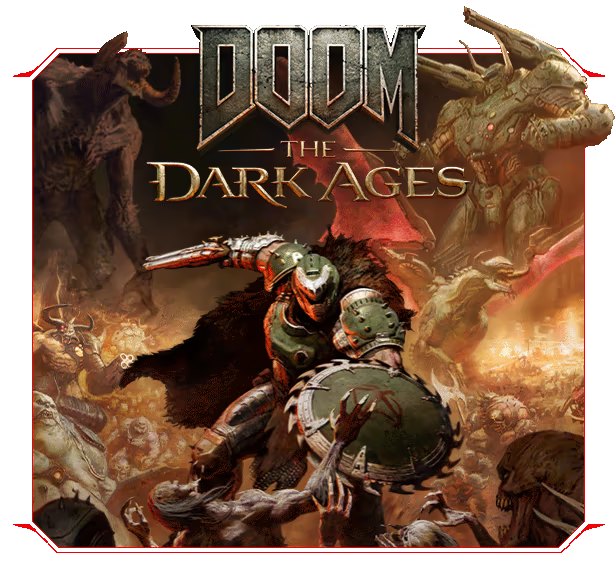
BECOME THE SLAYER IN A MEDIEVAL WAR AGAINST HELL
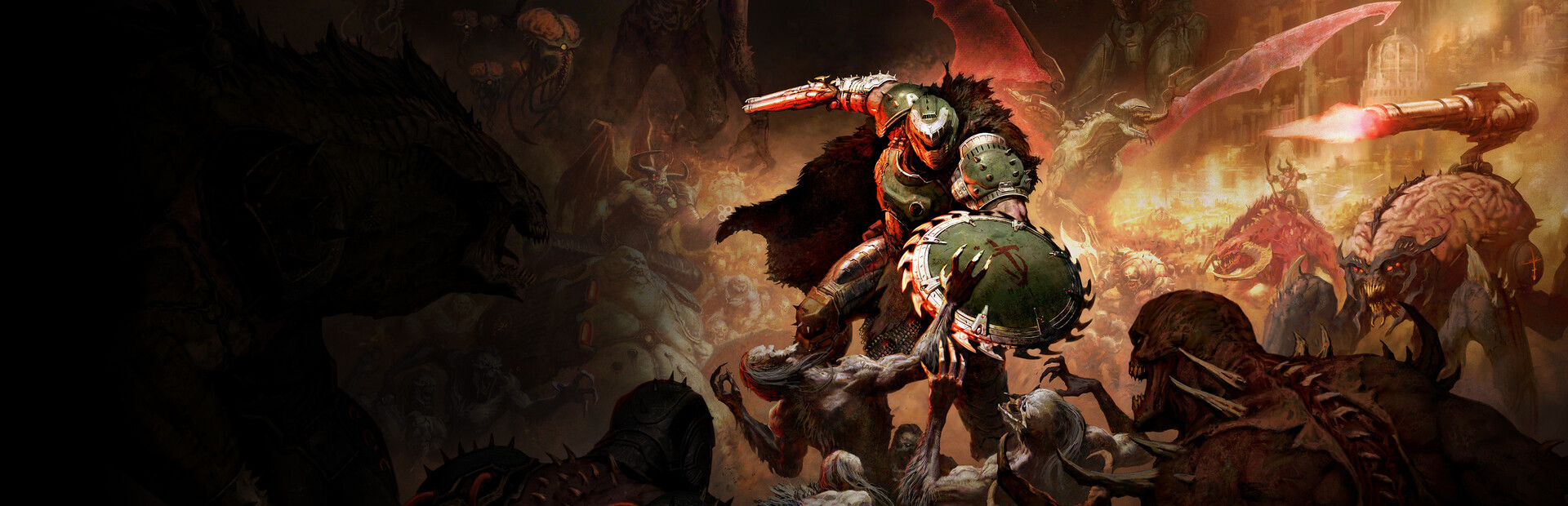
DOOM: The Dark Ages is the prequel to the critically acclaimed DOOM (2016) and DOOM Eternal that tells an epic cinematic story worthy of the DOOM Slayer’s legend. In this third installment of the modern DOOM series, players will step into the blood-stained boots of the DOOM Slayer, in this never-before-seen dark and sinister medieval war against Hell.
DOOM: The Dark Ages is a dark fantasy/sci-fi single-player experience that delivers the searing combat and over-the-top visuals of the incomparable DOOM franchise, powered by the latest idTech engine. 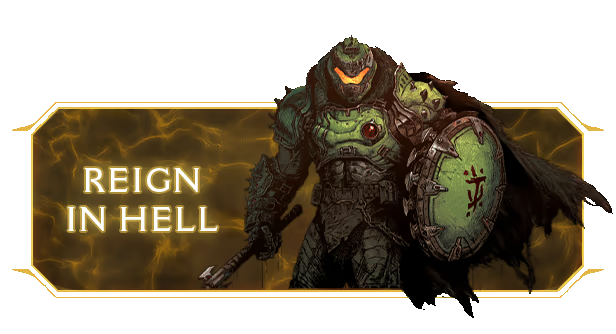 REIGN IN HELL
As the super weapon of gods and kings, shred enemies with devastating favorites like the Super Shotgun while also wielding a variety of new bone-chewing weapons, including the versatile Shield Saw. Players will stand and fight on the demon-infested battlefields in the vicious, grounded combat the original DOOM is famous for.
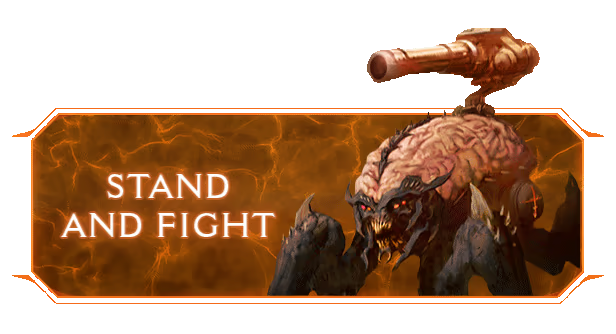 STAND AND FIGHT
Experience an epic story of the DOOM Slayer’s rage in this cinematic and action-packed story. Bound to serve as the super weapon of gods and kings, the DOOM Slayer fends off demon hordes as their leader seeks to destroy the Slayer and become the only one that is feared. Witness the creation of a legend as the Slayer takes on all of Hell and turns the tide of the war.
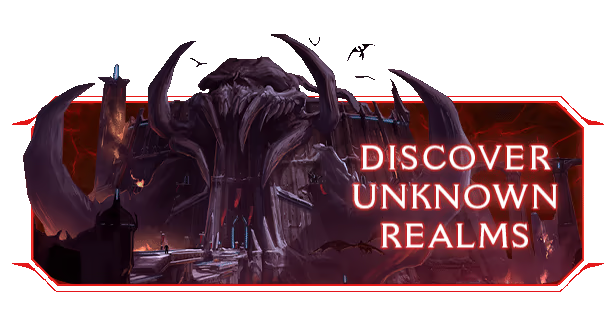 DISCOVER UNKNOWN REALMS
In his quest to crush the legions of Hell, the Slayer must take the fight to never-before-seen realms. Mystery, challenges, and rewards lurk in every shadow of ruined castles, epic battlefields, dark forests, ancient hellscapes, and worlds beyond. Armed with the viciously powerful Shield Saw, cut through a dark world of menace and secrets in id's largest and most expansive levels to date.
Dieser Text stammt direkt von der Store-Seite des Spiels und wird automatisch übernommen. Wir schreiben und bearbeiten ihn nicht, er kann also Spoiler enthalten.
Systemanforderungen
- Min
- Windows 10 64-Bit / Windows 11 64-Bit
- Empf
- Windows 10 64-Bit / Windows 11 64-Bit
- Min
- AMD Zen 2 or Intel 10th Generation CPU @3.2Ghz with 8 cores / 16 threads or better (examples: AMD Ryzen 7 3700X or better, or Intel Core i7 10700K or better)
- Empf
- AMD Zen 3 or Intel 12th Generation CPU @3.2Ghz with 8 cores / 16 threads or better (examples: AMD Ryzen 7 5700X or better, or Intel Core i7 12700K or better)
- Min
- 16 GB RAM
- Empf
- 32 GB RAM
- Min
- NVIDIA or AMD hardware Raytracing-capable GPU with 8GB dedicated VRAM or better (examples: NVIDIA RTX 2060 SUPER or better, AMD RX 6600 or better)
- Empf
- NVIDIA or AMD hardware Raytracing-capable GPU with 10GB dedicated VRAM or better (examples: NVIDIA RTX 3080 or better, AMD RX 6800 or better)
- Min
- 100 GB available space
- Empf
- 100 GB available space
- Min
- 1080p / 60 FPS / Low Quality Settings, NVME SSD storage required
- Empf
- 1440p / 60 FPS / High Quality Settings, NVME SSD storage required
Dies sind die vom Entwickler angegebenen Anforderungen, die möglicherweise nicht zu 100 % genau sind. Wenn deine Hardware unter dem Minimum liegt, probiere das Spiel trotzdem aus; viele Spiele laufen auch außerhalb der Spezifikationen gut. Im Zweifel schau dir Performance-Benchmarks auf YouTube an.
DOOM: The Dark Ages installieren
DOOM: The Dark Ages ist ein vorinstalliertes PC-Spiel, aktuell Build 25195568, 96.0GB. Aktualisiert Sep 2026.
- Lade alle Teile von einem Mirror herunter und speichere sie im selben Ordner.
- Entpacke das erste Archiv mit 7-Zip oder WinRAR. Die übrigen Teile werden automatisch entpackt.
- Öffne den entpackten Ordner und starte die .exe des Spiels. Ein Installer ist nicht nötig.
- Vorinstalliert heißt: Nach dem Entpacken ist das Spiel spielbereit. Nichts einzurichten.
Herunterladen
Lade die Dateien von einem der untenstehenden Mirror herunter. Alle Teile werden benötigt. Speichere sie im selben Ordner und entpacke dann die erste Datei.
Lade jeden Teil herunter. Du brauchst alle.
Wir haben einen oder mehrere Server falsch hochgeladen und daher ausgeblendet. Die Server oben haben alle Teile.
Wir nehmen keine Fix-Anfragen an, wenn nur ein Host ausfällt. Nutze bitte einen anderen Mirror oben. Links defekt? Sag uns Bescheid.
Wir schützen Archive nie mit Passwörtern und verstecken keine Installer. Wenn eine Seite nach einem Passwort oder einer Zahlung fragt, ist das die Werbung des Hosters, nicht wir. Siehe unseren Sicherheitsleitfaden.