DOOM Eternal - Free PC Download
Sobre DOOM Eternal
Feature List
Digital Deluxe Edition
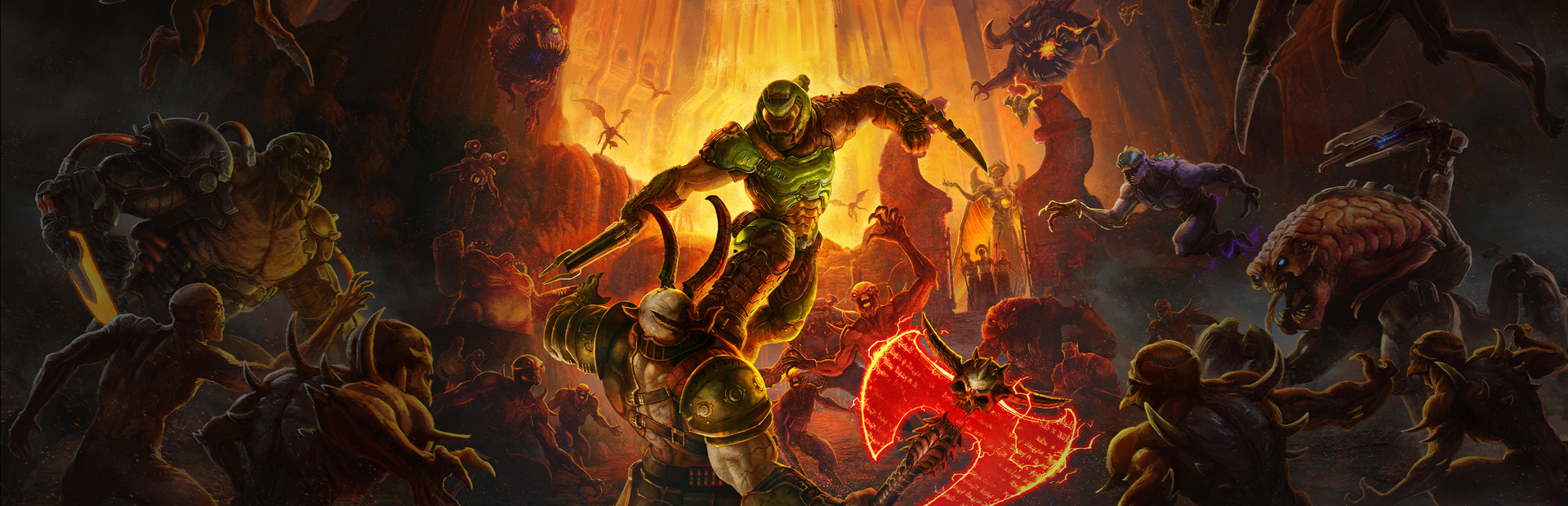
Hell’s armies have invaded Earth. Become the Slayer in an epic single-player campaign to conquer demons across dimensions and stop the final destruction of humanity.
The only thing they fear... is you.
Experience the ultimate combination of speed and power in DOOM Eternal - the next leap in push-forward, first-person combat.
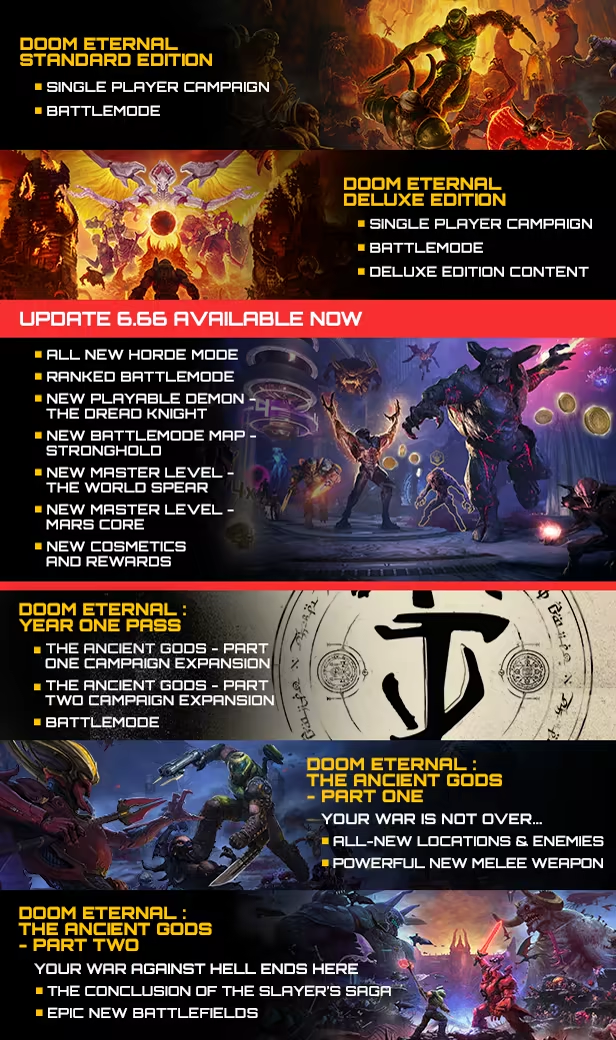
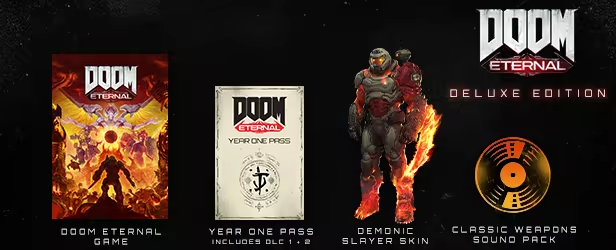
The DOOM Eternal Deluxe Edition includes:
- The Year One Pass
Get access to two campaign expansions for the critically-acclaimed DOOM Eternal. Your victory over Hell’s armies pulled humanity back from the edge of extinction, but it came at a cost. An imbalance of power in the heavens requires the true ruler of this universe to rise and set things right. Wage war across never-before-seen realms of the DOOM Universe, fight against new demons, and wield new abilities in your never-ending battle against the forces of evil. - Demonic Slayer Skin
- Classic Weapon Sound Pack
Throwback sound effects for all your DOOM Eternal guns
About the Game
Hell’s armies have invaded Earth. Become the Slayer in an epic single-player campaign to conquer demons across dimensions and stop the final destruction of humanity.The Only Thing they Fear... Is You.
Experience the ultimate combination of speed and power in DOOM Eternal - the next leap in push-forward, first-person combat.
Slayer Threat Level At Maximum
Armed with a shoulder-mounted flamethrower, retractable wrist-mounted blade, upgraded guns and mods, and abilities, you're faster, stronger, and more versatile than ever.Unholy Trinity
Take what you need from your enemies: Glory kill for extra health, incinerate for armor, and chainsaw demons to stock up on ammo to become the ultimate demon-slayer.Enter Battlemode
A new 2 versus 1 multiplayer experience. A fully-armed DOOM Slayer faces off against two player-controlled demons, fighting it out in a best-of-five round match of intense first-person combat.Este texto vem direto da página do jogo na loja e é puxado automaticamente. Não somos nós que o escrevemos ou editamos, então pode conter spoilers.
Requisitos do sistema
- Mín
- 64-bit Windows 7 / 64-Bit Windows 10
- Rec
- 64-bit Windows 10
- Mín
- Intel Core i5 @ 3.3 GHz or better, or AMD Ryzen 3 @ 3.1 GHz or better
- Rec
- Intel Core i7-6700K or better, or AMD Ryzen 7 1800X or better
- Mín
- 8 GB RAM
- Rec
- 8 GB RAM
- Mín
- NVIDIA GeForce GTX 1050Ti (4GB), GTX 1060 (3GB), GTX 1650 (4GB) or AMD Radeon R9 280(3GB), AMD Radeon R9 290 (4GB), RX 470 (4GB)
- Rec
- NVIDIA GeForce GTX 1060 (6GB), NVIDIA GeForce 970 (4GB), AMD RX 480 (8GB)
- Mín
- 80 GB available space
- Rec
- 80 GB available space
- Mín
- Broadband Internet connection
- Rec
- Broadband Internet connection
- Mín
- ( 1080p / 60 FPS / Low Quality Settings )
- Rec
- ( 1080p / 60 FPS / High Quality Settings ) - *On NVIDIA GTX 970 cards Texture Quality should be set to Medium
Estes são os requisitos listados pela desenvolvedora e podem não ser 100% precisos. Se sua configuração ficar abaixo do mínimo, tente o jogo mesmo assim; muitos jogos rodam bem fora das especificações. Na dúvida, veja benchmarks de desempenho no YouTube.
Como instalar DOOM Eternal
DOOM Eternal é um jogo de PC pré-instalado, atualmente em Build 23241804, 84.2 GB. Atualizado em Aug 2026.
- Baixe todas as partes de um mesmo mirror e salve na mesma pasta.
- Extraia o primeiro arquivo com 7-Zip ou WinRAR. As demais partes são extraídas automaticamente.
- Abra a pasta extraída e execute o .exe do jogo. Não é preciso instalador.
- Pré-instalado significa que o jogo está pronto para jogar após extrair. Nada a configurar.
Baixar
Baixe os arquivos de qualquer mirror abaixo. Todas as partes são necessárias. Salve-as na mesma pasta e extraia a primeira.
Baixe todas as partes. Você precisa de todas.
Nunca protegemos arquivos com senha nem escondemos instaladores. Se uma página pedir senha ou pagamento, é o anúncio do host, não nós. Veja nosso guia de segurança.