
DOOM - Free PC Download
Sobre DOOM
2016 Game Awards Winner

About the Game
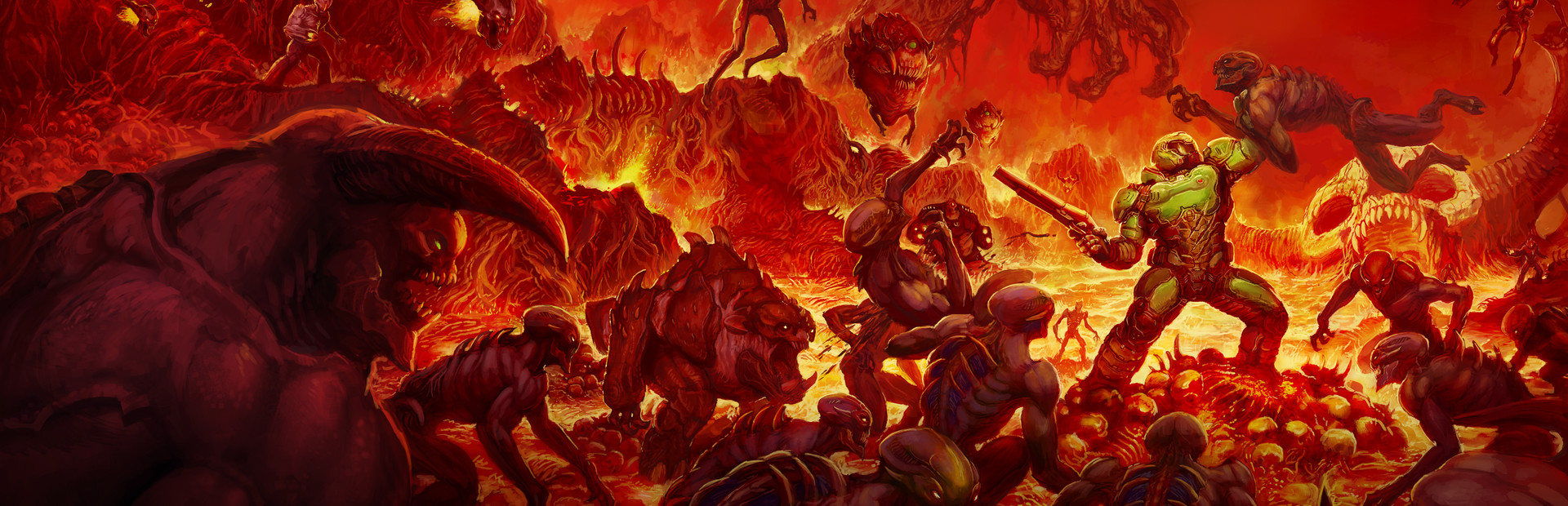
Developed by id software, the studio that pioneered the first-person shooter genre and created multiplayer Deathmatch, DOOM returns as a brutally fun and challenging modern-day shooter experience. Relentless demons, impossibly destructive guns, and fast, fluid movement provide the foundation for intense, first-person combat – whether you’re obliterating demon hordes through the depths of Hell in the single-player campaign, or competing against your friends in numerous multiplayer modes. Expand your gameplay experience using DOOM SnapMap game editor to easily create, play, and share your content with the world.
STORY:
You’ve come here for a reason. The Union Aerospace Corporation’s massive research facility on Mars is overwhelmed by fierce and powerful demons, and only one person stands between their world and ours. As the lone DOOM Marine, you’ve been activated to do one thing – kill them all.
KEY FEATURES:
- A Relentless Campaign
There is no taking cover or stopping to regenerate health as you beat back Hell’s raging demon hordes. Combine your arsenal of futuristic and iconic guns, upgrades, movement and an advanced melee system to knock-down, slash, stomp, crush, and blow apart demons in creative and violent ways. - Return of id Multiplayer
Dominate your opponents in DOOM’s signature, fast-paced arena-style combat. In both classic and all-new game modes, annihilate your enemies utilizing your personal blend of skill, powerful weapons, vertical movement, and unique power-ups that allow you to play as a demon. - Endless Possibilities
DOOM SnapMap – a powerful, but easy-to-use game and level editor – allows for limitless gameplay experiences on every platform. Without any previous experience or special expertise, any player can quickly and easily snap together and visually customize maps, add pre-defined or completely custom gameplay, and even edit game logic to create new modes. Instantly play your creation, share it with a friend, or make it available to players around the world – all in-game with the push of a button.
Este texto vem direto da página do jogo na loja e é puxado automaticamente. Não somos nós que o escrevemos ou editamos, então pode conter spoilers.
Requisitos do sistema
- Mín
- Windows 7/8.1/10 (64-bit versions)
- Rec
- Windows 7/8.1/10 (64-bit versions)
- Mín
- Intel Core i5-2400/AMD FX-8320 or better
- Rec
- Intel Core i7-3770/AMD FX-8350 or better
- Mín
- 8 GB RAM
- Rec
- 8 GB RAM
- Mín
- NVIDIA GTX 670 2GB/AMD Radeon HD 7870 2GB or better
- Rec
- NVIDIA GTX 970 4GB/AMD Radeon R9 290 4GB or better
- Mín
- 55 GB available space
- Rec
- 55 GB available space
- Mín
- Requires Steam activation and broadband internet connection for Multiplayer and SnapMap
- Rec
- Requires Steam activation and broadband internet connection for Multiplayer and SnapMap
Estes são os requisitos listados pela desenvolvedora e podem não ser 100% precisos. Se sua configuração ficar abaixo do mínimo, tente o jogo mesmo assim; muitos jogos rodam bem fora das especificações. Na dúvida, veja benchmarks de desempenho no YouTube.
Como instalar DOOM
DOOM é um jogo de PC pré-instalado, atualmente em (11.04.24 | Build 13954591), 61.8 GB. Atualizado em Jun 2026.
- Baixe todas as partes de um mesmo mirror e salve na mesma pasta.
- Extraia o primeiro arquivo com 7-Zip ou WinRAR. As demais partes são extraídas automaticamente.
- Abra a pasta extraída e execute o .exe do jogo. Não é preciso instalador.
- Pré-instalado significa que o jogo está pronto para jogar após extrair. Nada a configurar.
Baixar
Baixe os arquivos de qualquer mirror abaixo. Todas as partes são necessárias. Salve-as na mesma pasta e extraia a primeira.
Baixe todas as partes. Você precisa de todas.
Não aceitamos pedidos de correção quando só um host está fora do ar. Use outro mirror acima. Links quebrados? Avise-nos.
Nunca protegemos arquivos com senha nem escondemos instaladores. Se uma página pedir senha ou pagamento, é o anúncio do host, não nós. Veja nosso guia de segurança.